Applications
70
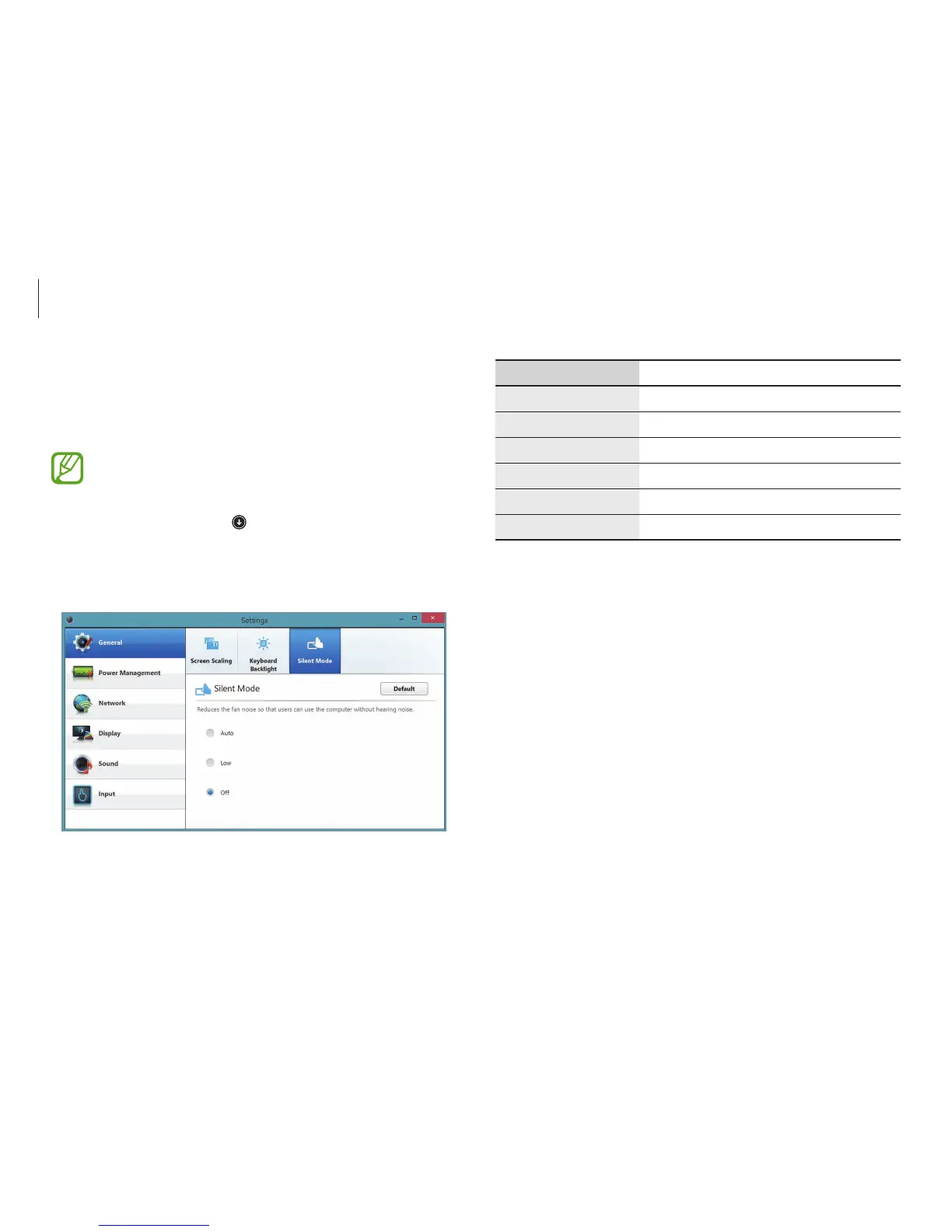
Menu Description
General
•
Set general settings.
Power Management
•
Set power related settings.
Network
•
Set network functions and settings.
Display
•
Set the screen brightness and color.
Sound
•
Set sound functions and settings.
Input
•
Set input functions and settings.
Settings
Settings
, a Samsung integrated settings application, offers various
settings functions.
Images and features may differ depending on the model
and the application version.
1
On the
Start
screen, click at the lower-left edge, and select
Settings
.
2
Select an option to configure the corresponding function.












 To Next Page