ENGLISH-15
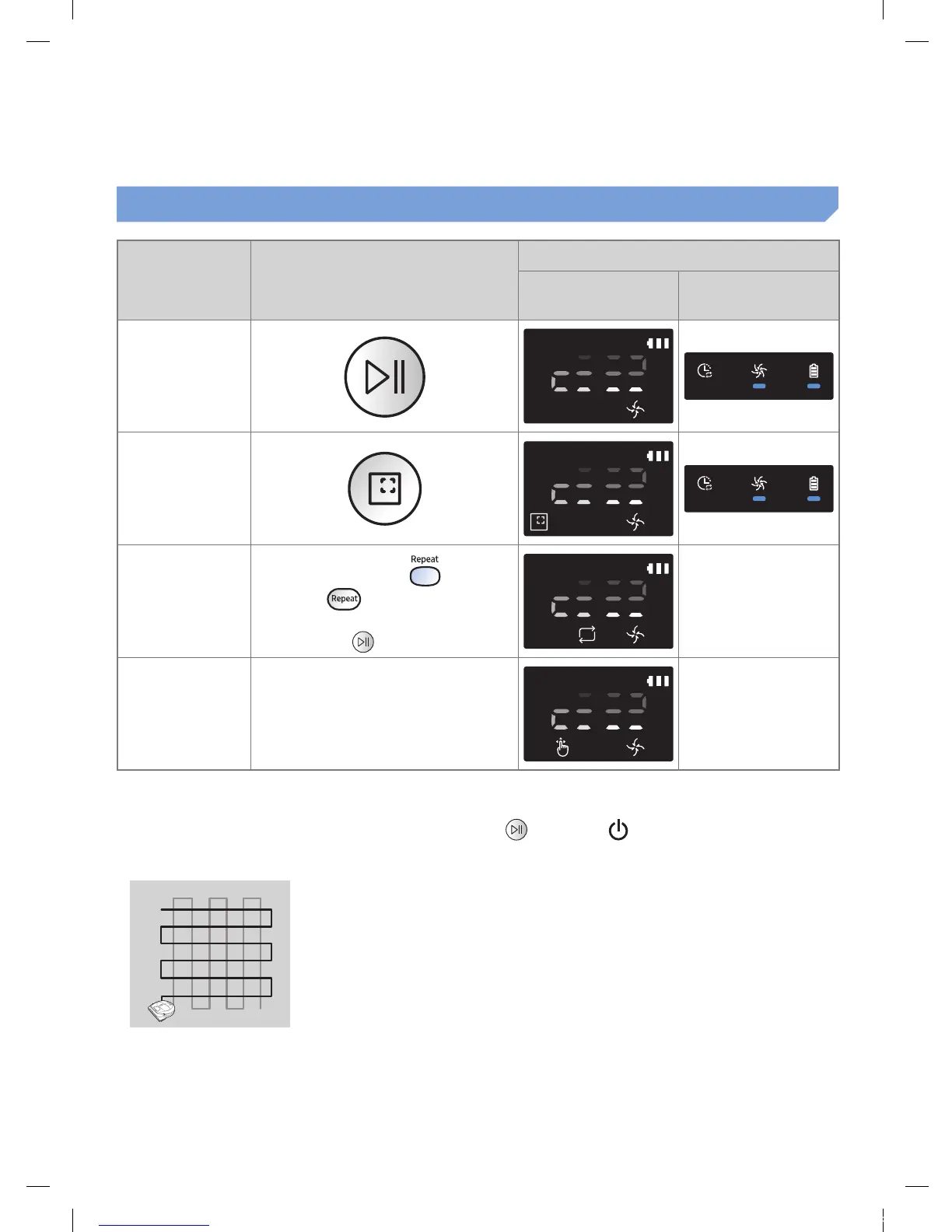
Selecting cleaning modes
Cleaning mode How to select
Displayed icon
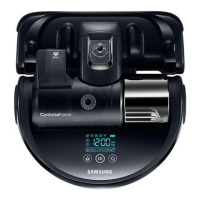
SR1AM7040W
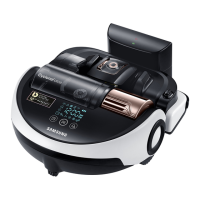
SR2AM70
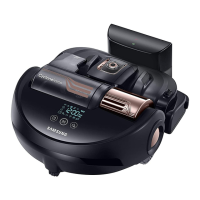
SR1AM7010UW
Auto clean
Spot clean
Repeat clean
Press the [A,B type
],
[C type ] on the remote
controller rst and then press the
[Start/Stop ].
-
Manual clean
Manual clean mode can be
selected by the direction control
buttons of the remote control.
-
If POWERbot fails to return to the docking station, it will turn to energy-saving mode and display
panel will be turned off.
To exit the energy-saving mode, press the [Start/Stop
] or [Power ] button of main body or
remote controller.
If cleaning in Auto clean mode is completed within 15 minutes, POWERbot cleans 1 more time.
1_VR7000_EN_DJ68-00763C-02_USA.indd 15 2017-02-23 오전 12:26:54






 To Next Page