ENGLISH-14
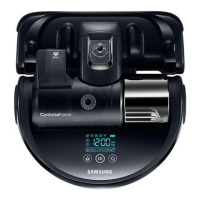
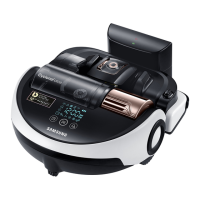
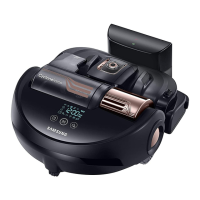
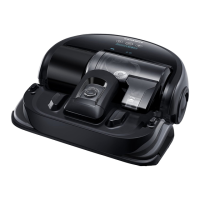
Using POWERbot
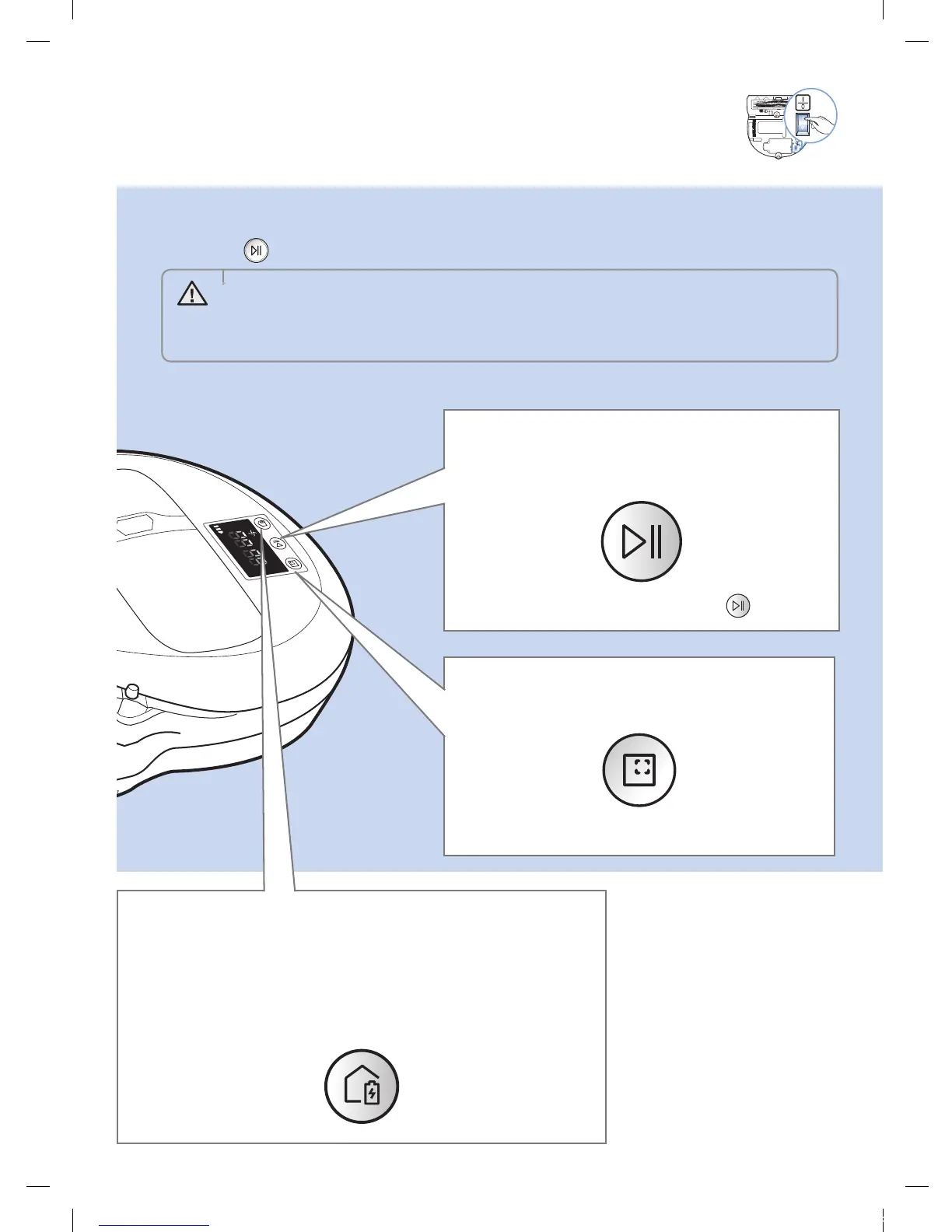
You must turn on the emergency switch on the bottom of the unit before using POWERbot.
Turning the power on/off
Press the button for more than 3seconds
Starting Auto clean mode
Press and release this button. The POWERbot moves
and automatically cleans the set areas only once.
Stop cleaning: Press and release the button
Recharging/Energy-saving mode
fRecharging
You can command POWERbot to recharge at the docking station
automatically while it is cleaning by pressing this button.
fEnergy-saving mode
Refer to page 17.
Using Spot clean mode
The POWERbot cleans a localized area intensely.
WARNING
• When POWERbot is not used for 30 min.;
SR1AM70U / SR2AM70U series: Turns to energy-saving mode.
SR1AM70W / SR2AM70W series: Automatically returns to the docking
station to be charged.
1_VR7000_EN_DJ68-00763C-02_USA.indd 14 2017-02-23 오전 12:26:53






 To Next Page