ENGLISH-19
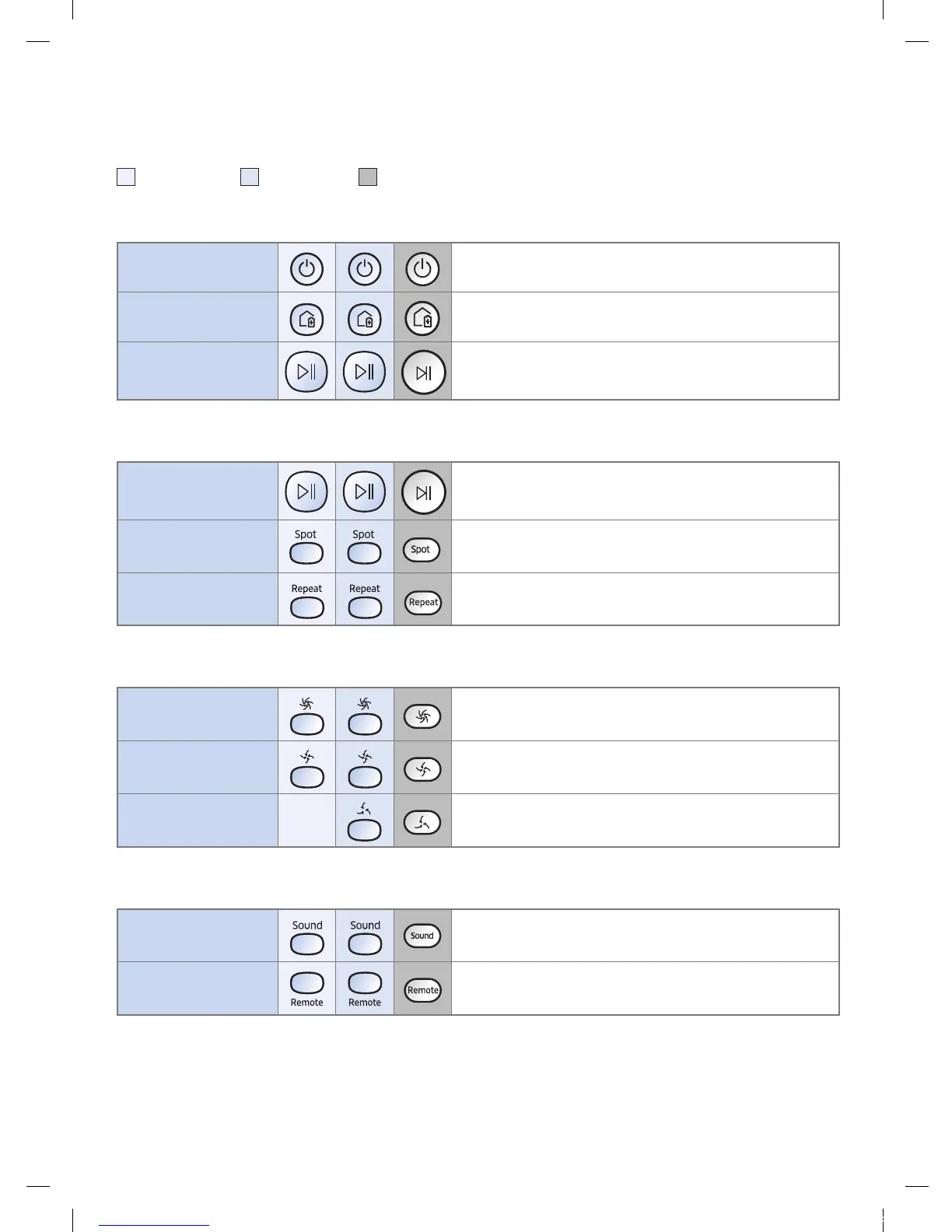
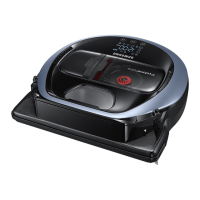
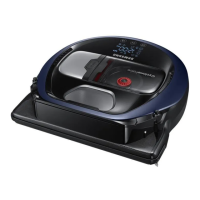
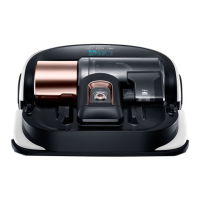
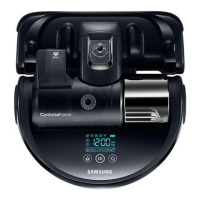
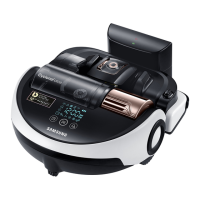
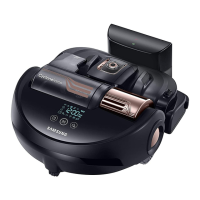
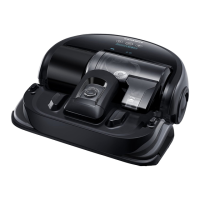
[A Type] / [B Type]/ [C Type]
1 Power / Recharging / Start/Stop
Power
Turn POWERbot's power on/off
Recharging
Select to recharge POWERbot at the docking station
automatically
Start/Stop
Select to start or stop cleaning process
2 Cleaning modes
Auto clean
Select to clean all set areas only once and then
automatically return to the docking station.
Spot clean
Select to clean a localized area intensely
Repeat clean
Select to clean repeatedly until the battery becomes
very low with indicator blinking
3 Suction power
Turbo mode
Select to clean with the strongest suction power
Normal mode
Select to clean with moderate suction power
Quiet mode
Select to clean with lower operation noise
4 Additional function
Sound
Each time you press this button, Sound Effects
Mute is selected in this sequence
Remote control
Select to turn Wi-Fi function on or off
The previously selected setting will not change even if the emergency switch is turned off and then
on.
1_VR7000_EN_DJ68-00763C-02_USA.indd 19 2017-02-23 오전 12:26:56






 To Next Page