ENGLISH-12
After completely charging the POWERbot for the rst time (after purchase), it can be used for 60
min. in Nomal ( ) mode. (Refer to the page 39 for the charging time.)
Smart Charging
If POWERbot runs out of charge in Auto clean mode, it will automatically return to the docking
station to be charged and will recommence the cleaning to complete the cleaning area after two-
third of battery charging is done. (Max. 2 times).
Charging
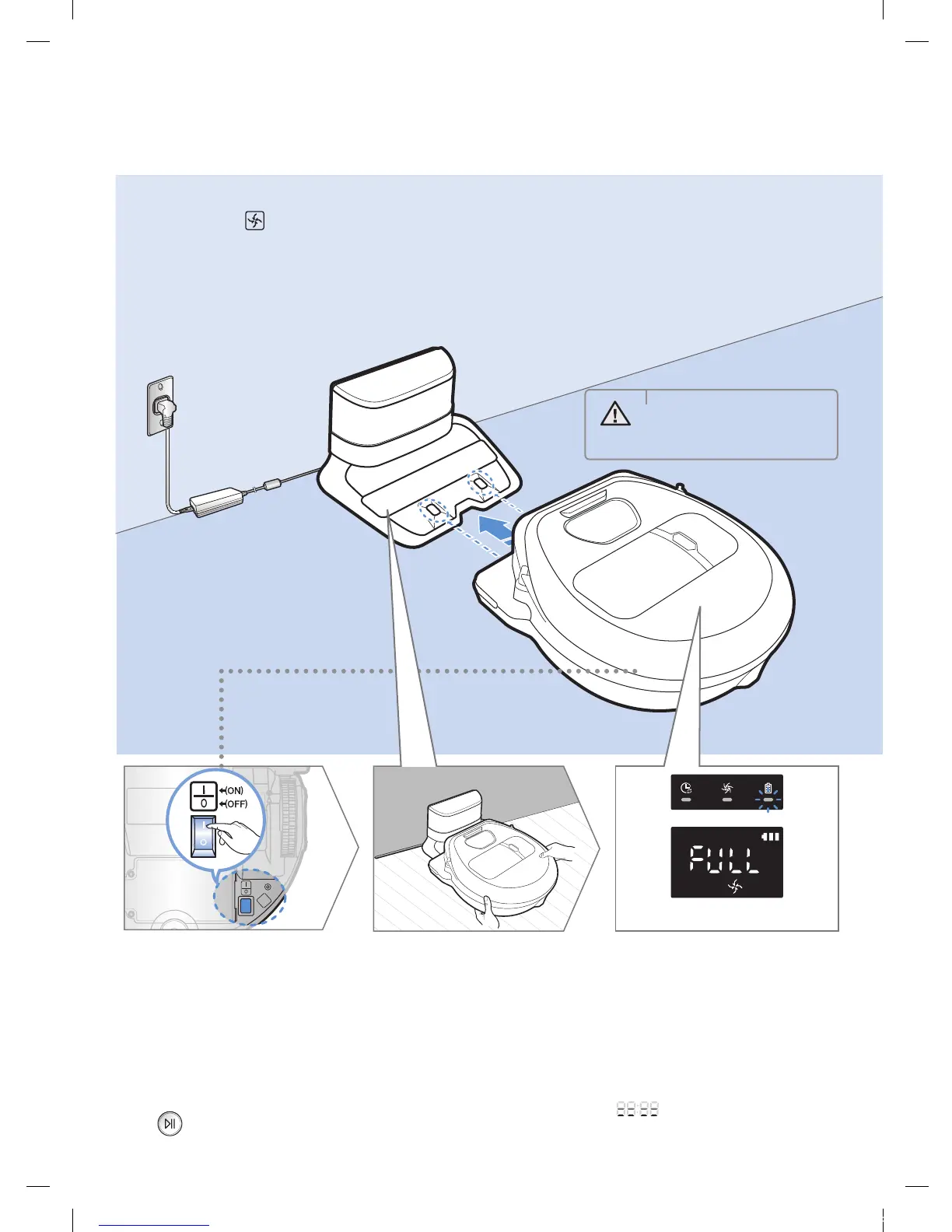
1
Turn on the
emergency switch
on the bottom
You must turn on the
emergency switch to turn on
the POWERbot.
Press and release the
button.
2
Manually charge
the POWERbot by
placing it on the
docking station
Make sure the charging
pins on the POWERbot
and the docking station
are aligned.
3
Check the charging
status
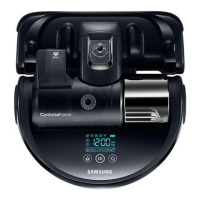
For SR1AM7010UW Series,
The battery indicator blinks at 1 sec.
intervals during charging and the indicator
will remain in ON status when fully charged.
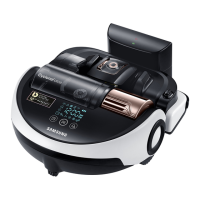
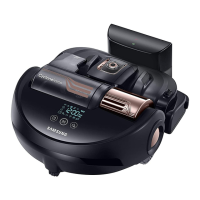
For
SR1AM7040W / SR2AM70 Series,
" " will turn on according to charging
progress and "FULL" will turn on when
charging is complete.
WARNING
• Rated input voltage of
this product is 100-
240V~.
<SR1AM7040W /
SR2AM70 Series>
<SR1AM7010UW Series>
1_VR7000_EN_DJ68-00763C-02_USA.indd 12 2017-02-23 오전 12:26:52






 To Next Page