ENGLISH-22
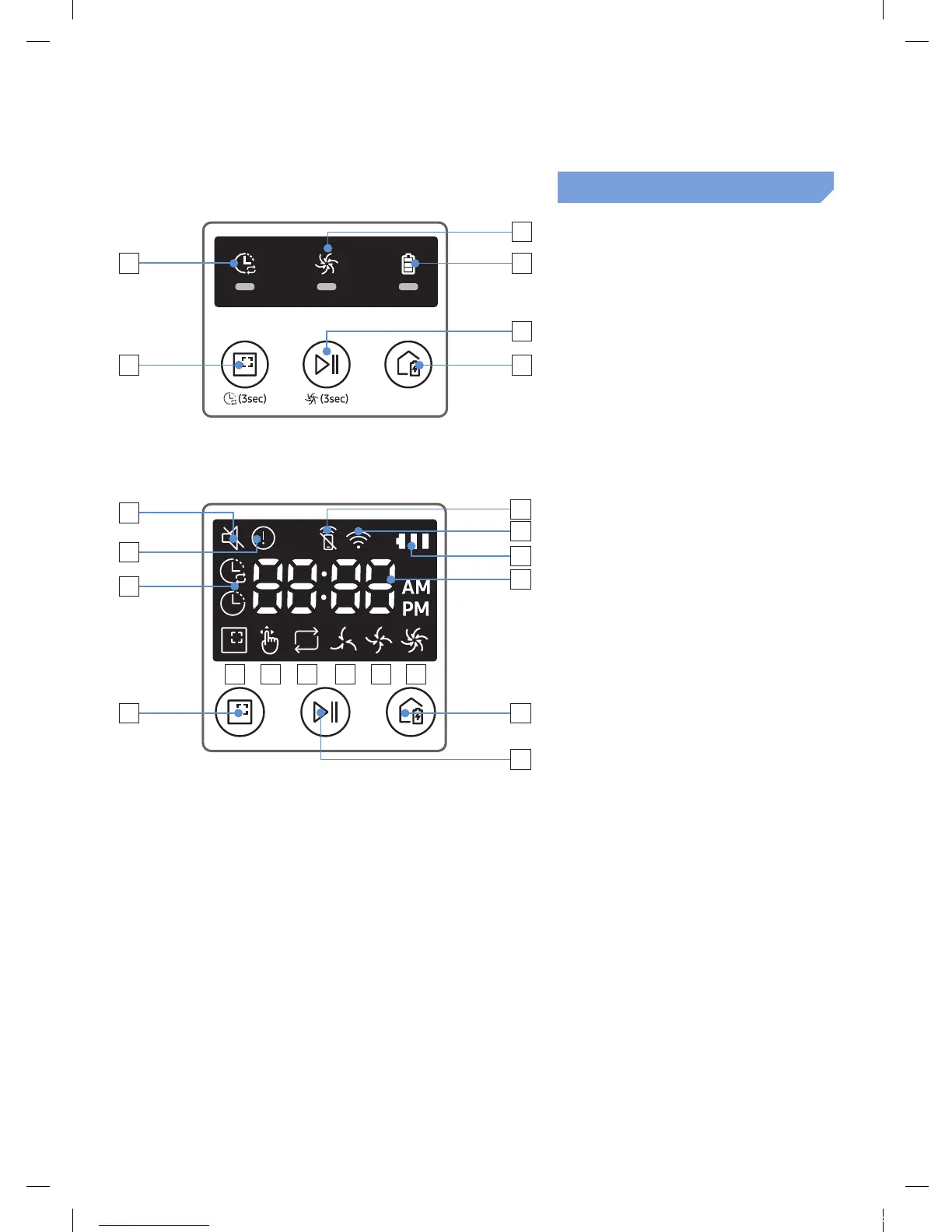
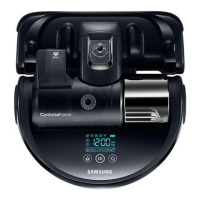
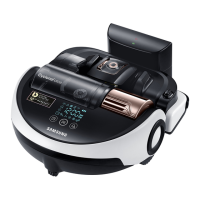
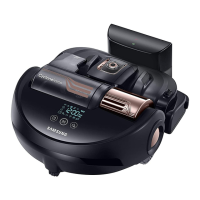
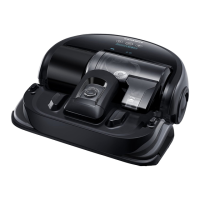
Name of each part
6
3
5
2
1
4
Display panel
<SR1AM7010UW series>
1. Daily schedule
2. Normal/Turbo mode
3. Battery indicator
4. Spot cleaning button, daily
schedule(3sec)
5. Start/Stop button, Turbo mode(3sec)
6. Recharging button
5
16
15
3
4
7
1
6
2
14
12 138 11109
<SR1AM7040W /
SR2AM70 series>
1. Mute
2. Information Indicator
3. *Smart Control Off/On indicator
4. *Wi-Fi
5. Battery indicator
6. One-time/Daily schedule
7. Number display
8. Spot clean mode
9. Manual clean mode
10. Repeat clean mode
11. Quiet mode
12. Normal mode
13. Turbo mode
14. Spot cleaning button
15. Start/Stop button
16. Recharging button
SR1AM70W / SR2AM70W : Wi-Fi supported model
1_VR7000_EN_DJ68-00763C-02_USA.indd 22 2017-02-23 오전 12:26:58






 To Next Page