ENGLISH-25
[SR1AM7010UW series] For the models which do not include a remote controller,
schedule setting is available as below.
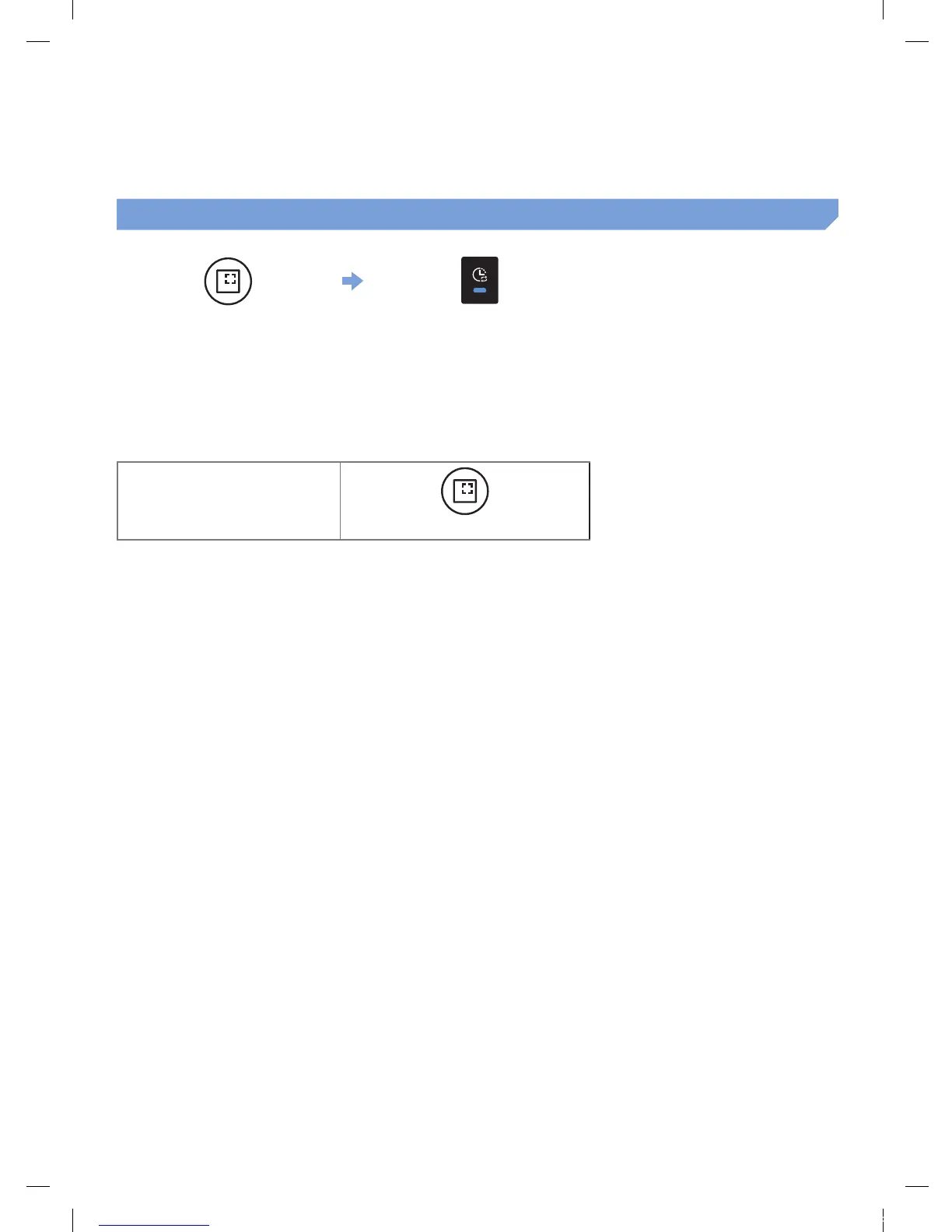
Setting the schedule
Press for 3 sec.
When the schedule LED is turned
on, Daily schedule is set.
The time you press the button will be set as a schedule. Cleaning will be automatically done everyday
according to the schedule time.
Cancelling daily schedule
When a daily schedule is set
Press for 3 sec.
1_VR7000_EN_DJ68-00763C-02_USA.indd 25 2017-02-23 오전 12:27:00






 To Next Page