33
Overview
Before You Start!
■
*
Theitemsmarkedwiththissymbolareoptionalitemswhichmaybechangedormaynotbeprovideddependingonthe
computermodel.
■
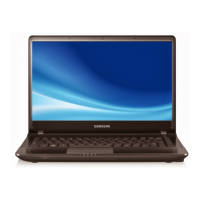
Theactualcolorandappearanceofthecomputermaydifferfromthepicturesusedinthisguide.
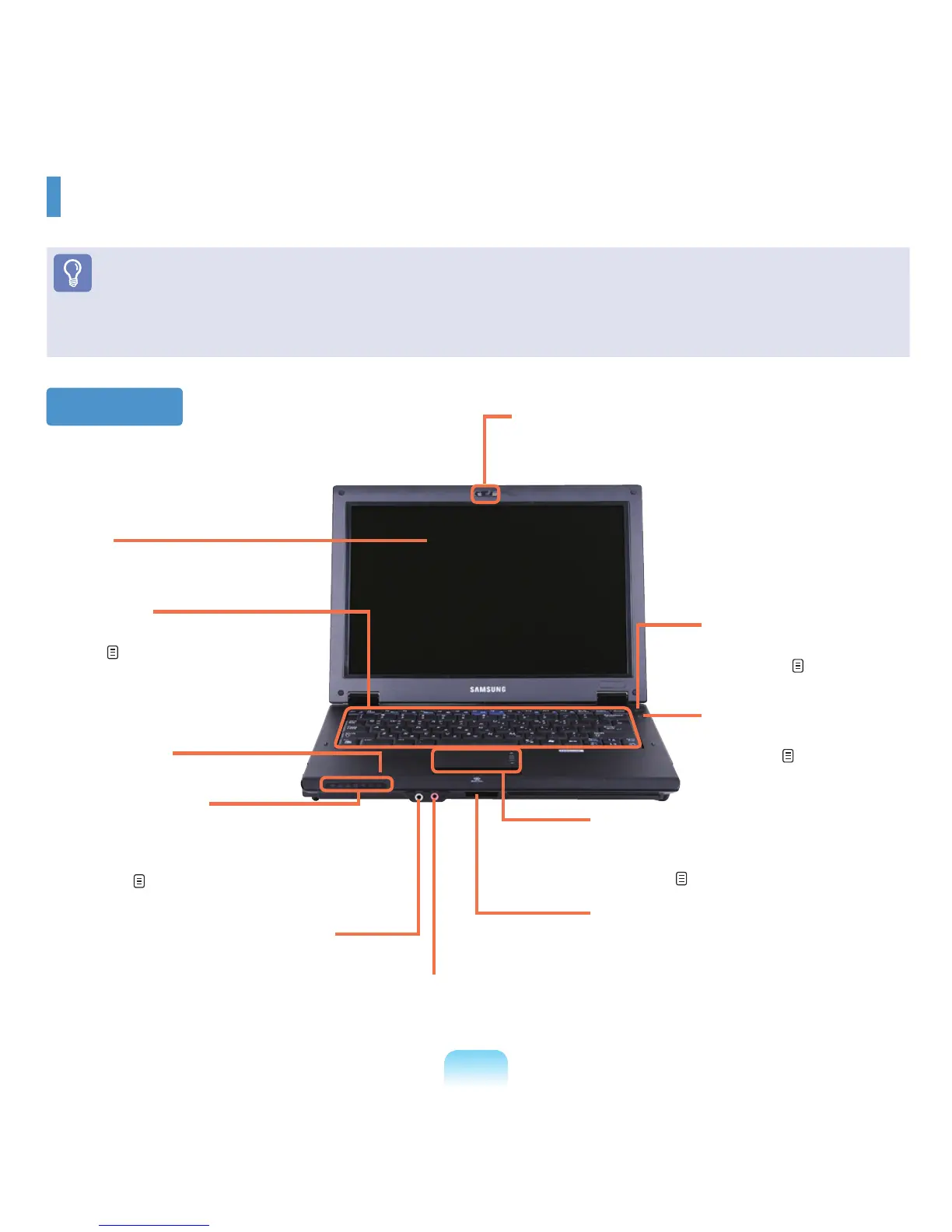
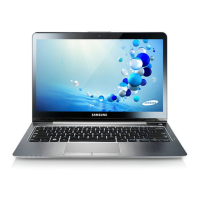
Front View
1
LCD
Thescreenimagesaredisplayedhere.
2
Keyboard
Adevicetoenterdatabypressingthe
keys.
p.41
4
Status Indicators
Shows the operating status of the
computer. The corresponding operating
LEDislitwhenthecorrespondingfunction
operates. p. 34
10
Power Button
Turns the computer on
and off. p. 39
8
Touchpad/Touchpad Buttons
Thetouchpadandtouchpadbuttonsprovide
functionssimilartothemouseballand
buttons.
p. 44
9
AV Button
LaunchesAVStation
Viewer. p.122
7
Multi Card Slot
*
AcardslotthatsupportsMemoryStick,
MemoryStickPro,SDCard,MMC,MMC
PlusandxDcards.
6
Microphone Jack
Ajackusedtoconnectthemicrophone.
11
Camera Lens
*
Usingthislens,youcantakestillpicturesand
record video.
5
Headphone Jack (S/PDIF Support)
YoucanconnectaheadphoneorS/PDIF(digital
output,opticalcablesupport)cable.Youcan
connecttoanexternaldigitalamplierusingthis
portandenjoymulti-channelsurroundsound.
3
Microphone
*



 To Next Page