88
Sharing Internet Access
SetonecomputerasthesharingserverandanothercomputerastheclientfortwocomputerstoshareanInternetusing
oneInternetline.Oncethecongurationiscomplete,youcanusetheInternetimmediately.
IfyouperformInternetsharingsetupbyusingSamsung Network Manager,theprogrammustbeinstalledintobothcomputers.
Therearethreemethodsforsettingeachcomputerasasharingserverandaclientasshowninthetable.Thisdocument
describeshowtodosobygivinganexampletothetypicalconnectionmethod1(Wire+Wireless).
Sharing Server (Hereinafter referred to as server)
ComputerthatisequippedwithtwoLANSandisdirectlyconnectedtoanInternet.
Sharing Client (Hereinafter referred to as client)
ComputerthatisnotdirectlyconnectedtotheInternetandisabletousetheInternetthroughthesharingserver.
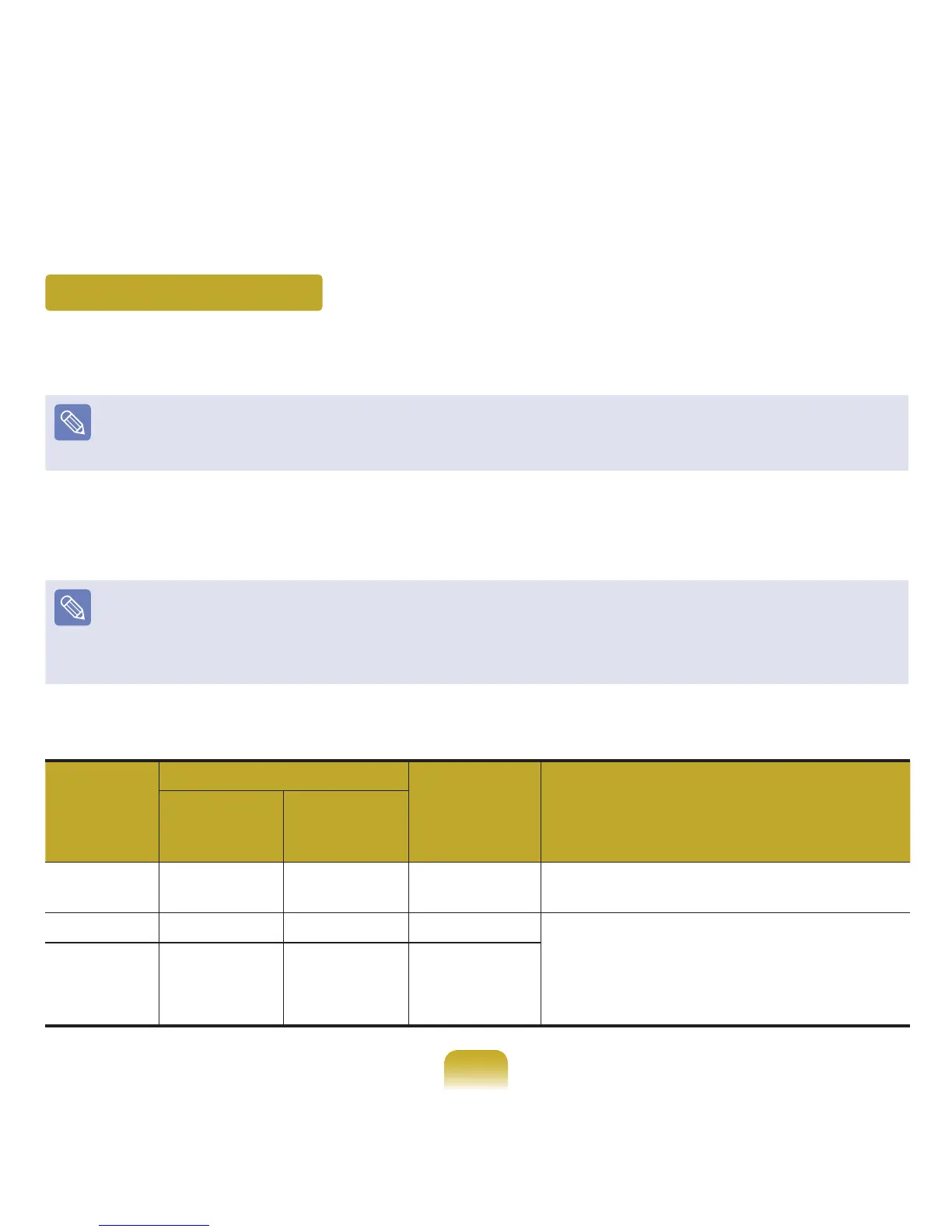
How to Connect the Client to the Server
Connection
Type
NetworkDeviceoftheServer
NetworkDevice
of
theClient
Checktheconnectionsbeforeconnectingtothe
Internet.
Connection
Devicetothe
Internet
Connectsto
theclient.
Method1 WiredLAN WirelessLAN WirelessLAN
Itiswireless-to-wirelessconnection.Firstturnon
thewirelessLAN.
Method2 WirelessLAN WiredLAN WiredLAN Itiswire-to-wireconnection.FirstusetheLAN
cabletoconnecttwodevicesbeforesettingthe
computer.
InMethod3,youhavetoinstallthewiredLAN
card for connection.
Method3 WiredLAN WiredLAN WiredLAN



 To Next Page