English
1
System Operation
4-1
SHR-2160/2162/2080/2082 USER’S MANUAL
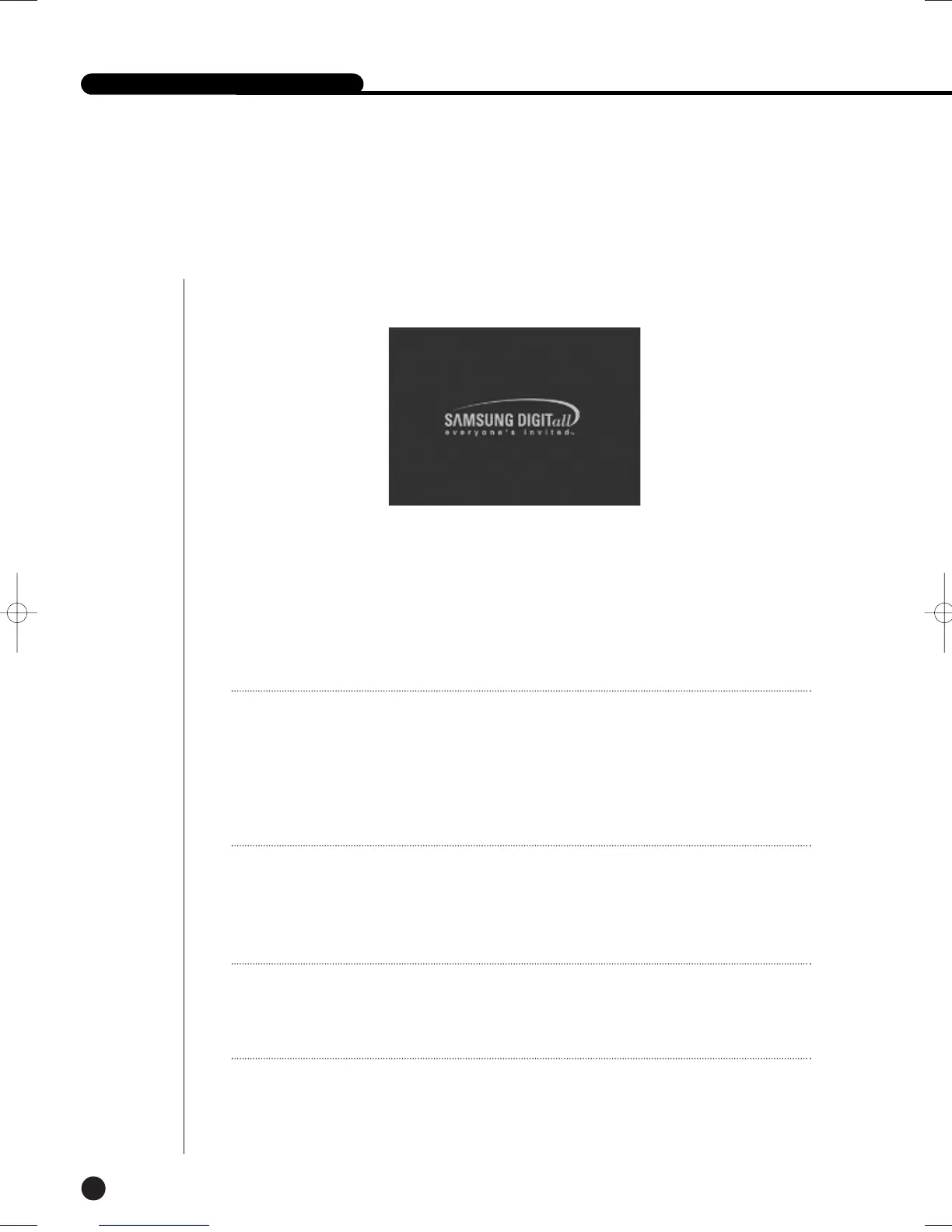
● Turn the power on and the following LOGO pops up on the screen.
● After the LOGO appears, all of LED in the front flickers 6 times to initialize the system for
operation.
● Upon completion of normal initialization, the Live screen appears accompanying a beep
sound.
● It takes approx. 1 min until a live image comes up.
Note
Note
If a new HDD is installed, it may require more time to be appeared the Live screen due to the
initialization time of a new HDD.
If the Live screen does not appear continuously or the LED in front repeats flickering, please
check the connection between inside and outside. If the system does not operate in normal,
contact with the shop where you bought the product.
Note
Note
If the Live screen dose not appear, check if the Video Out comes out in Composite mode or
VGA mode.
From the factory, the default mode is composite mode.
● The Live screen does not affect the earlier MENU setup. If you reboot the system
after power-off during recording, the Live screen will appear, accompanying recording.
SHR-2160/2162/2080/2082-E-1 10/19/07 9:36 AM Page 4-1





 To Next Page