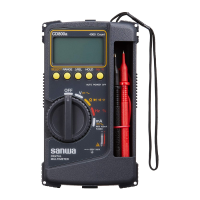
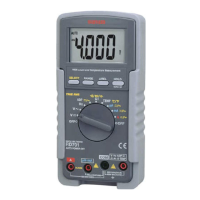
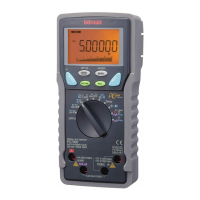
【4】Description of Functions
4-1 Switches/buttons and description
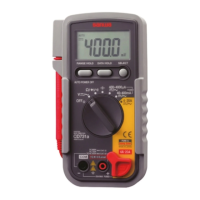
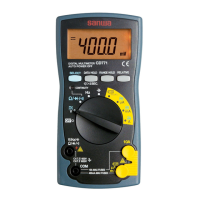
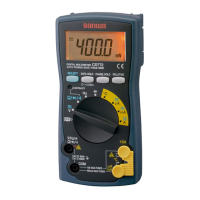
○Power switch and function switch
Turn this switch to turn on and off the power and to select the
functions of V, Ω/● /●, , μA, mA, A.
○Range hold button
Pressing this button once sets the manual mode and the range is
fixed. ("AUTO" on the display disappears)
Once the manual mode is set, the range moves each time this
button is pressed. Checking the unit on the display and the place
of the decimal point, select a desired range. To return to the auto
mode, keep pressing this button until "AUTO" on the display
appears.
○Data hold button
When this button is pressed, the data display at that time
continues ("DH" lights on the display). When the measuring input
changes, the display will not change.
When this button is pressed again, the hold status is canceled you
can return to the measuring status. ("DH" on the display disappears.)
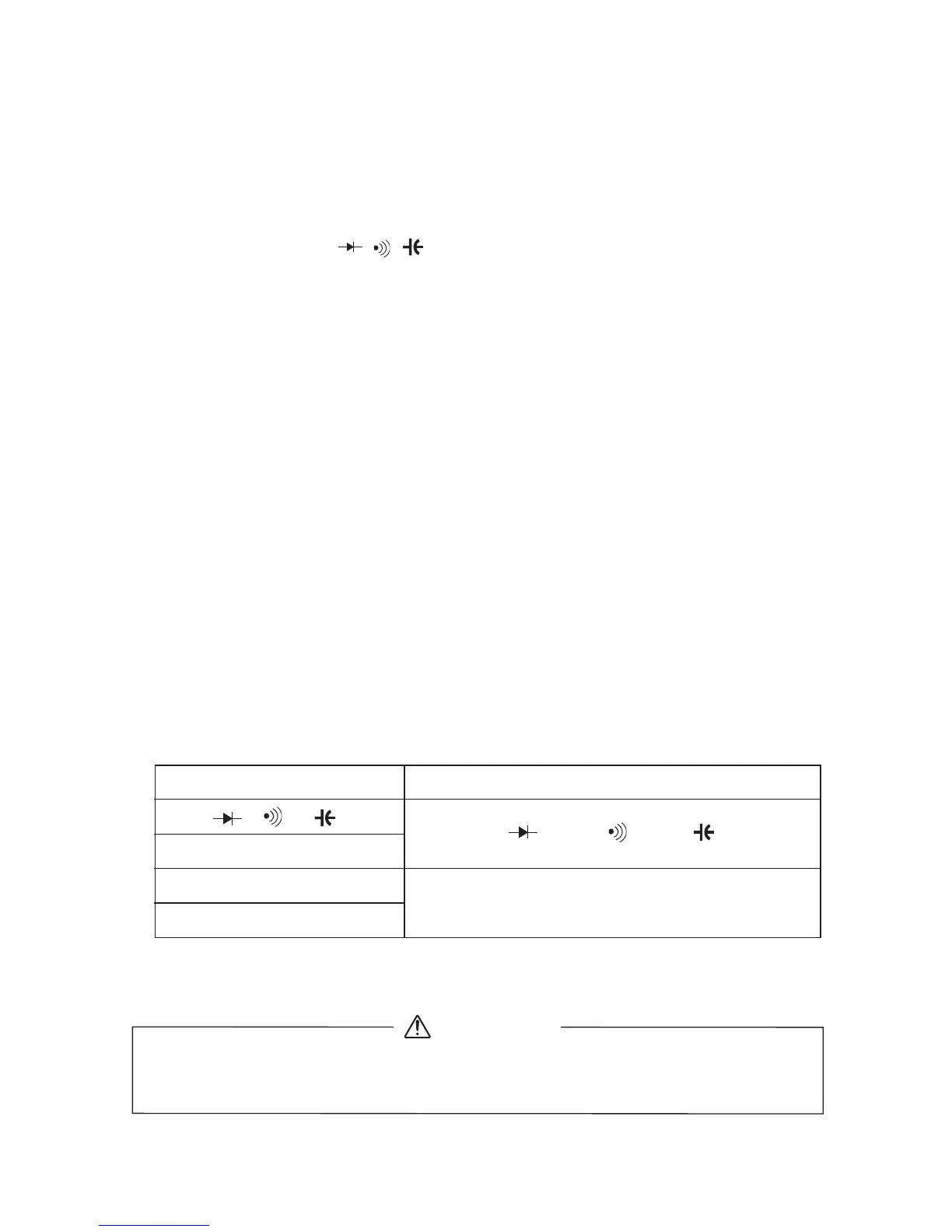
○Select button
When this button is pressed (→), the each modes change as
follows.
Do not change over the function switch with a voltage applied
to the measuring terminals.
WARNING
ACV/Hz/Duty
Ω/ / /●
60 · 600 mA
6 · 15 A
Ω → → → → Ω●
600 · 6000 μA
ACV→Hz→Duty →ACV
DCA →ACA→DCA
• When the function switch is switched, the range switches to
the auto range of the mode specified on the left end.
–
36
–



 To Next Page