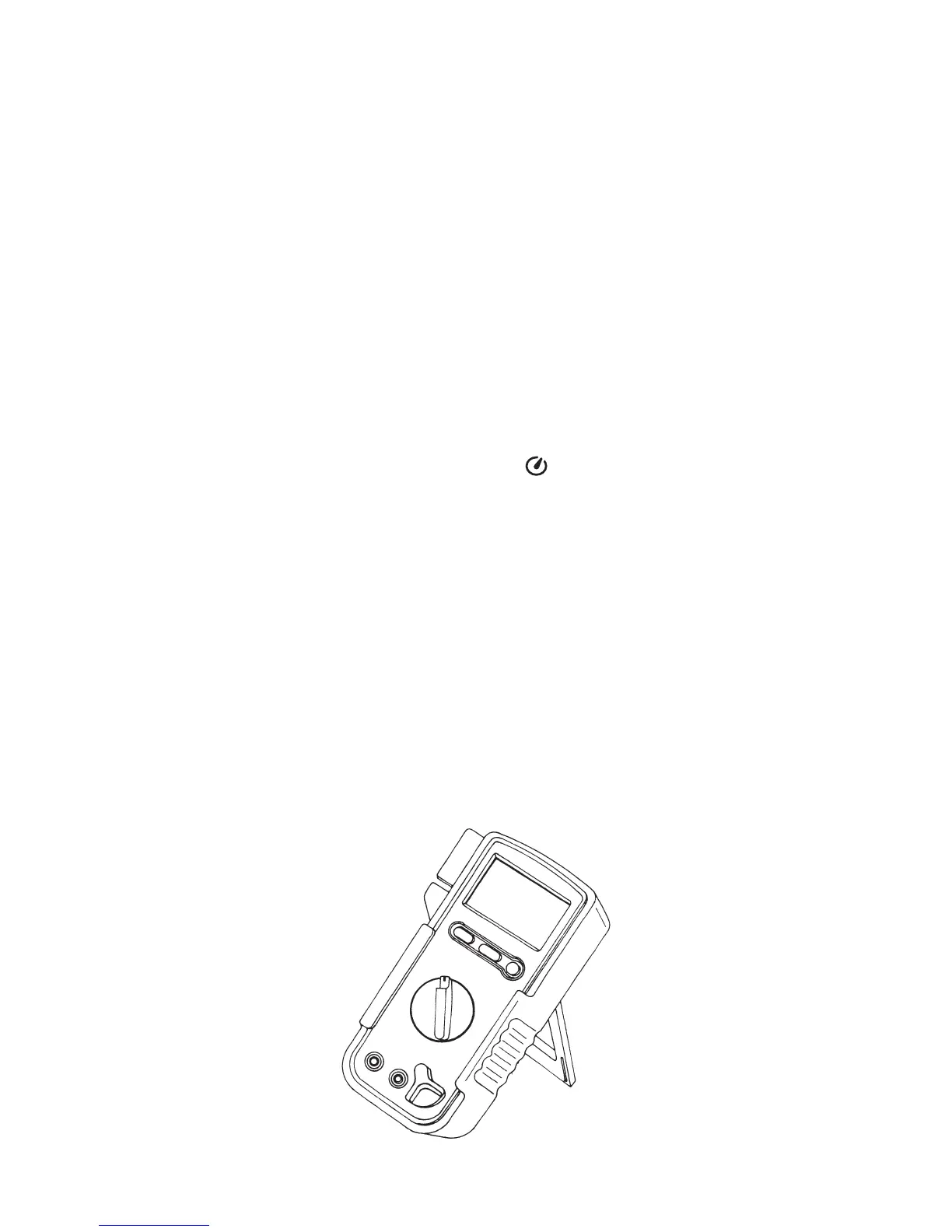
4-2 How to Use the Stand
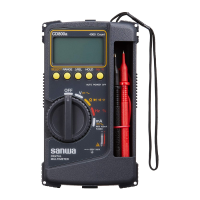
Please use the stand that there is on the side of rear case like a figure.
○Auto power save
○OVER LOAD (O.L) indication
This instrument incorporates the auto power save function that
turns off the display in about 16 minutes to save the battery draining.
When the rotary switch or a switch button is not controlled while
this instrument is ON, the warning buzzer beeps in about 15
minutes and then the instrument power and display are turned off
automatically in 1 minute after. Every time a switch button is
pressed or the function switch is switched during measurement,
the time until the auto power save function is activated is
extended by about 16 minutes.
To recover from the auto power save mode where the display is
off, press one of the three switch buttons.
This function can be disabled by holding the SELECT button while
turning the function switch to switch the power ON.
When this function is disabled, the indicator on the display is
extinguished.
As a small amount of the battery power drains even when the
instrument is turned OFF by the auto power save function, be
sure to set the rotary switch to OFF when not using the instrument.
In case of excess input to this device, the indicator displays O.L. If
O.L is displayed during the voltage function, stop the input immediately.
When a DC 1000 V or higher voltage is input while the DCV
function is selected or when an AC 750 V or higher voltage is input
while the ACV, Hz or Duty function is selected, the instrument
generates warning with intermittent buzzer beeps and the flashing LED.
–
37
–



 To Next Page