EasyManua.ls Logo

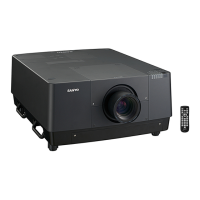
Sanyo PLC-HF15000L - User Manual

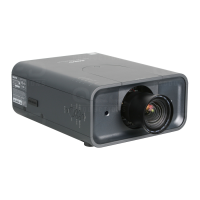
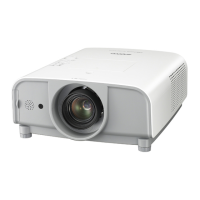
Sanyo PLC-HF15000L
162 pages
Print Icon
To Next Page IconTo Next Page
Loading...
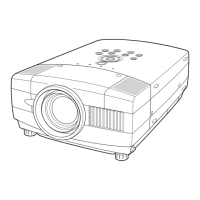
Multimedia Projector
MODEL PLC-HF15000L
Owners Manual
= Projection lens not included.

Table of Contents

Other manuals for Sanyo PLC-HF15000L

Questions and Answers

  • R
    Ronald MillerAug 8, 2025
    Why does my Sanyo Projector turn off automatically?
    • R
      rodriguezcolinAug 9, 2025
      There are several reasons why your Sanyo Projector might be turning off automatically: * The power management function may be running due to its initial settings. Check the “SETTING” section. * If the filter replacement icon appears for some time when turning on the projector and the filter isn't replaced, the projector will automatically shut down in 3 minutes to protect it. * The projector may be used in high ambient temperature environment. Ensure the temperature is within the operating range (41°F–104°F [5°C–40°C]). * Ensure that you are not covering the ventilation slots on the projector.
  • J
    Jeffrey ShortAug 25, 2025
    What to do if I cannot operate the side control on my Sanyo PLC-HF15000L?
    • F
      fflynnAug 26, 2025
      If you cannot operate the side control on your Sanyo Projector, it might be locked due to the “Key lock” setting under the “Security” section. Please check the “SETTING” section to unlock it.

Sanyo PLC-HF15000L Specifications

General IconGeneral
Brightness15000 ANSI Lumens
Resolution1920 x 1200 (WUXGA)
Lamp Life2000 hours
Projection Technology3LCD
Lamp TypeUHP
Projection Size40 - 600 inches
Input ConnectorsHDMI, DVI, VGA, S-Video, Composite
Noise Level39 dB
Contrast Ratio2000:1

Related product manuals