22
Operating Instructions Moisture Analyzer MA160
Operating the Moisture Analyzer
Operating Concept
This section explains the operating options available to you so that you can
familiarize yourself with the moisture analyzer.
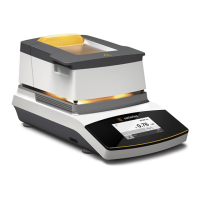
Operating and Display Elements
Sharp or Pointed Objects (such as Ballpoint Pens) Can Damage the Device.
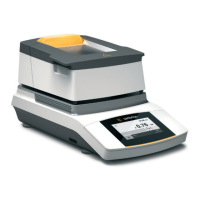
– The touchscreen should only be operated by lightly pressing it using the tips of
your fingers. You can also operate the touch screen when wearing lab gloves.
Moisture in %M
Start new measurement
Standard
Fully automatic
130 °C
Wednesday, 2014-01-08 16:50
1
2
3
4
5
1 Current date and time
2 Selected result display for the method
3 Operate method, such as start moisture analysis
4 View settings for the selected method
5 Menu: Switch to the menu or method selection


 To Next Page