www.satlabgps.com
33
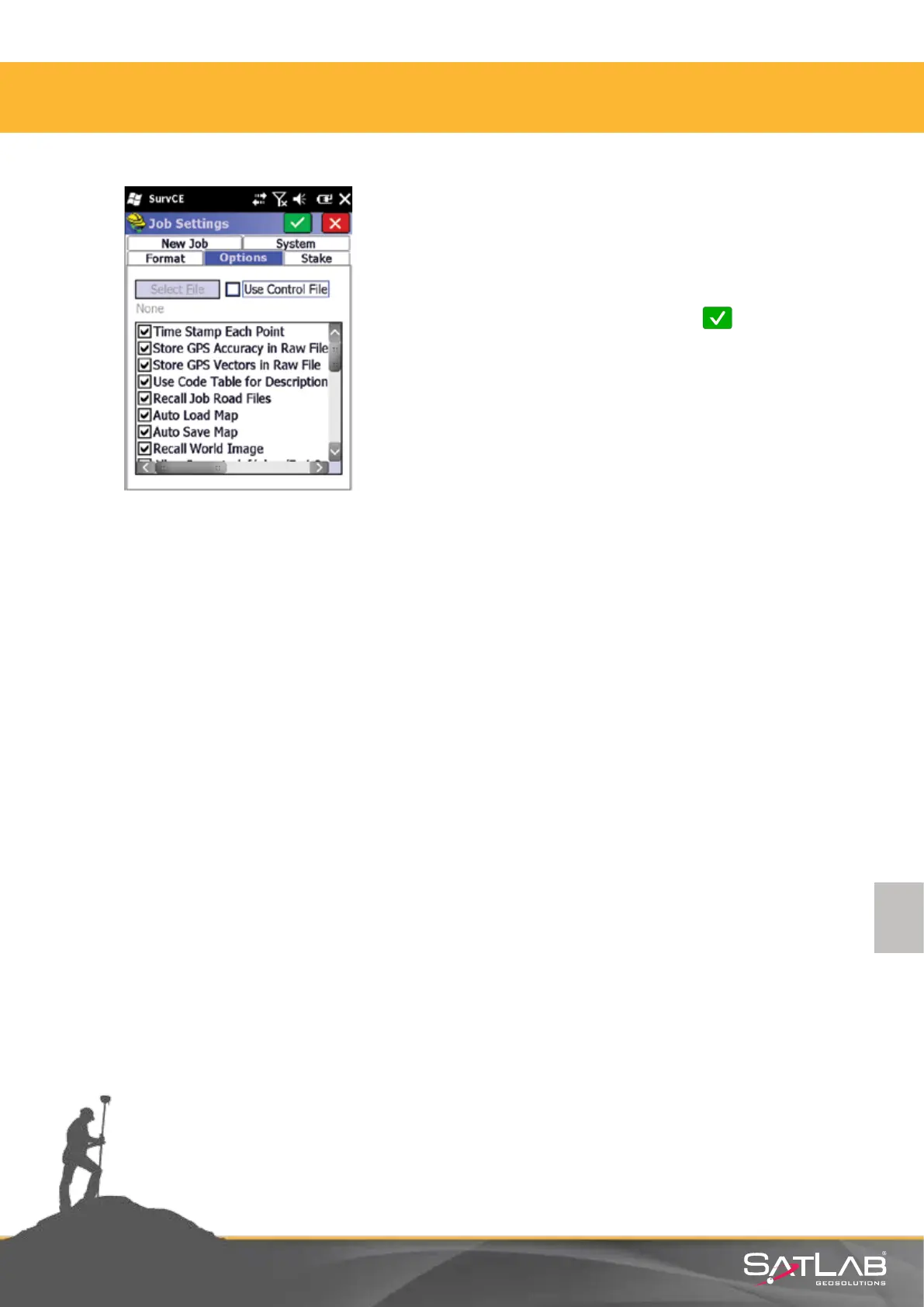
Time Stamp Each Point opon should be selected in the
Opons tab. As long as this opon is not selected, the
date-me informaon that belongs to measurements will
not be stored. Aer the selecon click on Okay and job
sengs will be loaded.
Aenon: The selected job sengs will be accepted as
default for the future job. Do not conrm this, if you
intend to perform changes in your sengs besides the
sengs you have chosen.
4. Satlab SurvCE Guide



 To Next Page