www.satlabgps.com
37
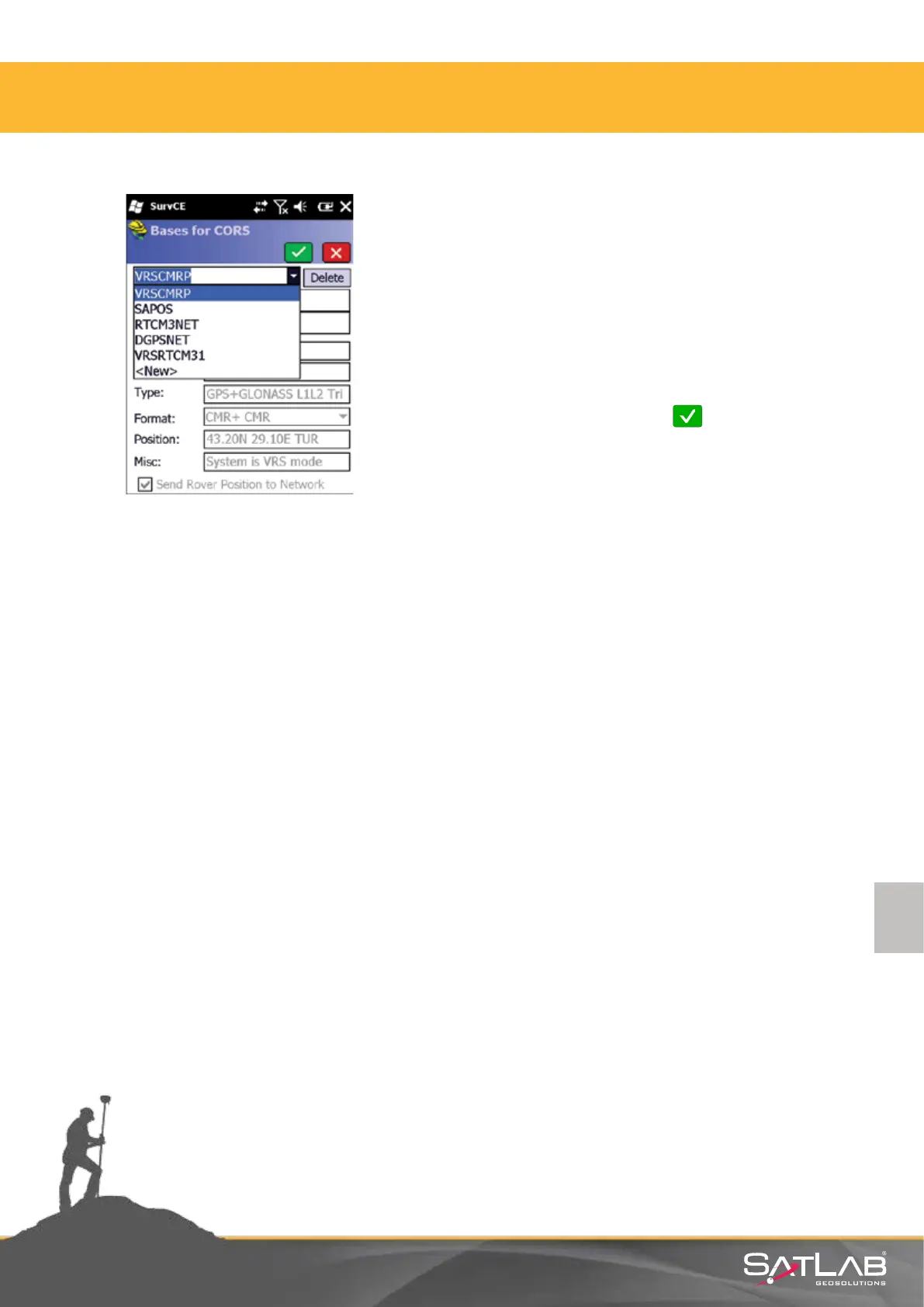
Aer a while, a pop-up window lists available bases for
CORS soluon. Example shows SWEPOS network with
selected base staon Goteborg. This table shows which
format and type of message is used by this base staon
as well as the geographic co-ordinates of the base staon.
You should select the closest base staon to your locaon
or one of the proposed network services, according to
recommendaons of the reference network provider.
Select the most suitable method click Okay.
Connecon Successful appears in the screen of the control
unit and the correcons will start to be transmied.
4. Satlab SurvCE Guide



 To Next Page