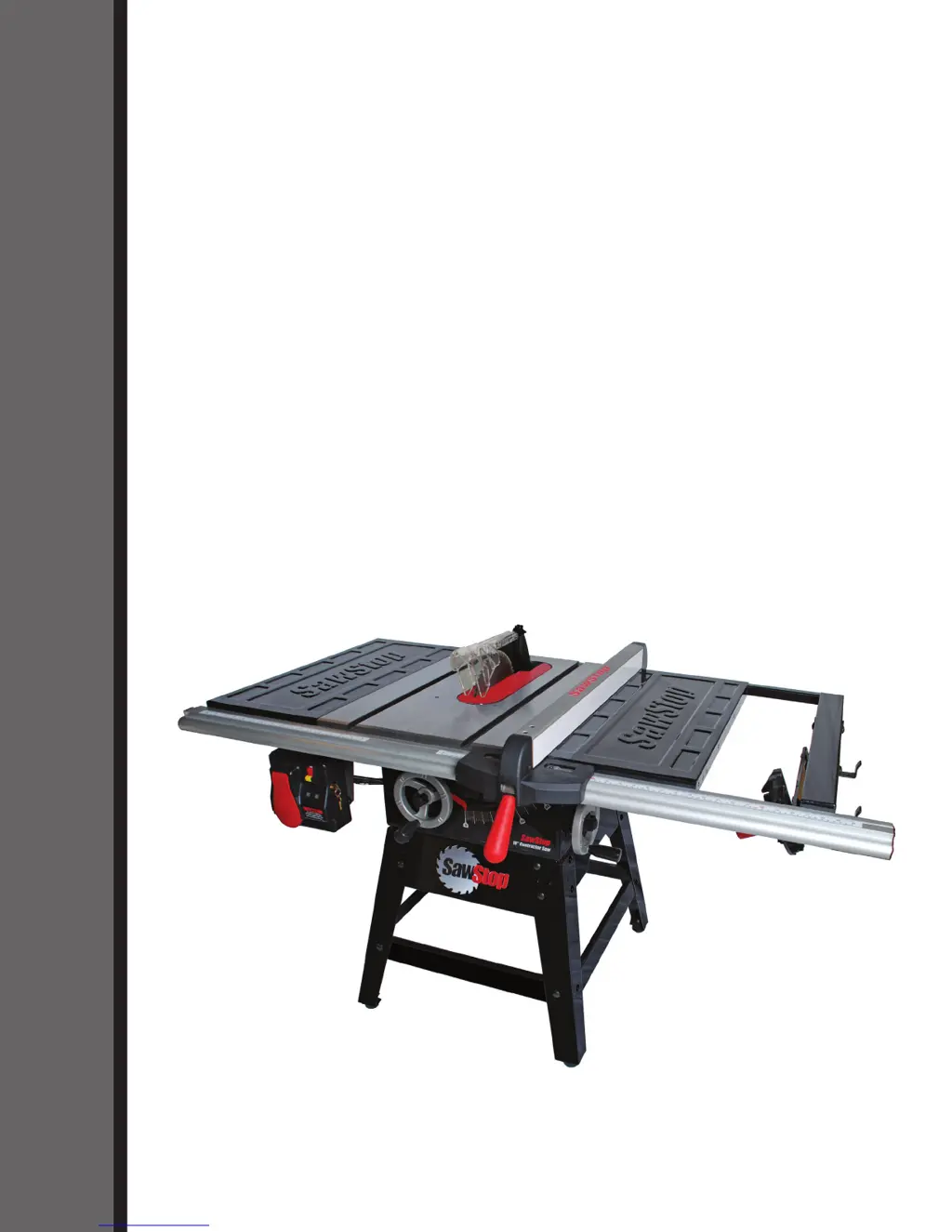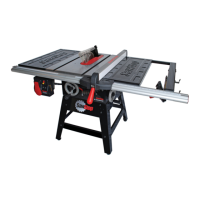
How to fix inaccurate 45° or 90° cuts on my SawStop Saw?
- RRoger ChaneySep 2, 2025
Inaccurate cuts at 45° or 90° can stem from improperly adjusted tilt limit stops, tilt angle indicator, or miter gauge. Adjust these components accordingly.
How to fix inaccurate 45° or 90° cuts on my SawStop Saw?
Inaccurate cuts at 45° or 90° can stem from improperly adjusted tilt limit stops, tilt angle indicator, or miter gauge. Adjust these components accordingly.
What causes my SawStop CNS175 Saw blade to slow down when cutting, but not stop?
If the blade slows down during cutting but doesn't stop, it could be due to a worn or damaged motor belt, which should be replaced. Another cause might be the blade binding on the wood; ensure the spreader or riving knife is aligned with the blade, and if using the rip fence, make sure it's parallel to the blade. Also, check if the blade is installed backwards and correct its orientation if needed. Finally, verify that the voltage supplied to the motor is correct and that the extension cord, if used, is the correct gauge.
What to do if the brake activated on my SawStop Saw even though there was no accidental contact?
If the brake activated without accidental contact, it could be due to electrically conductive material touching the blade, arbor, or arbor pulley. Ensure no metal or conductive material is touching these parts. If cutting a conductive material, use Bypass Mode. Another cause could be the spreader or riving knife contacting the blade. Ensure they are accurately aligned and securely clamped, with a 3-8 mm gap between the blade and the spreader or riving knife.
Why does my SawStop Saw vibrate too much?
Excessive vibration in your saw can be attributed to several factors: * The blade might be damaged or unbalanced, requiring replacement. * The floor beneath the saw could be uneven; try moving the saw to a level surface. * Worn bearings can also cause vibration, necessitating their replacement. * A worn motor belt could be the culprit, so consider replacing it.
What to do if my SawStop Saw motor stopped unexpectedly during use but the brake did not activate?
If the motor stops unexpectedly but the brake doesn't activate, check the following: * Ensure the Start/Stop paddle is in the OFF position, then restart the saw. * If cutting green or wet wood, the material may be overloading the safety detection system, so use different wood or cut in Bypass Mode. * The safety system may have detected an error, so consult the list of System Status Codes. * Verify that electrical power to the system was not lost. * Try a different brake cartridge, as the current one may be defective.
Why can't I turn my SawStop Saw on in Bypass Mode?
If you're unable to start the saw in Bypass Mode, ensure you've completed the starting sequence exactly. Also, consult the list of System Status Codes to check for any system errors. Verify that the Bypass key is fully inserted and turned 90°, and that the cartridge key is removed. Additionally, the cartridge might be bound on the pivot and positioning pins, so pry it off with a blade wrench. Ensure the quick-release clamp handle is fully upward and the dust shroud isn't in the way by raising the blade elevation fully.
Why won't my SawStop Saw motor start, and both LEDs on the switch box are off?
If the motor won't start and both LEDs are off, it could be due to several reasons. First, ensure the saw is receiving power and the correct voltage. Second, check if a brake cartridge is installed; if not, install one. Finally, the brake cartridge itself may be defective, requiring replacement with a new one.
Clarifies that the safety system minimizes injury, not prevents contact.
Instructions for reporting accidents and the benefits of sharing data.
Lists critical safety warnings and precautions for operating the saw.
Details compatible blade types, sizes, and precautions for use with the system.
Step-by-step guide to assemble the saw's support structure.
Guidance on selecting an appropriate and safe location for the saw.
Steps for correctly removing and installing the table insert.
Details on installing saw blades or dado sets, including compatibility.
How to adjust the spacing between the brake cartridge and blade for optimal safety.
Instructions for installing the blade guard and riving knife for safety.
Guidance on connecting and using a dust collection system with the saw.
Information on connecting the saw to a power source and extension cord requirements.
Step-by-step instructions for converting the saw to 208-240V power.
Diagrams illustrating the saw's electrical wiring for different voltage configurations.
Procedures for replacing the power plug or cord for 208-240V operation.
How to set the saw blade height for optimal cutting and safety.
Procedures for setting the blade's bevel angle from 0° to 45°.
How to safely power on the saw and start its motor using the switch box.
Explains the function and use of the lockout key for the main power switch.
Interprets LED status codes on the switch box for system diagnostics.
Importance and procedure for installing and using the blade guard for safety.
Instructions on how to use the riving knife for kickback prevention.
How to use the miter gauge for cross-cuts and miter cuts.
Steps for performing cross-cuts using the miter gauge.
Information on installing and using the rip fence for various cuts.
Step-by-step guide for safely performing rip cuts with the saw.
Procedure for operating the saw in bypass mode for specific material types.
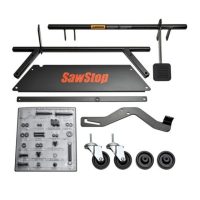
Information on optional accessories for moving the saw.
Guidance on using an out-feed table for supporting longer workpieces.
Detailed instructions for replacing the brake cartridge.
How to set the upper and lower limits for blade elevation.
Setting blade tilt limits and calibrating the angle indicator.
Procedures for fitting and adjusting the zero-clearance table insert.
Ensuring proper alignment of the riving knife and spreader with the blade.
Setting the correct height for the riving knife relative to the blade.
Adjusting the clamping pressure for the spreader or riving knife.
Adjusting the indexing stops for precise miter cuts.
Overview of the safety system's self-checks and error detection.
Guidelines for checking and maintaining the brake cartridge.
Instructions for cleaning and lubricating saw mechanisms.
How to clean and protect the table and extension wings.
Advice on checking and replacing the motor belt.
| Type | Cabinet Saw |
|---|---|
| Blade Diameter | 10 inches |
| Motor Power | 1.75 HP |
| Arbor Diameter | 5/8 inches |
| Max Depth of Cut at 90 degrees | 3-1/8 inches |
| Max Depth of Cut at 45 degrees | 2-1/4 inches |
| No-Load Speed | 4000 RPM |
| Dust Collection Port Size | 4 inches |
| Voltage | 120V |
| Safety System | SawStop Safety System |
| Amps | 13 A |
| Table Size | 27 inches x 40 inches |