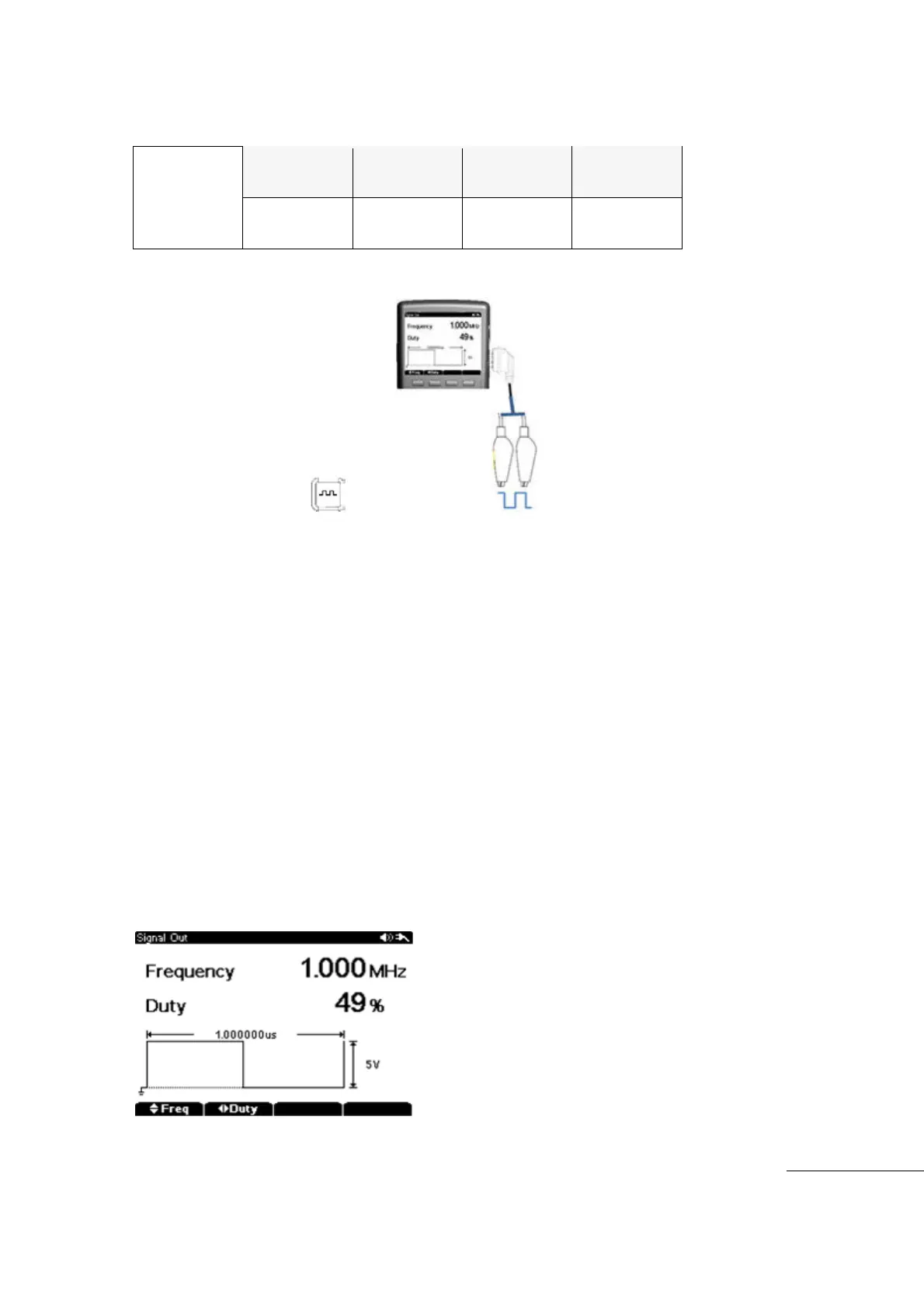
The meter can output a Square wave which can generate PWM (Pulse Width Modulation)
generation or supply a Synchronous clock signal (Transmission Speed generator). This function
allows for checking and calibration of Water Flow Meter display, Counter, Tachometer,
Oscilloscope, Frequency converter, Frequency Transmitter and other Frequency Input Devices.
[Signal Output]
Select main function “ key .
Press sub menu F1 frequency to change Frequency Output
Press F2 Duty to change Duty of Frequency Output
Output Frequency: 5㎐ ~ 1000㎑
Duty : 5% ~ 95%
Output level : 3.3V
1) To
Adjust the Frequency Output
Press the sub menu “F1” key to set Output Frequency
Use the UP/DOWN directions keys to adjust the value.
Frequency is displayed on main display.
Minimum Changeable Resolution is 1Hz.
Default Frequency Output set up at 1㎑.
2) Output Duty Cycle Change
Press the Sub menu “F2” key to set Duty Cycle (%).
Use the UP/DOWN directions keys to adjust the value.
Duty Adjustable Range 5% ~ 95% by 1% step.
Initial Duty Set up at 50%.
Test Equipment Depot - 800.517.8431 - 99 Washington Street Melrose, MA 02176 - TestEquipmentDepot.com



 To Next Page