[Save, Recall Initial menu]
[Recall menu]
[ Erase]
Erase Saved Data from the Internal Memory.
Hold key longer than 2 seconds. The menu (Save/Erase/Recall) will appear.
Press “F2” (Slot) key and select Erase Data address with Up/Down key
After Erase data address is selected, press Erase key to erase the data.
Press Menu key to return to original measurement mode.
[Save, Recall initial menu]
Data Hold
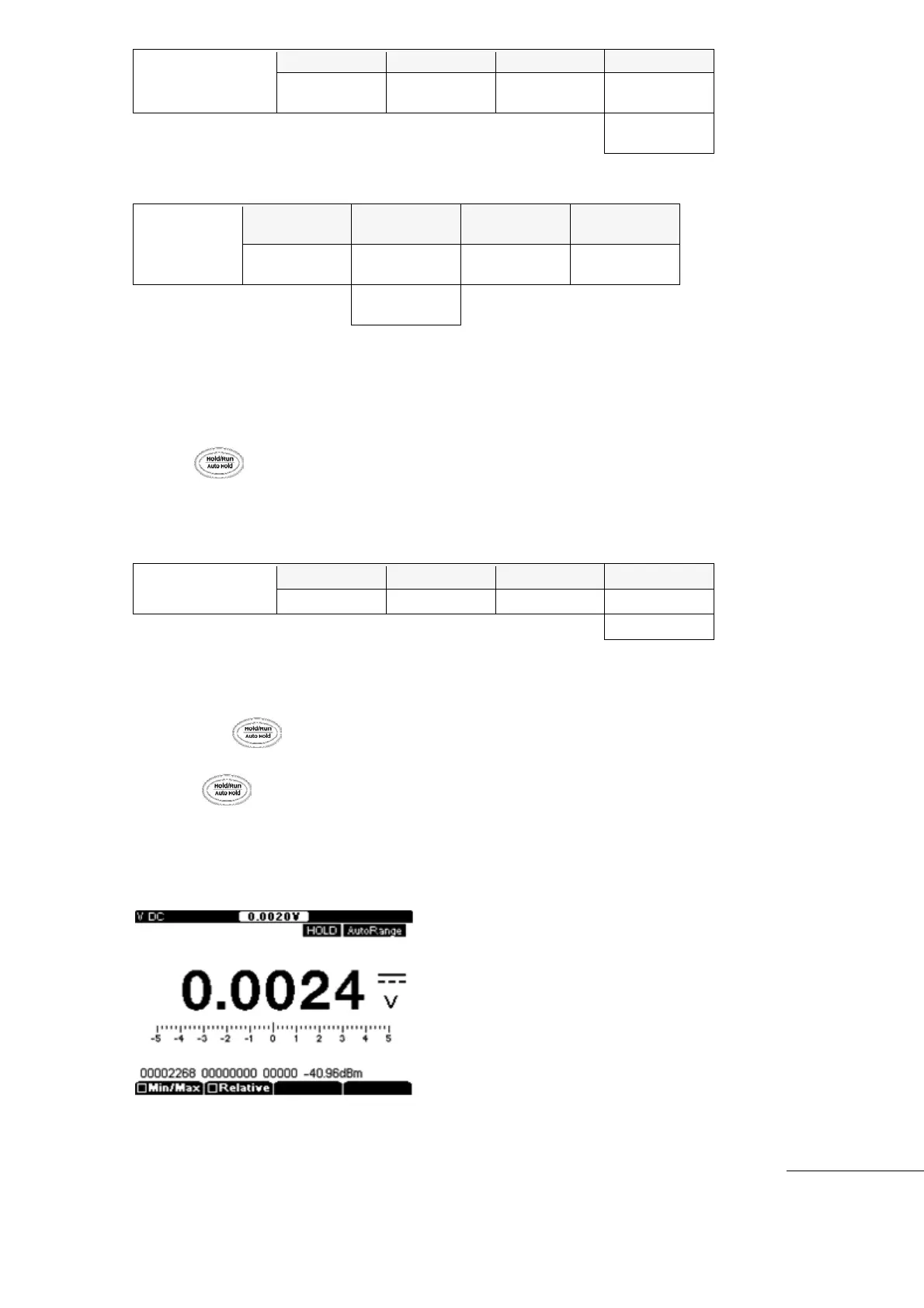
Press the key to hold the Measurement data, “HOLD” is displayed in upper
corner of the screen.
Press key again to release the “HOLD” mode.
During “Hold” mode, present real time measurement values are displayed in upper screen
portion of the display.



 To Next Page