measurement value is updated and recorded with a time stamp. This mode is useful when
checking values generated intermittently or to record Minimum, Maximum values while user is
not at the meter.
Pressing the (Hold) key exits the Min/Max mode.
[How to Operate]
Select the Main Function Key.
Then press “F1” Min/Max in the Sub Menu.
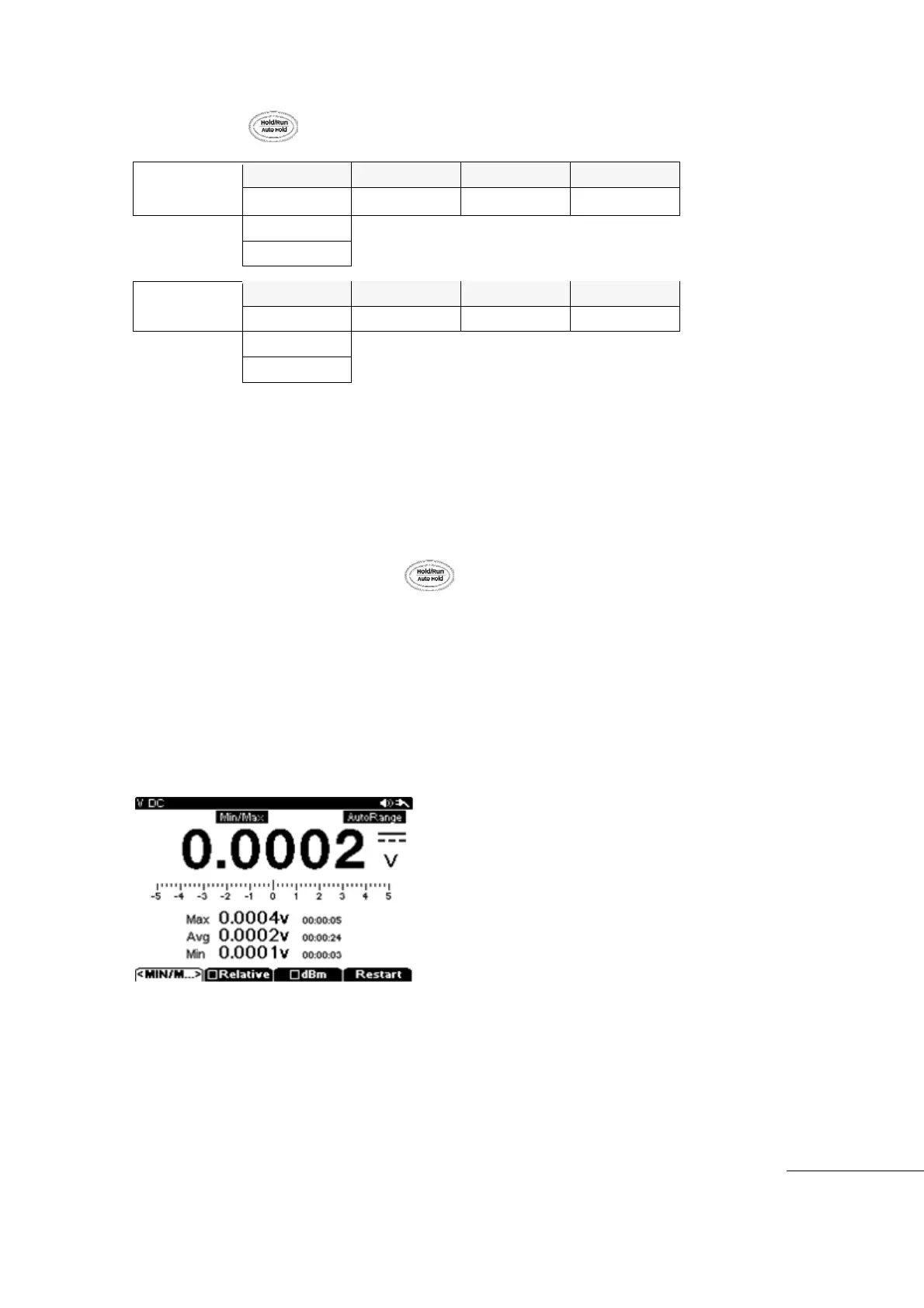
Pressing “F1” will cause the upper Screen to show “Min/Max” icon and the measurement
screen is changed.
Main display shows present measurement value.
Sub display will show Max/Min values displayed with time stamp.
To exit the Min/Max mod, press the (Hold) key.
[Note]
While in MIN/MAX recoding mode, the meter converts to Battery Save mode to extend
battery time.
MIN/MAX is displayed in the lower portion of the Main Display with time.
SOFTWARE COMMUNICATION
USB Communication Link



 To Next Page