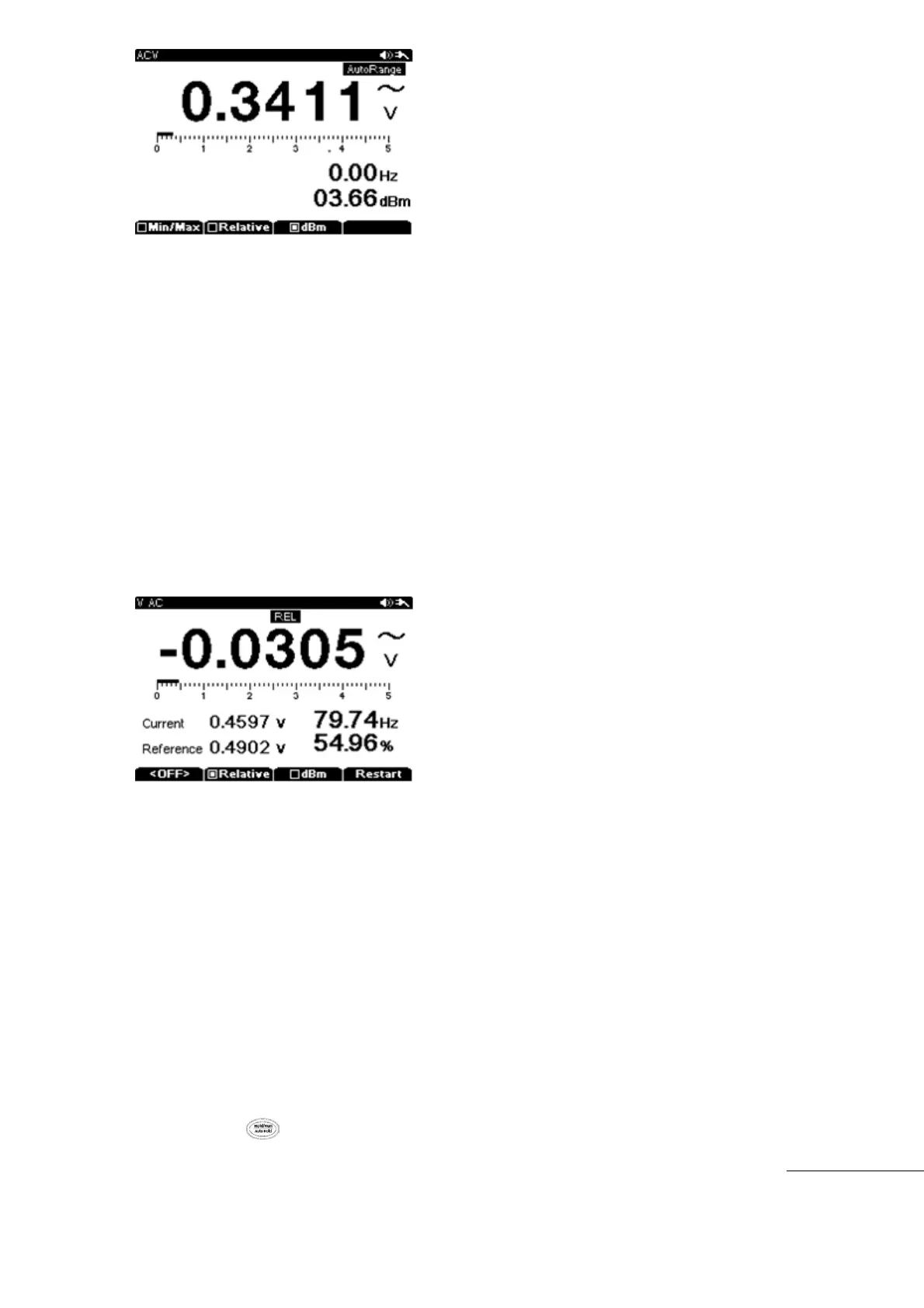
Relative measurement.
Relative measurements display the difference in value between the present measurement value
versus the initial set up base value when entering into the relative mode.
Relative measurement is available when measuring Voltage, Current, Resistance, or
Capacitance.
“Relative” is in the Sub Menu for those main functions.
Relative function is activated by pressing the “F2” (Relative) key during Voltage, Current,
Resistance, or Capacitance measurements.
“REL” is displayed in the upper center of the screen when this feature is active.
Main Display shows Relative measurement value and the Sub display below shows the
present value and initial set up reference value. All values are displayed simultaneously.
Exiting the relative mode will revert back to the Main Menu Function.
To restart the relative reference value, press “F4” (Restart) to refresh the reference value.
Peak Detect
Peak Detect is a similar function to the MIN/ MAX functions explained earlier. The difference
between Peak and MIN/MAX is response time.
Response Time of Peak function is (250μs), much faster than the MIN/MAX responds.
Because of this quick response time, the meter can measure the true peak value of Sine
Waveform, Peak function can also be used to measure transient currents accurately.
To activate Peak mode, press Sub Menu “F1” key and select (Peak)
Main Display will show the present measurement value and the sub display shows the
peak captured value with time stamp of when the peak occurred.
If Peak Value of Input signal drops lower than MIN value recorded or higher than MAX
value recorded, an audible alert sounds and a new value is recorded. After a new peak
session is started, all measurement values are recorded with measurement time stamping.
Pressing the key, will exit the Peak Detect mode.



 To Next Page