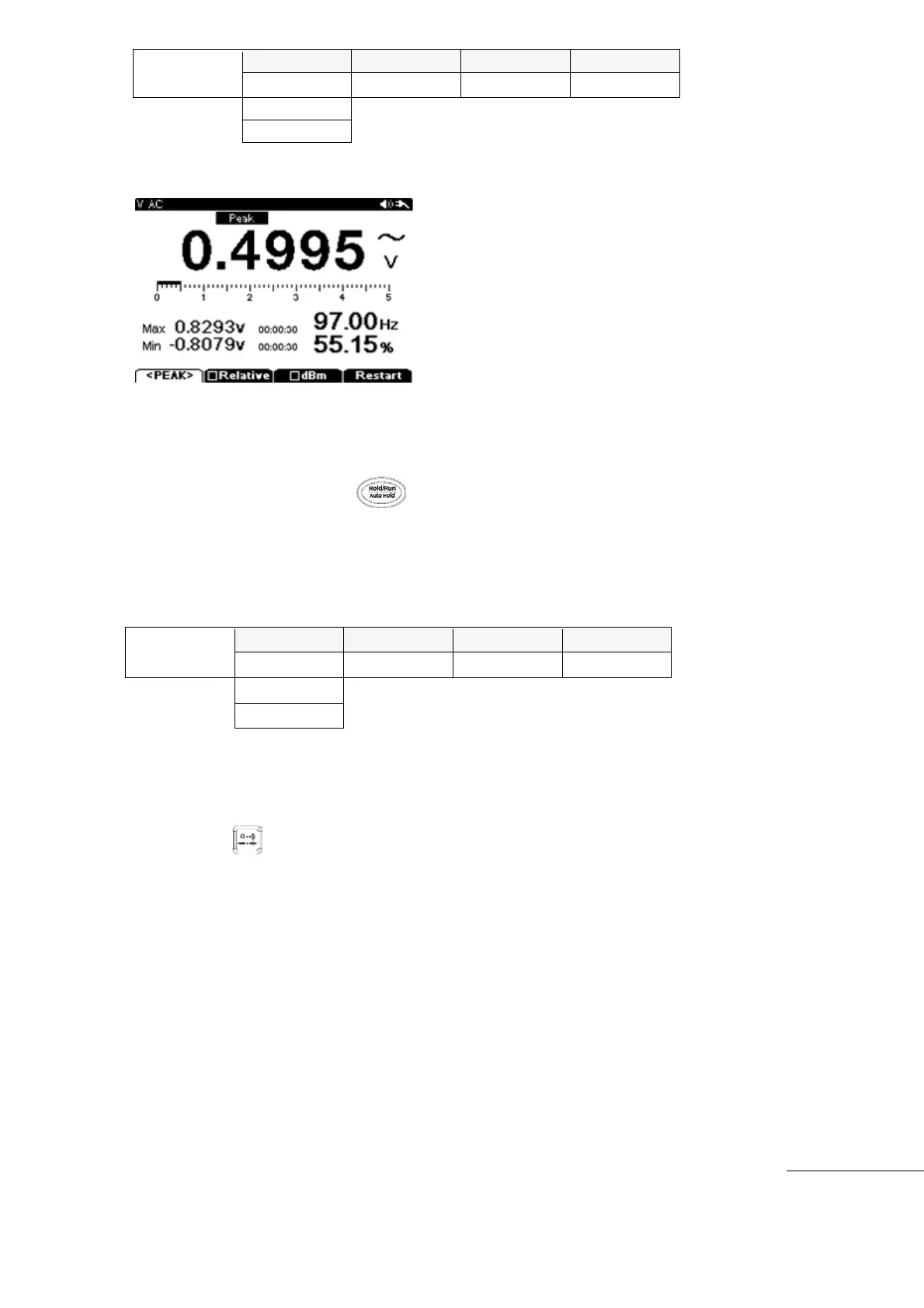
[NOTE]
If you change the measurement function without saving the data, all collected data will be
lost.
To store peak value, press the (HOLD) key.
Limit
This meter function is useful for setting upper and lower limit ranges for measurements for
comparisons within a range.
[How to operate]
①
Press the main function key.
Press the Menu key and select “Ohm, Continuity, Diode, or Capacitance”
select “F3” (Limit)
After measuring the component, the measured value is compared with the preset
Low-High limits, display shows “Pass” or “Fail”.
Limit function is automatically released when any other Sub function key or main function
key is selected.
Min/Max
Min/Max mode records the Minimum, Average, and Maximum Input Values when checking
Voltages, Currents, Resistance, or Capacitance. Min/Max mode is in a Sub Menu for each
main function.
If Input value is lower or higher than preset values, an alert beep sounds and new



 To Next Page