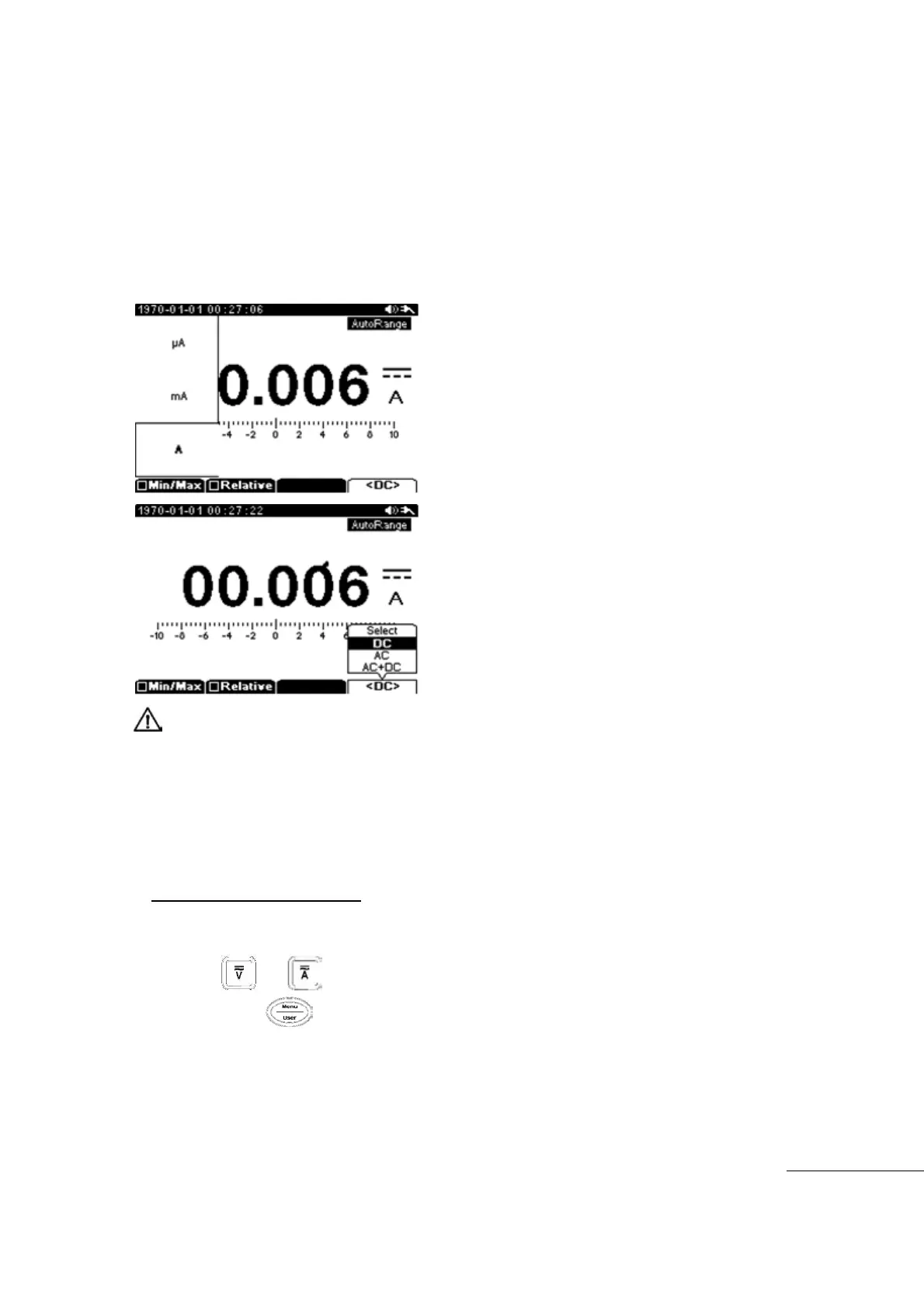
[10A measurement]
Measurement Range
A : 10A max (1 range)
The measured current value is displayed on the Main display, and Frequency, Duty value is
displayed in sub display (AC current measurement only).
Selectable sub menu: Min/Max, Relative, ㏈m, DC, AC, DC+AC
Circuit Protection : 10A/250V Fuse
Input current can not exceed 10 Amps. Measurement time must not exceed 30 Seconds.
Allow a 1 minute cool down period before the next full current measurement to prevent
overheating / damage to the meter.
[WARNING]
To prevent damage to the meter or equipment being measured, check the FUSE before
current measurements are made.
Verify the correct Input Terminals and Measurement Range is set.
When Leads are connected for Current Input Terminals, do not connect other Circuits or
Components in Parallel.
Frequency Measurement
Frequency measurements are displayed any time you are measuring AC Voltage or Current
① Press the or main function key.
②
Next press the Menu key and select VAC or A
③
Insert Black (-) Test Lead to COM input terminal and insert Red (+) Test Lead into Volts or
Current(㎃, 10A) input terminal
④
Start measurement



 To Next Page