[BAR-GRAPH]
BAR-GRAPH displays Measurement Data in an Analogue Meter Display type. Refresh rate is
15 times / second. Response Time of Analogue display is faster than Digital display which Bar
-Graph display is very efficient to observe display like as PEAK that input change very fast.
Pattern Generator, Current Generator, logic Analyzer, and MIN/MAX modes do not activate
the BAR-GRAPH display.
Direct Voltage, Currents and Relative displays the BAR-GRAPH “0” in the center position. For
Direct Voltages and Currents, the BAR-GRAPH total scale displays the Maximum of the
selected measurement range.
Displayed Segment indicates Measurement Size which is displayed within the Maximum Scale
of selected range.
When measured value exceeds the maximum scale of the selected range, ▶ is displayed at
RIGHT of BAR-GRAPH. When Direct Voltage or Current, ◀ is displayed at LEFT of
BAR-GRAPH at negative MAX and ▶
is displayed at RIGHT of BAR-GRAPH at positive
MAX
[Mea
surement Status display]
Status icon is displayed at top of Display.
- Battery status, Present Measurement Value, Buzzer (Continuity), Data Hold, Auto Hold, AC
Power Adapter Connected.
[Di
splay]
Display consist of Main Measurement Display, BAR-GRAPH display, Sub function display
(Sub measurement or Data)
[Sub
Menu Key]
4 keys (F1 ~ F4) underneath of Display. Select sub- functions dependent upon
measurement mode function or menu
M
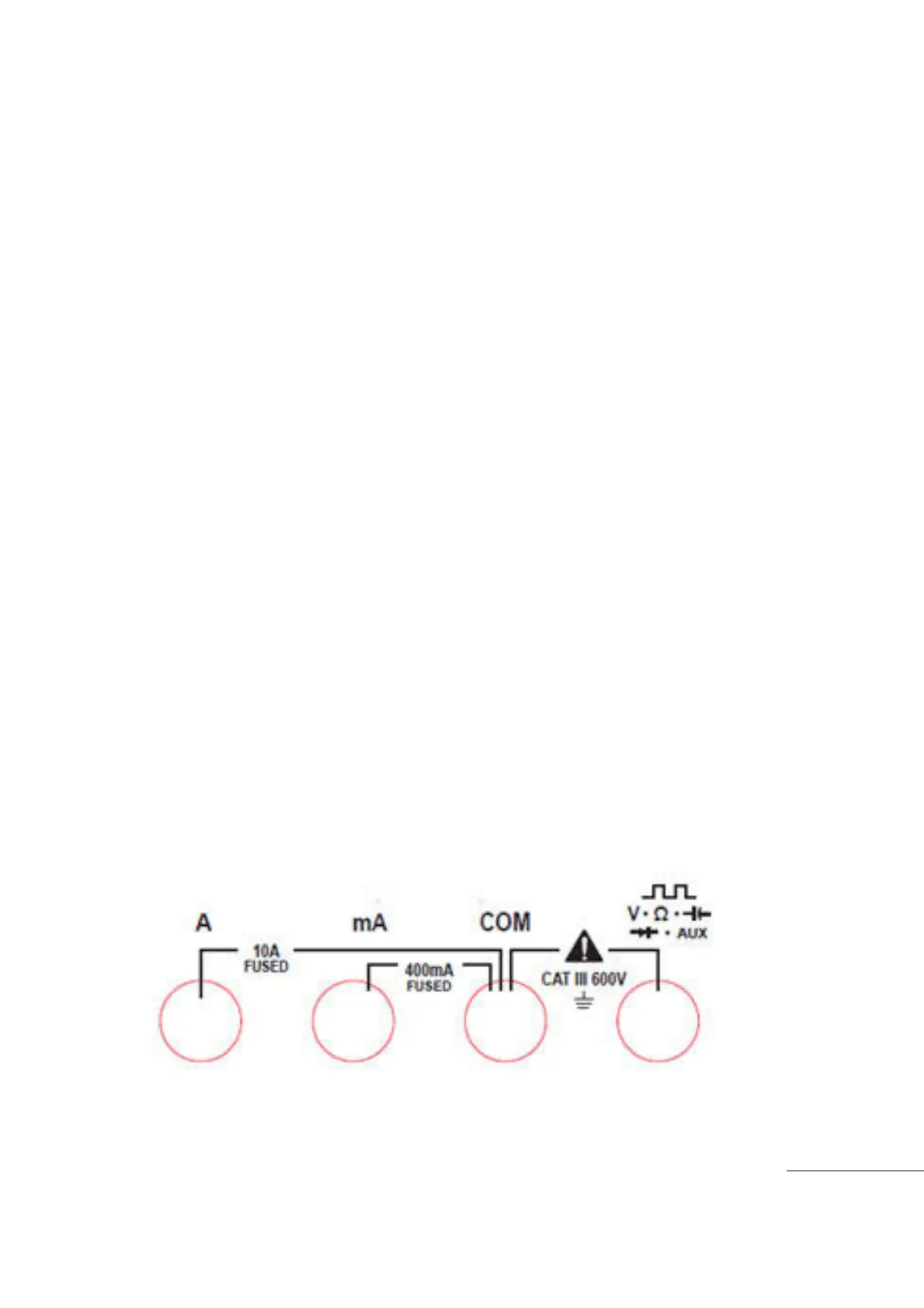
easurement Input Terminals
To prevent Damage, Do not apply signals that exceed the ratings for the input
channels.
In
put Terminal Connection



 To Next Page