4. Initial Settings before use
This chapter explains the Meter's Initial Set Up and useful Option Set Up procedures.
User Mode
Initial Impedance Set Up to measure ㏈m measurement
Beep(Buzzer) Sound Set Up
Key Sound(MUTE)
Auto Power Off
Back Light OFF Time
PC Interface ON/OFF
User Mode
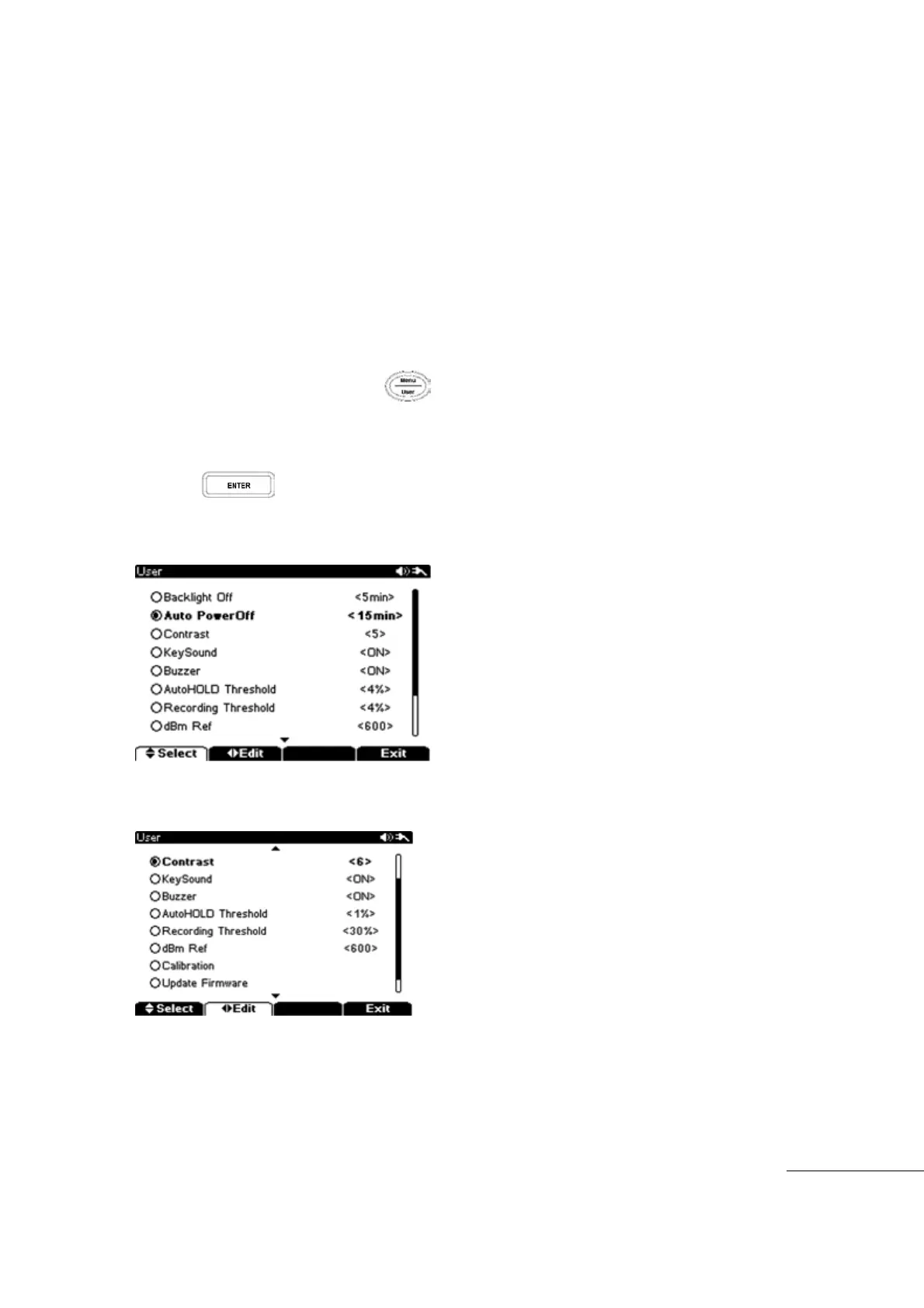
To enter the User Menu, hold the (User)key longer than 2 seconds.
In the User Menu, the following procedure can be used to Set Up meter defaults.
Click Menu to set up or change.
Change the menu with “▼▲, ▶◀” keys.
Press key to complete Set Up or Change.
[Select Menu]
[Edit Menu]



 To Next Page