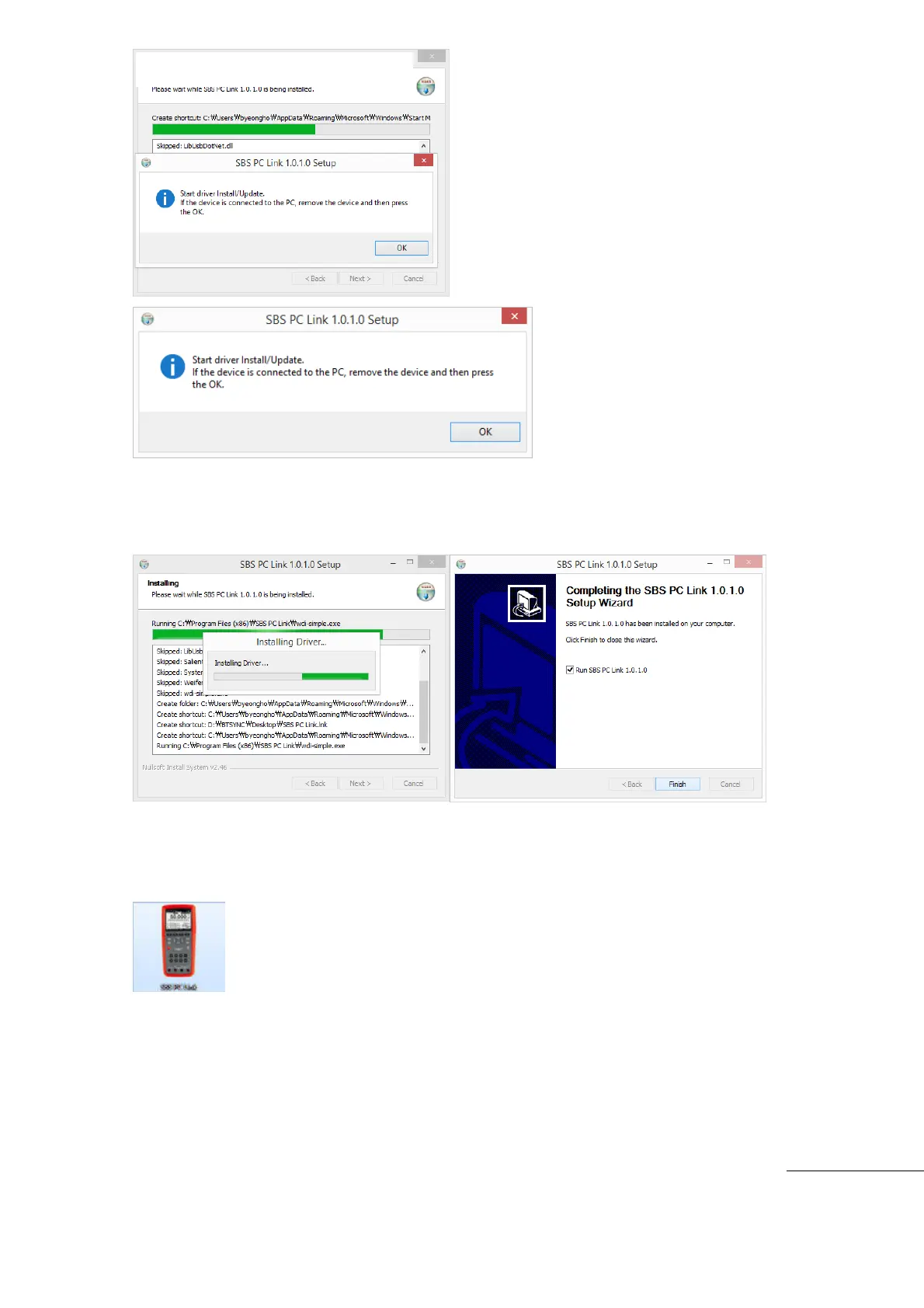
Appear driver Install/Update message.
If the device is connected to the PC, remove the device and then press the OK.
Click “Finish” to complete the installation.
Software and Driver installation is completed.
Remove the installation CD from the PC.
A Desktop ICON for the SBS600/SBS700 will appear on the desktop.
[How to RUN the PC Program]
Power “On” Meter. .
USB Interface connected to meter and PC USB port.
Click the desktop ICON to launch the SBS-600/SBS-700 PC Link.
Installing SBS-600/700 PC LINK



 To Next Page