[Warning]
To prevent damage to the meter or equipment being measured, check the FUSE before
current measurements are made.
Verify the correct Input Terminals and Measurement Range is set.
When Leads are connected for Current Input Terminals, do not connect other Circuits or
Components in Parallel.
10A measurement (10 AMP MAXIMUM inline current measurement)
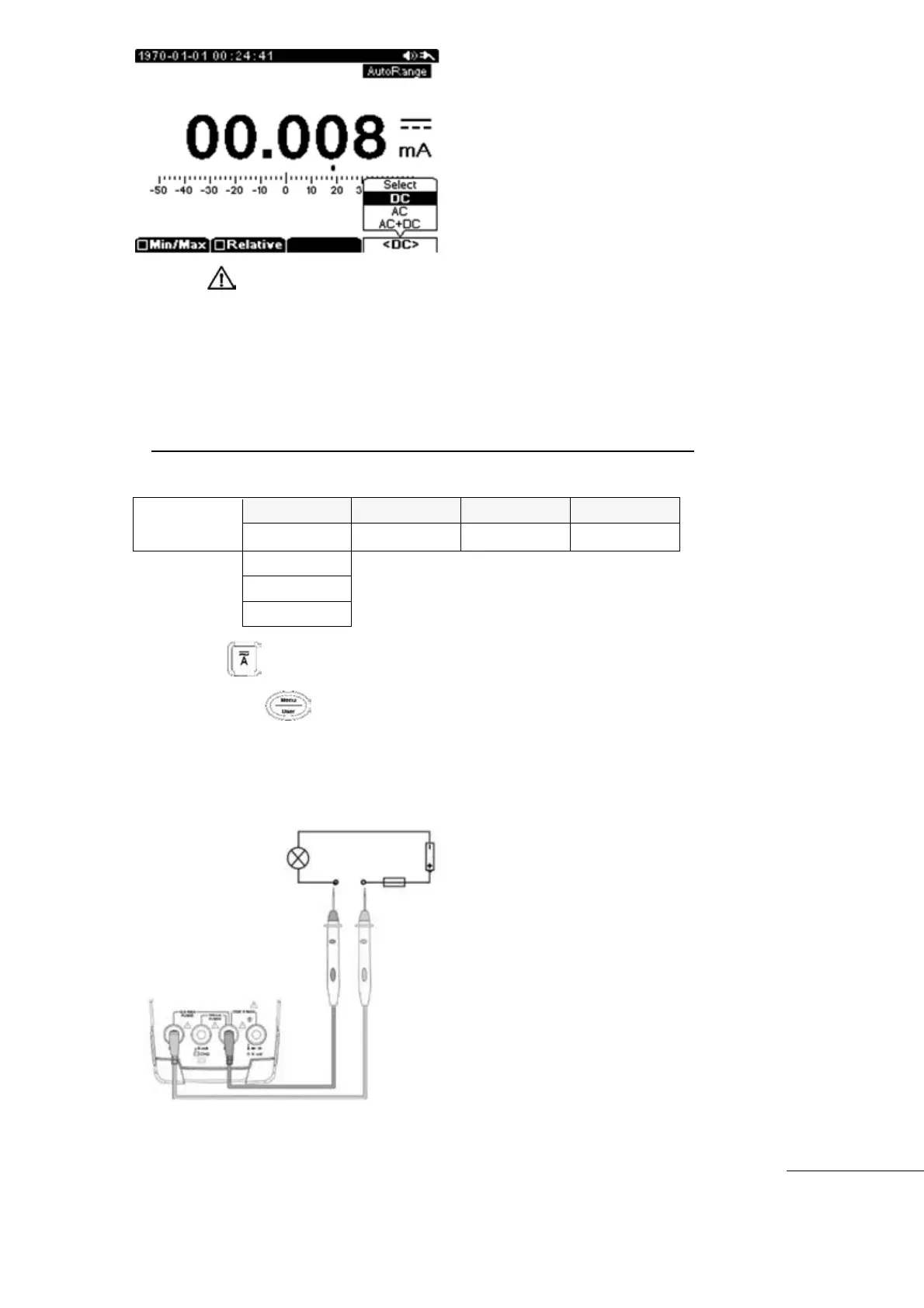
Current measurements must be done with the circuit open and the meter connected in series
as part of the circuit.
Press the main function key.
Next press the Menu key and select A
Press F4 key to select “DC, AC, AC+DC”
Insert Black (-) Test Lead to COM input terminal and insert Red (+) Test Lead into 10A
input terminal
Start measurement



 To Next Page