16
SBS-6500 User Manual
Storage Battery Systems, LLC.
2. Initial Settings Before Use
2.1. Insert Test Leads
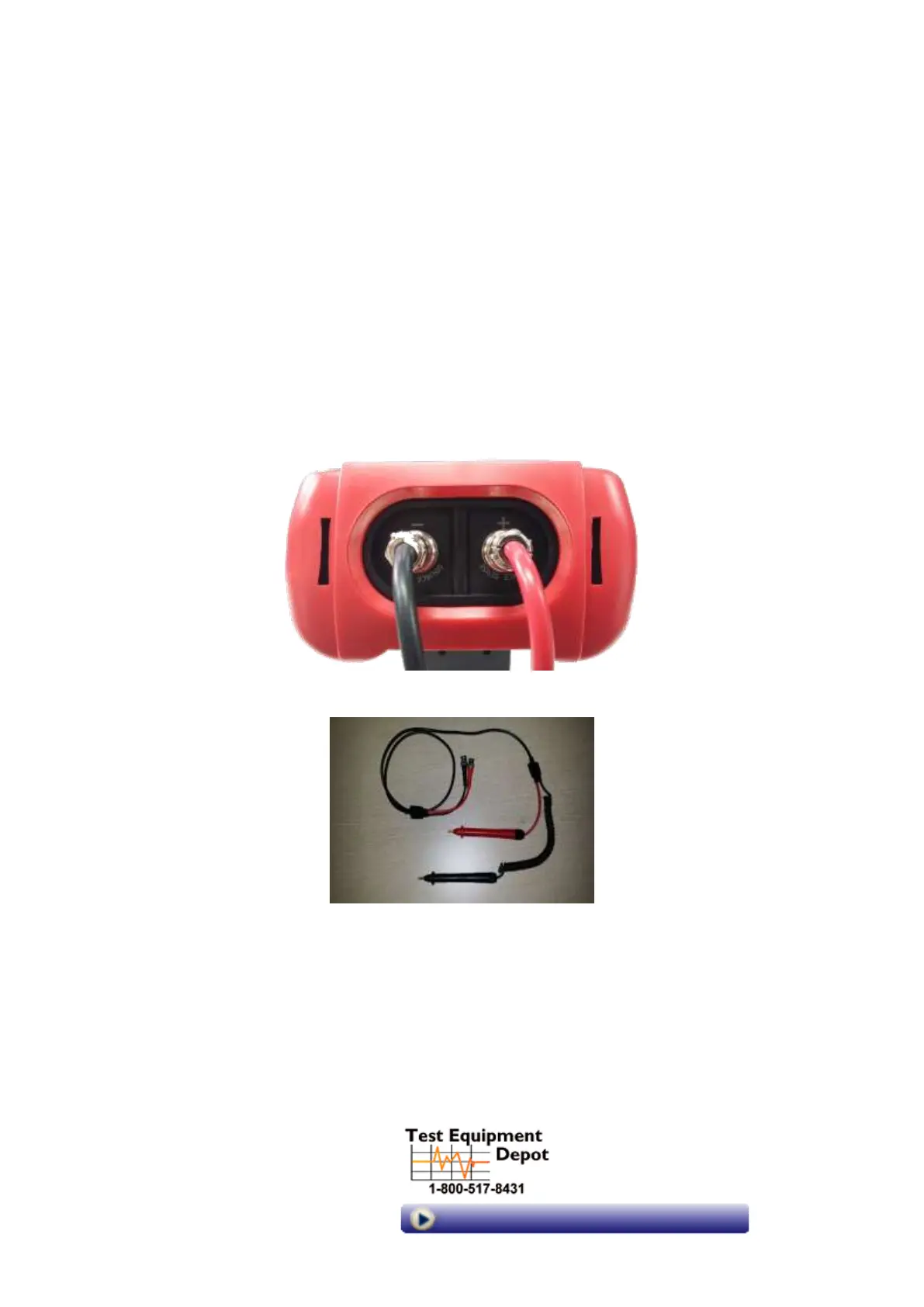
To avoid measurement errors or electrical shock, make sure to insert the test leads into the
tester correctly according to the marked polarity. Jacks are pinned to prevent cross
connection.
For safe and accurate measurement of resistance and voltage, only use the battery test
leads supplied with the SBS-6500. Replacement test lead sets are available.
Insert the SCK type plug of test leads into (+) and (-) as shown in the picture below.
Clamp type battery test leads are an optional accessory available.
Part Number: 6500-CLAMP-PROBE
[Pin type battery test lead for
impedance, voltage,temperature measurement]
99 Washington Street
Melrose, MA 02176
Phone 781-665-1400
Toll Free 1-800-517-8431
Visit us at www.TestEquipmentDepot.com



 To Next Page