37
SBS-6500 User Manual
Storage Battery Systems, LLC.
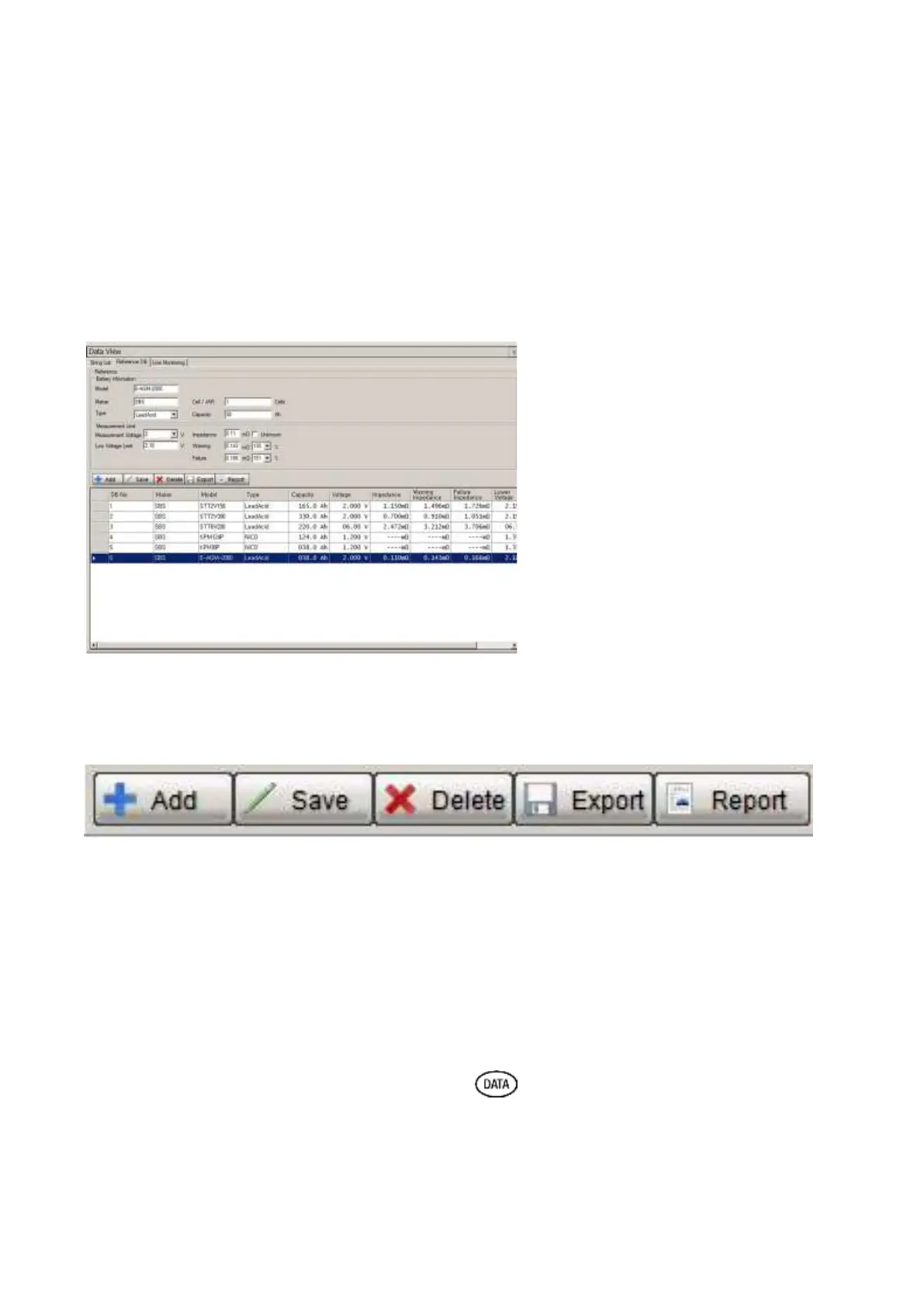
Select a DB entry from the list, click the DELETE key to remove an existing entry.
***For DB entries which are referenced by a string name in the string list can be
modified but not deleted.
***For DB entries which are modified, the new saved values are applied to all strings
that use that DB entry as its reference value.
ADD – Saves all entered data as a new entry in the DB and assigns next open DB number.
SAVE – Saves changes made to an existing DB entry and applies to all strings.
DELETE – Removes a DB entry from the Reference DB (not available if reference is in use).
EXPORT – Creates an Excel report of all the reference values current programmed in the DB.
REPORT – Creates a report for printing of all the reference values currently in the DB.
7. Data – Recording Function
[Data Base Input Display]



 To Next Page