66
SBS-6500 User Manual
Storage Battery Systems, LLC.
12.6. Software Instructions
The SBS-6500 must be connected to the PC for the SBS-Battery Link Software to operate.
This allows managers with multiple units to review histories and print reports without
having to combine data from multiple SBS-6500's into a single data base. Each SBS-6500
unit will retain its own historical data in its internal memory.
① Connect the supplied USB cable between the SBS-6500 and the computer.
② Double click the SBS Battery Link Icon on the computer display screen.
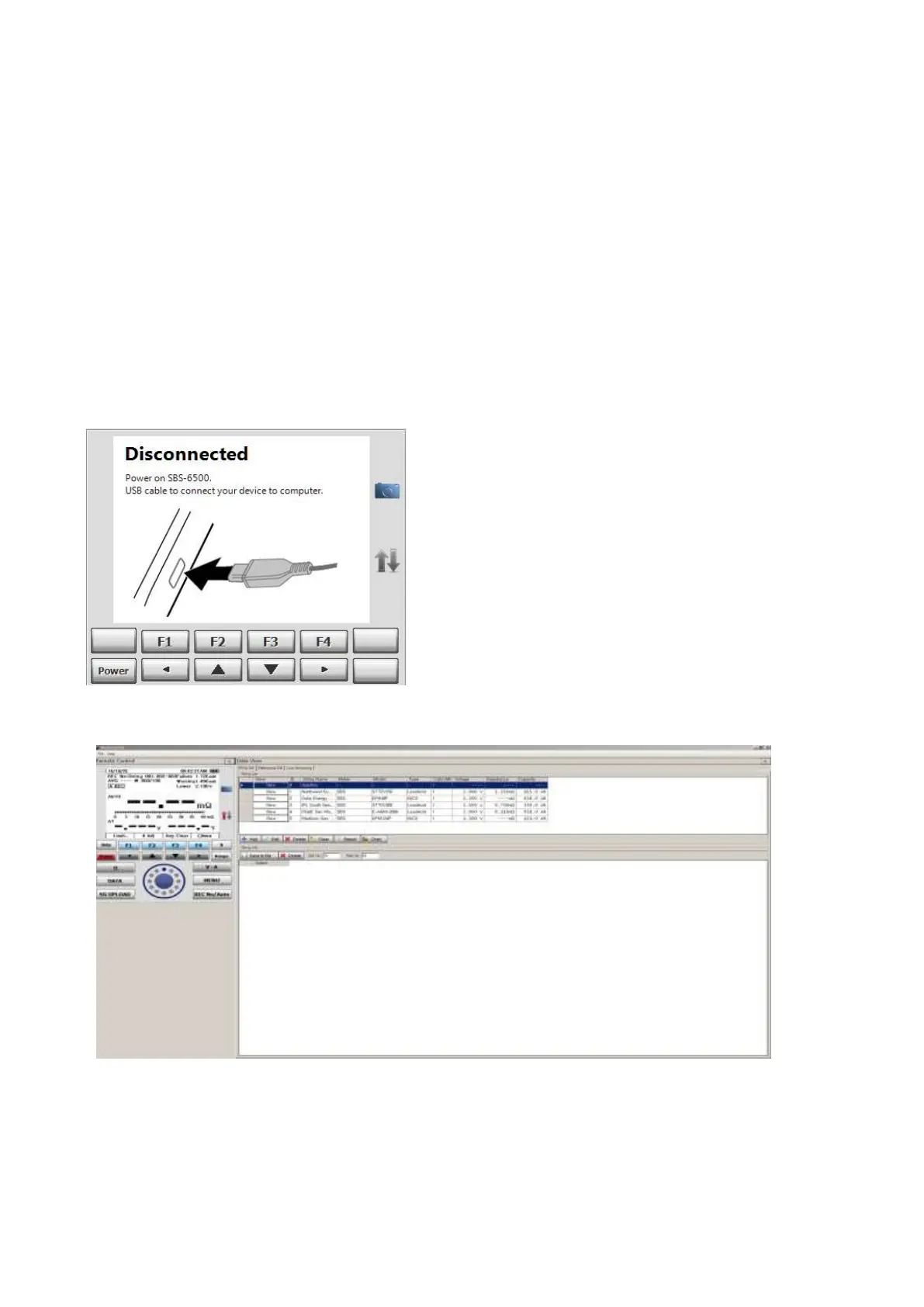
The Software initial screen will be displayed, which instructs you to plug in the USB
cable and power of the SBS-6500.
NOTE: When PC interface is working the auto power off feature is disabled.
Test Equipment Depot - 800.517.8431 - 99
Washington Street Melrose, MA 02176
TestEquipmentDepot.com



 To Next Page