65
SBS-6500 User Manual
Storage Battery Systems, LLC.
Drivers for the SBS-6500 and USB connection will install automatically.
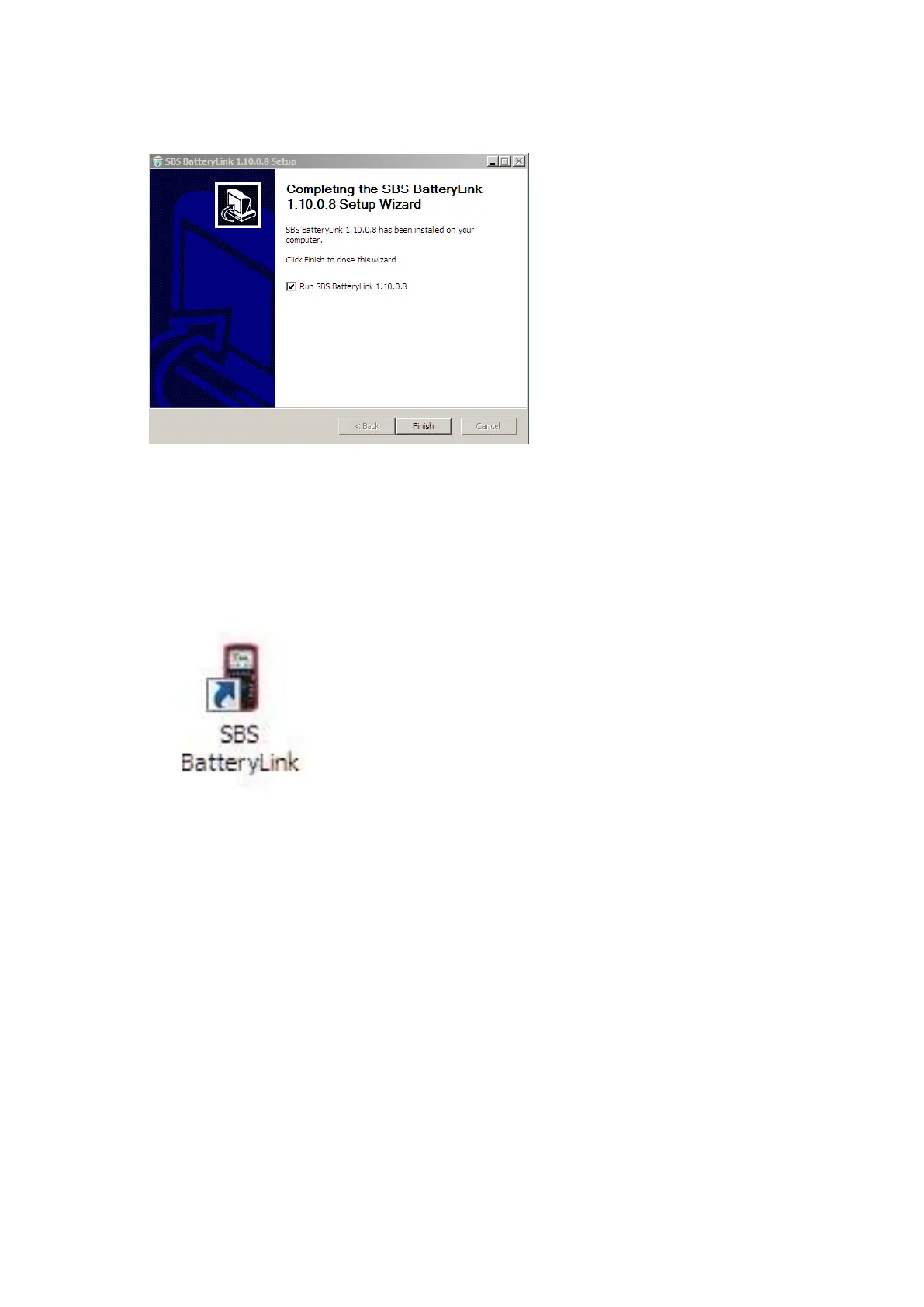
A Setup Wizard Completed message will appear at the completion of driver installation .
Click the FINISH key and the SBS Battery Link Software will run automatically.
SBS Battery Link Icon will be added to the desktop.
12.5. Un-Installation of the SBS Battery Link software.
Disconnect the SBS-6500 from the PC prior to un-installing the software.
Go to "Start" - "Control Panel" - install/uninstall programs.
Select "SBS Battery Link "and click remove or un-install



 To Next Page