45
SBS-6500 User Manual
Storage Battery Systems, LLC.
7.8. Erase of Recorded Data
[Operation Procedure]
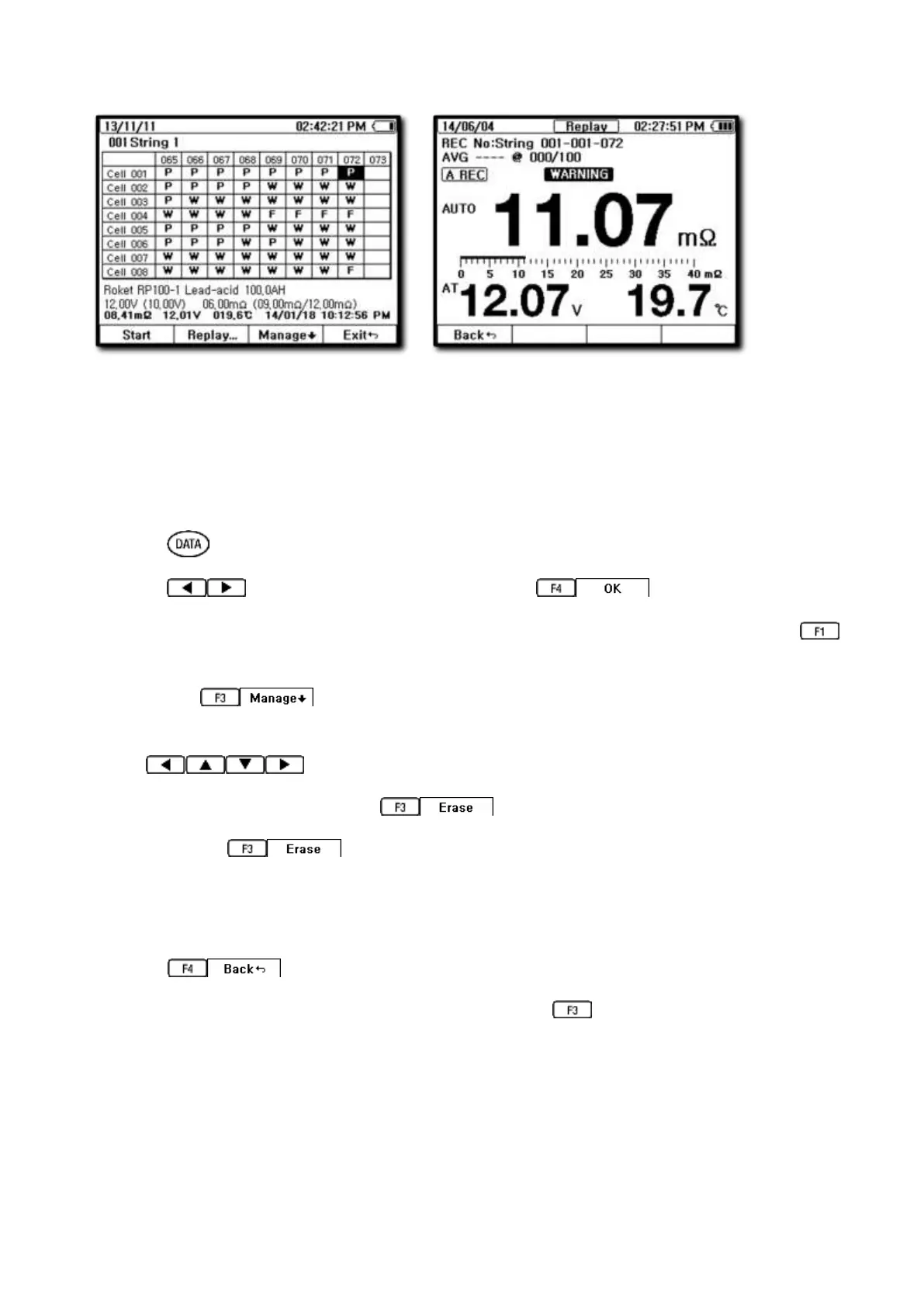
① Press key to enter data display screen.
② Press key to select RECORD then press to enter.
③ Select the string from the list where you want to erase data from and press
SELECT key.
④ Press the key.
⑤ Select the data block to erase from recorded data address by using the arrow
directional keys.
⑥ After address is selected, press key to erase the data.
⑦ Pressing the key a single time will erase only that data block. To erase
the whole string record, hold down the key for longer than two seconds.
A pop-up widow will open and ask for confirmation before the whole string is erased
from memory.
⑧ Press to exit from the erase function.
⑨ A single erased block can be restored by hitting the UNDO key.



 To Next Page