41
SBS-6500 User Manual
Storage Battery Systems, LLC.
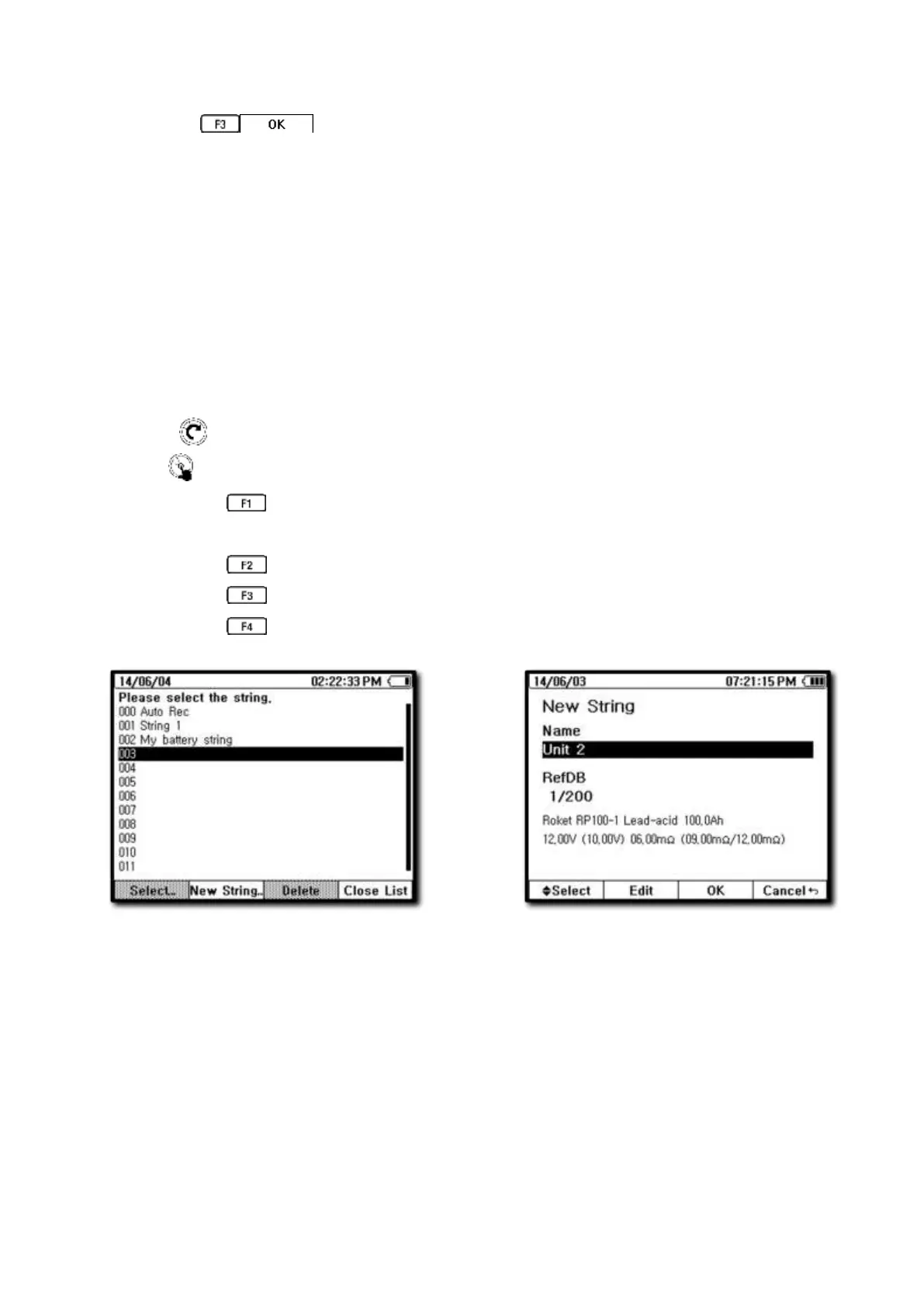
Press the key to save the new string set-up.
⑨ Pressing the F2 “Edit” key while a string name is highlighted will allow you to edit the
string information or Reference DB assigned right from the SBS-6500.
⑩ The newly created string name is added to the list of strings.
*** Addition of strings and reference value assignment can also be set-up by connecting
the SBS-6500 to the SBS Battery Link Software on the PC.
[How to Input Using Keyboard]
Use the arrow keys to move cursor position.
Rotate key to select character you want.
Press key to Input selected character.
Pressing the key will be switch between keyboards.
Lower case, upper case, number, special characters.
Pressing the key will insert a space.
Pressing the key will delete a character.
Pressing the key will save the changes and close the keyboard.
[New Unit Number selection]



 To Next Page