47
SBS-6500 User Manual
Storage Battery Systems, LLC.
⑤ Press the ADD key to store the new reference value.
⑥ Each change made to the Reference DB or the string list will automatically be updated
on the SBS-6500 as the changes are made.
2) String Information Entry Procedure from the SBS Battery Link PC Program
Enter the name(s) of battery system(s) and assign pre-programmed reference values from
the reference DB.
[Input through PC Software]
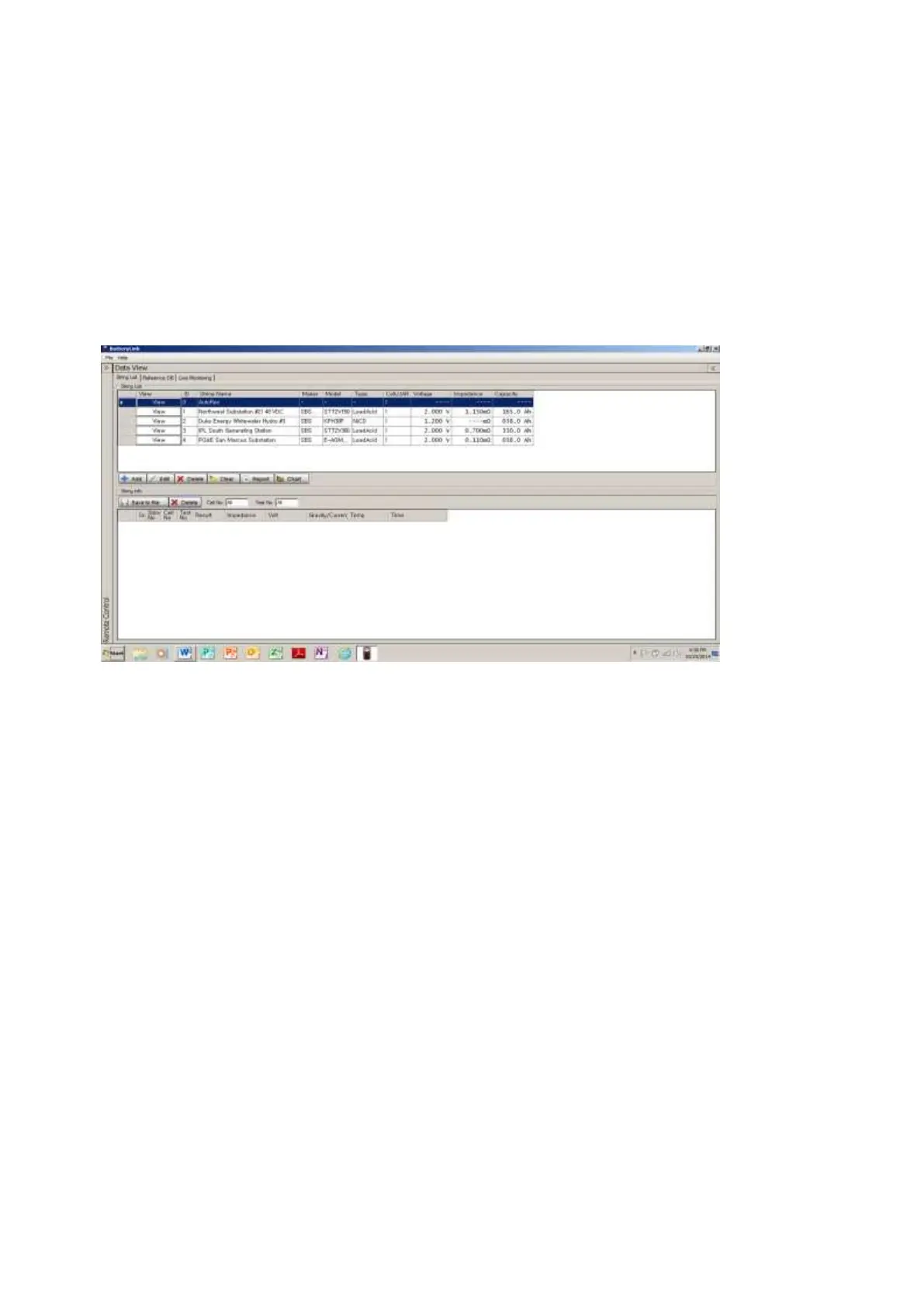
① Click “String List” tab on SBS Battery Link software window.
② Press the ADD key.
③ Input location information and select a DB reference value from the drop down arrow.
④ Press the ENTER check mark key to the right side the entry line.
⑤ New string information is added in the next open ID assignment and updated on the
SBS-6500 at the same time.
[ Unit Information Input ]



 To Next Page