59
SBS-6500 User Manual
Storage Battery Systems, LLC.
[Operation Procedure]
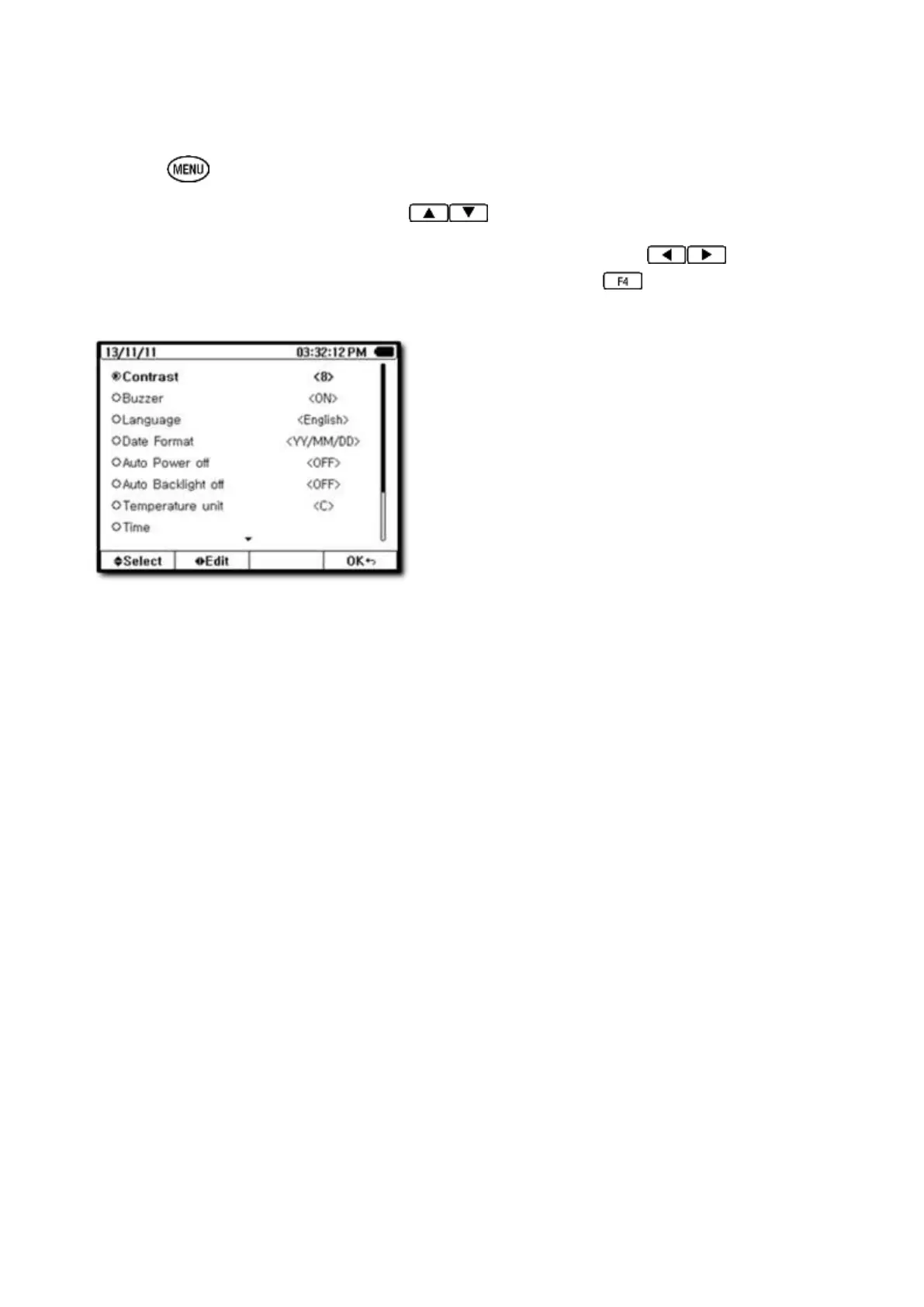
① Press key to enter menu mode.
② Select function to adjust using the keys.
③ After the function is selected, change the setting by using the keys. Once
the setting is changed to the desired value, press the EXIT key to complete
setting and save.
[Contrast Adjust]
Sets the brightness of the LCD screen: 1 to 15 steps
Initial set-up (default) is set at eight steps
[Key Buzzer]
Keyboard sound
Initial set-up (default) is on
Options are on, key sound off and mute
[Language]
HELP language set-up
Initial set-up is English



 To Next Page