Using the displays
OPM 520 en-GB 15
© Scania CV AB 2018, Sweden
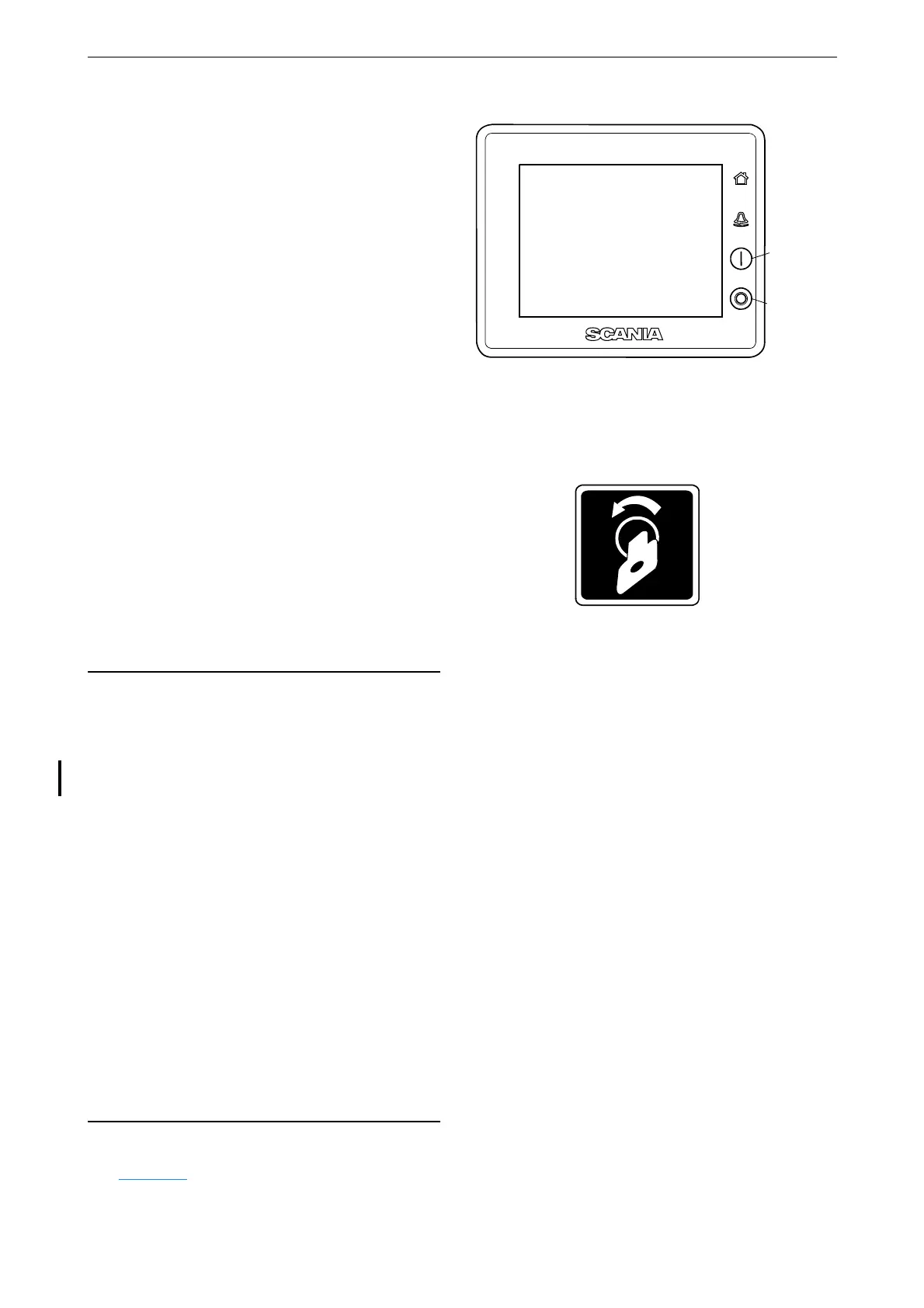
Starting the engine
Hold the start button (1) in until the engine starts.
When the engine has started the status in the top
left of the status bar changes from Ready to Run-
ning.
Stopping the engine
Press and hold the engine shutdown button (2)
until the engine shuts down. When the engine
has stopped the status in the top left of the status
bar changes from Running to Ready.
Switch off the voltage
Turn the key in the control panel. If the system
does not have a control panel, press the Ignition
Off button under Menu.
If there are multiple displays in the system and
another display is in control, it can keep the sys-
tem going.
Alarms
All alarms end up in the alarm list. Only impor-
tant faults are displayed in the status bar.
Each time a new alarm is added to the alarm list,
the following happens:
• The buzzer sounds.
• The status bar flashes either yellow or red.
The colour in the status bar has different mean-
ings:
• Yellow means warning.
• Red means alarm or engine shutdown.
A red alarm always takes precedence over a yel-
low warning if both are generated simultaneous-
ly.
For further information on alarms, see the sec-
tion Alarm list
.



 To Next Page