Alarm list
OPM 520 en-GB 25
© Scania CV AB 2018, Sweden
Alarm list
The alarm list is displayed and functions in the
same way on the main display and any auxiliary
displays. The alarm list displays alarms and en-
gine shutdowns and warning and diagnostic mes-
sages.
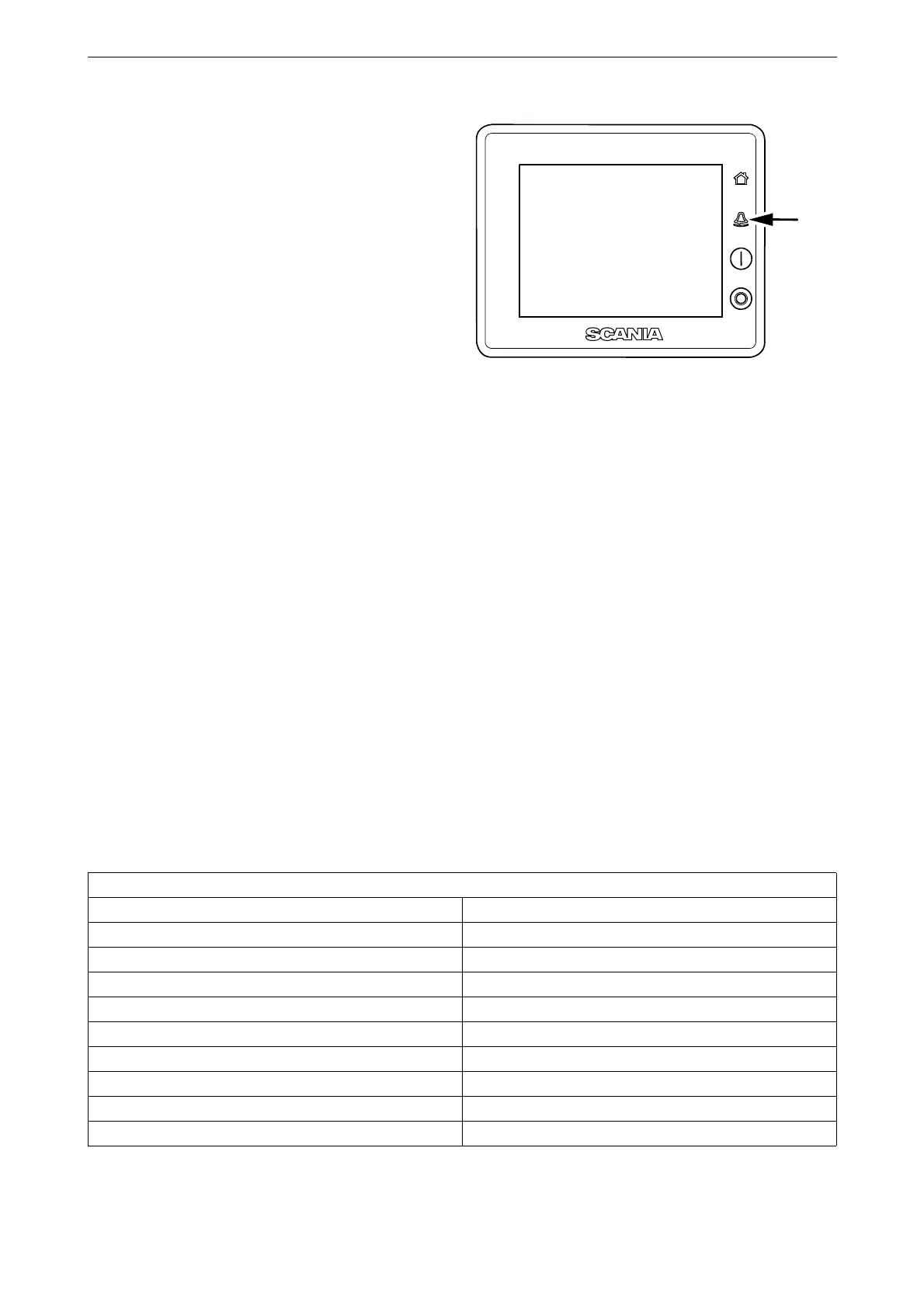
You open the alarm list by pressing the button on
the display (see illustration).
Typefaces and background
colours
The following principles apply to how warnings
and alarms are shown in the alarm list:
• An event which is not acknowledged is dis-
played using bold.
• An acknowledged event is displayed using
normal text.
• An alarm and an engine shutdown are dis-
played using a red background. During en-
gine shutdown, a stop signal is also displayed.
• A warning is displayed using a yellow back-
ground.
• A diagnosis message is displayed using a
white background.
• An event which is not acknowledged and has
turned inactive is displayed using a grey
background.
Example: The coolant temperature has ex-
ceeded the limit value and then returned to a
normal level before the operator has had time
to acknowledge the event.
This table lists examples of how different events
are shown in the alarm list.
Alarm list
Type of alarm Display
New active alarm or engine shutdown. Bold with red background.
Acknowledged active alarm or engine shutdown. Red background.
Not acknowledged inactive alarm. Red text with grey background.
New active warning. Bold with yellow background.
Acknowledged active warning. Yellow background.
Not acknowledged inactive warning. Yellow text with grey background.
New active diagnostic message. Bold with white background.
Acknowledged diagnostic message. White background.
Not acknowledged inactive diagnostic message. Black text with grey background.



 To Next Page