Main menu
OPM 520 en-GB 20
© Scania CV AB 2018, Sweden
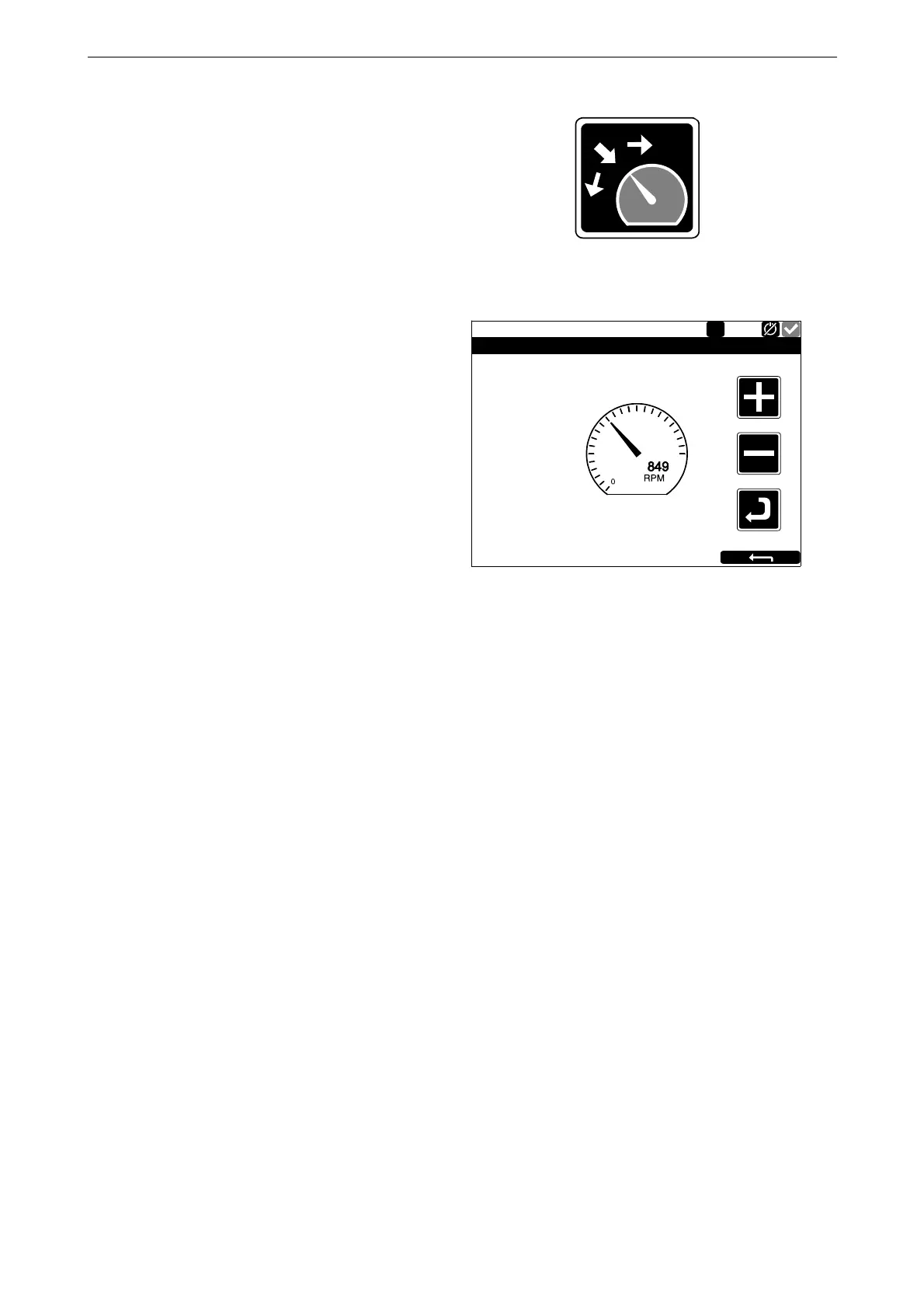
Adjust Fixed Speed
When you press Adjust Fixed Speed, the Fixed
Speed Adjustment window opens. Here you ad-
just engine speed setting 1 and 2.
You can only adjust an engine speed setting if
you have first activated it. This can be done in 2
different ways:
•Via Menu > Fixed Speed in the displays, see
the previous section.
• Via the engine speed setting control on the
control panel.
The following 2 engine speed settings are in Ad-
just Fixed Speed:
• Fixed Speed Mode 1 is an engine speed which
can be set between high and low idling. High
and low idling vary depending on the type of
engine.
• Fixed Speed Mode 2 is an engine speed which
can be set between 450 and 2,000 rpm.
Proceed as follows to adjust engine speed setting
1 or 2:
1. Select the engine speed setting to be adjust-
ed.
2. Press the activate button, i.e. the arrow but-
ton underneath the minus button for 3 to 6 s
to access the adjustment mode.
3. Step to the desired engine speed using the +
and - buttons.
4. Save the desired engine speed by keeping the
activate button depressed for 3 to 6 seconds.
No confirmation is shown but the setting is
saved.
5. Exit the menu by pressing the return arrow.
When either of the engine speed settings is acti-
vated, the engine speed goes up or down to the
last saved engine speed setting.
A Scania workshop can set the torque limit for
both engine speed settings. The engine speed set-
tings are isochronous.
347 953
Running
Fixed Speed Adjustment - Mode 1
Engine Speed
1000 1500
500 2000
1



 To Next Page