Using the displays
OPM 520 en-GB 12
© Scania CV AB 2018, Sweden
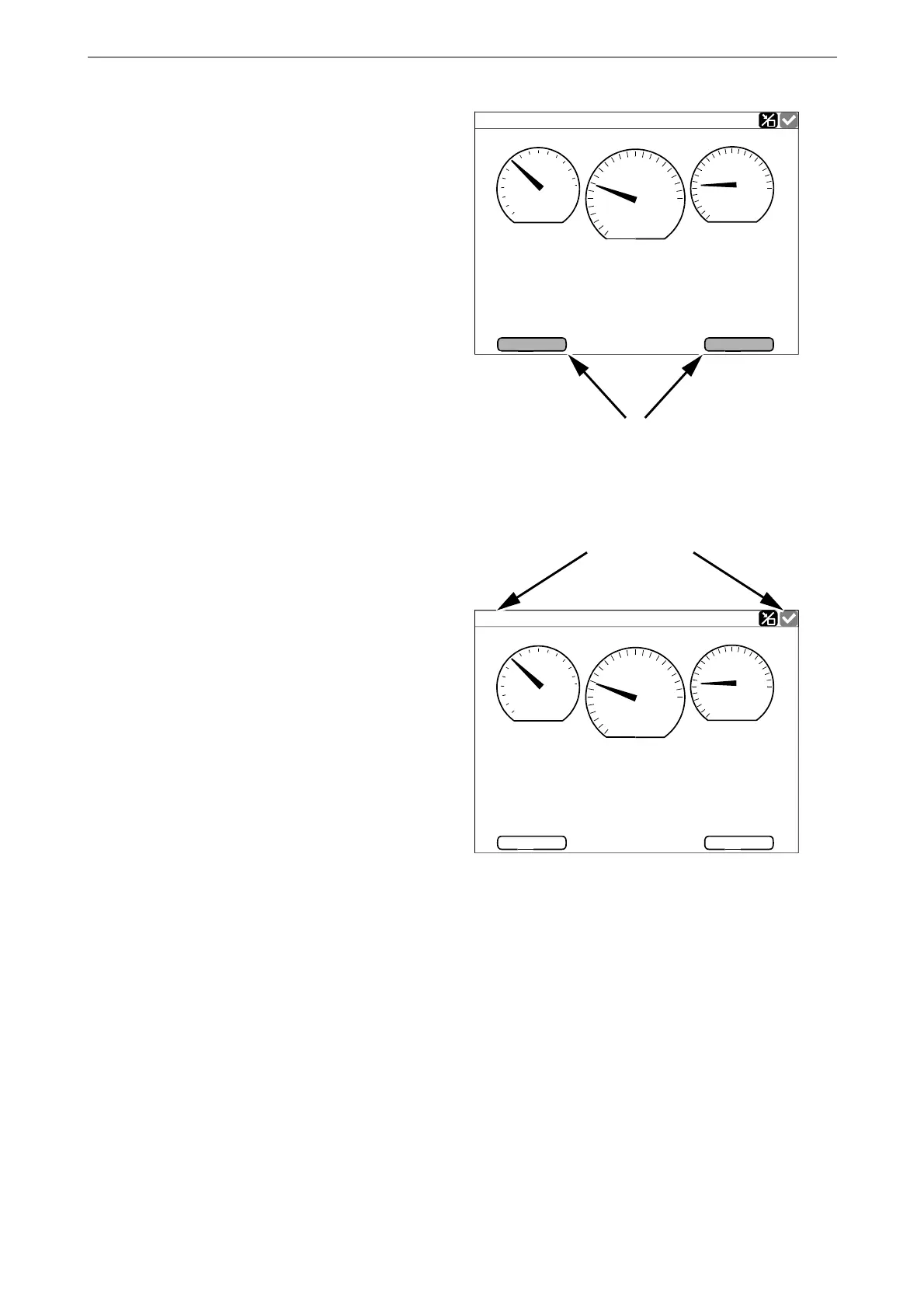
Adjusting the brightness of
the displays
You can increase and decrease the brightness by
pressing BL- and BL+ on one of the instrument
pages.
Status bar
On the upper part of the displays there is a status
bar. Engine status is displayed on the left-hand
side of the status bar and the display status on the
right-hand side.
Engine status
When the engine is started the status in the top
left of the status bar changes from Ready to Run-
ning.
When the engine is switched of, the status chang-
es from Running to Ready.
Running
Engine Speed
1000
1500
500
0
2500
651
°
C
2.5
RPM
bar
13
h
Engine Hours
28,0
V
2000
80
100
120
60
40
0.0
2.0
4.0
6.0
8.0
10.0
80
BL -
BL +
Coolant Temp.
Engine Oil Press.
Battery Voltage
383 547
Decrease and increase the brightness of the dis-
plays.
°
C
13
h
28,0
V
6.0
BL -
BL +
1000
1500
500
0
2500
651
2.5
RPM
bar
2000
80
100
120
60
40
0.0
2.0
4.0
8.0
10.0
80
Engine Speed
Engine Hours
Running
Coolant Temp.
Engine Oil Press.
Battery Voltage
383 543
Status bar on an instrument page.



 To Next Page