Main menu
OPM 520 en-GB 24
© Scania CV AB 2018, Sweden
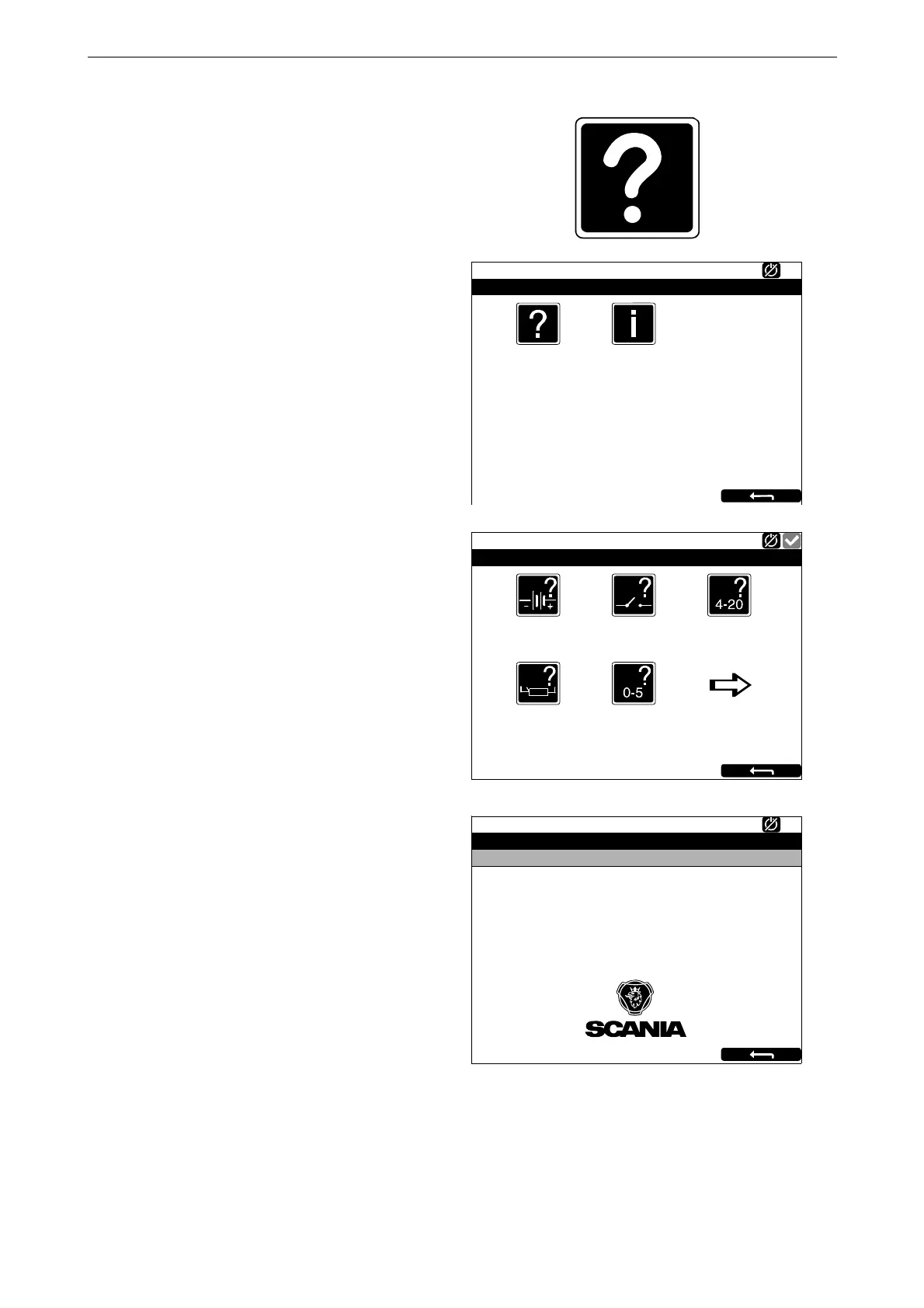
Help
In Help there are options for troubleshooting and
for the software version and IP address of the dis-
plays. When you have pressed Help, the follow-
ing buttons are shown:
Troubleshooting
There are options here to troubleshoot the dis-
play. Select using the buttons within which area
the troubleshooting should be carried out. Note
that there are 3 pages of options in the main dis-
play.
Version Information
Information about the display hardware version,
software version and operating system are shown
here. When connecting via CAN, the software
version of the engine control unit is shown.
The display IP address is also shown here. The IP
address is needed to connect the main display to
a computer.
Configuration Overview
In Configuration Overview, which is only shown
in auxiliary displays, the settings made for the
auxiliary display are shown.
Troubleshooting
347 955
Ready
Help
Version Information
Supply
Ready
Troubleshooting DCU
Switch 4-20mA
Temperature Sensor
1 3
Voltage Sensor
2
383 140
381 112
Ready
Version Information - DCU 210
Engine #1
Hardware Version:
Software Version:
Kernel Version:
SDU Software Version:
IP Address:
MAC Address:
Cfg: DnVTypeApprovalConfig
4
3.5 P1
120223
1.46
192.168.0.101
00:14:2D:21:BC:8A



 To Next Page