Main menu
OPM 520 en-GB 19
© Scania CV AB 2018, Sweden
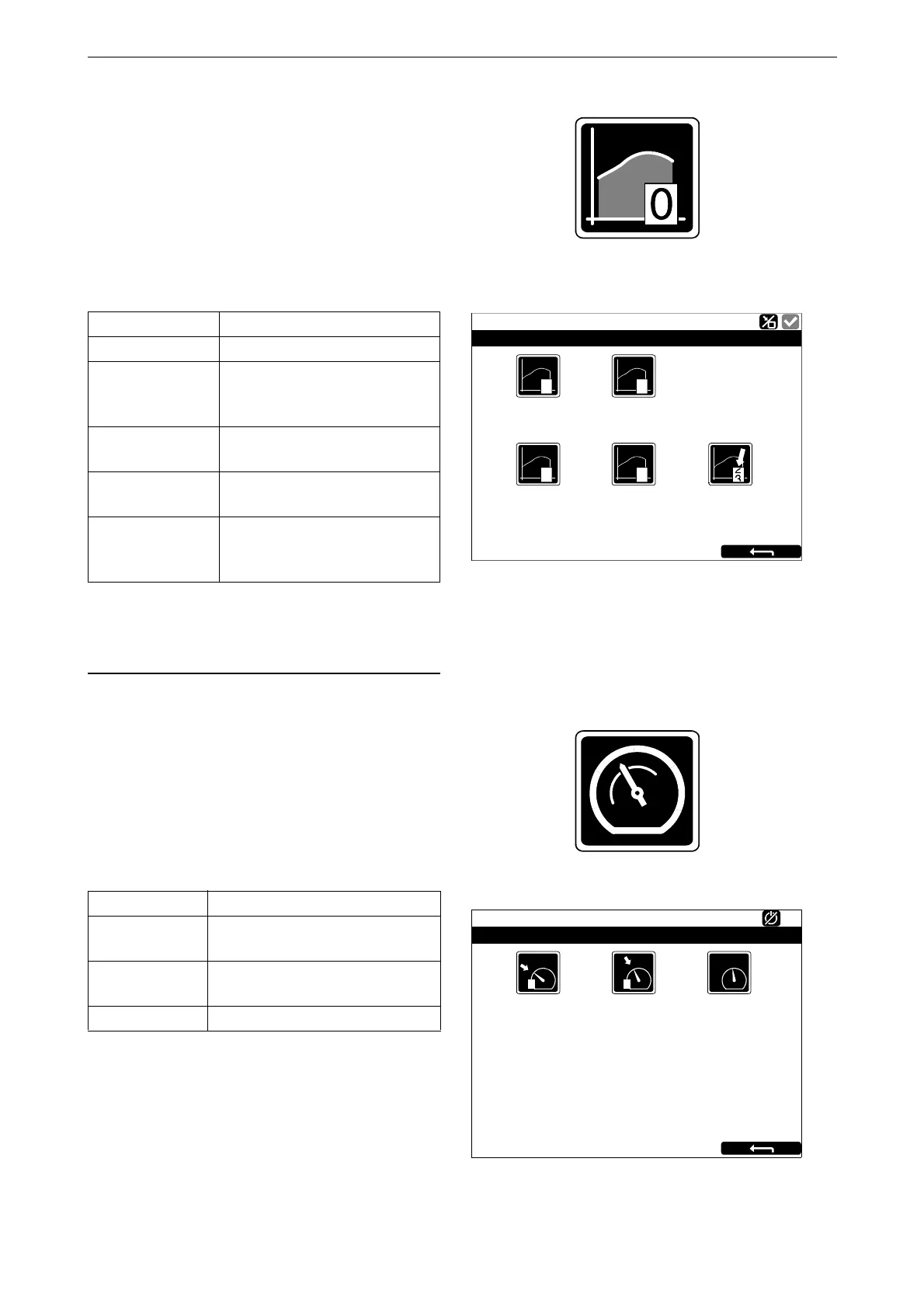
Torque Limit
When you press Torque Limit , the Torque Limit
Selection window opens.
Torque limitation is different types of power
curves which the engine should follow. Power
curves can only be configured by an approved
Scania workshop.
Customer defined engine torques are always
lower than the maximum engine torque.
Fixed Speed
When you press Fixed Speed, the Mode window
opens.
Here you activate and deactivate the engine
speed setting. You can choose from the follow-
ing options:
In order to activate engine speed setting 1 or 2,
the engine must be running, the display in ques-
tion must have control (active display) and the
throttle must be at 0%.
Setting Description
Curve 0 Maximum engine torque.
Curve 1 Maximum engine torque, an-
other lower engine torque re-
quested.
Curve 2 Customer defined engine
torque.
Curve 3 Customer defined engine
torque.
Input Controlled Activation of curve 1-3 via in-
puts on the main display, if this
has been configured.
Setting Description
Fixed Speed
Mode 1
Activate engine speed setting 1.
Fixed Speed
Mode 2
Activate engine speed setting 2.
Fixed Speed Off Deactivate engine speed setting.
Cu
r
v
e 0
363 213
Running
T
orque Limit Selection
Cu
r
v
e 1
Cu
r
v
e 2
Cu
r
v
e 3
0 1
2 3
Input Controlled
[Cu
r
v
e 0]
Fixed Speed Mode 1
347 952
Running
Mode
Fixed Speed Mode 2
Fixed Speed Off
1 2



 To Next Page