Main menu
OPM 520 en-GB 16
© Scania CV AB 2018, Sweden
Main menu
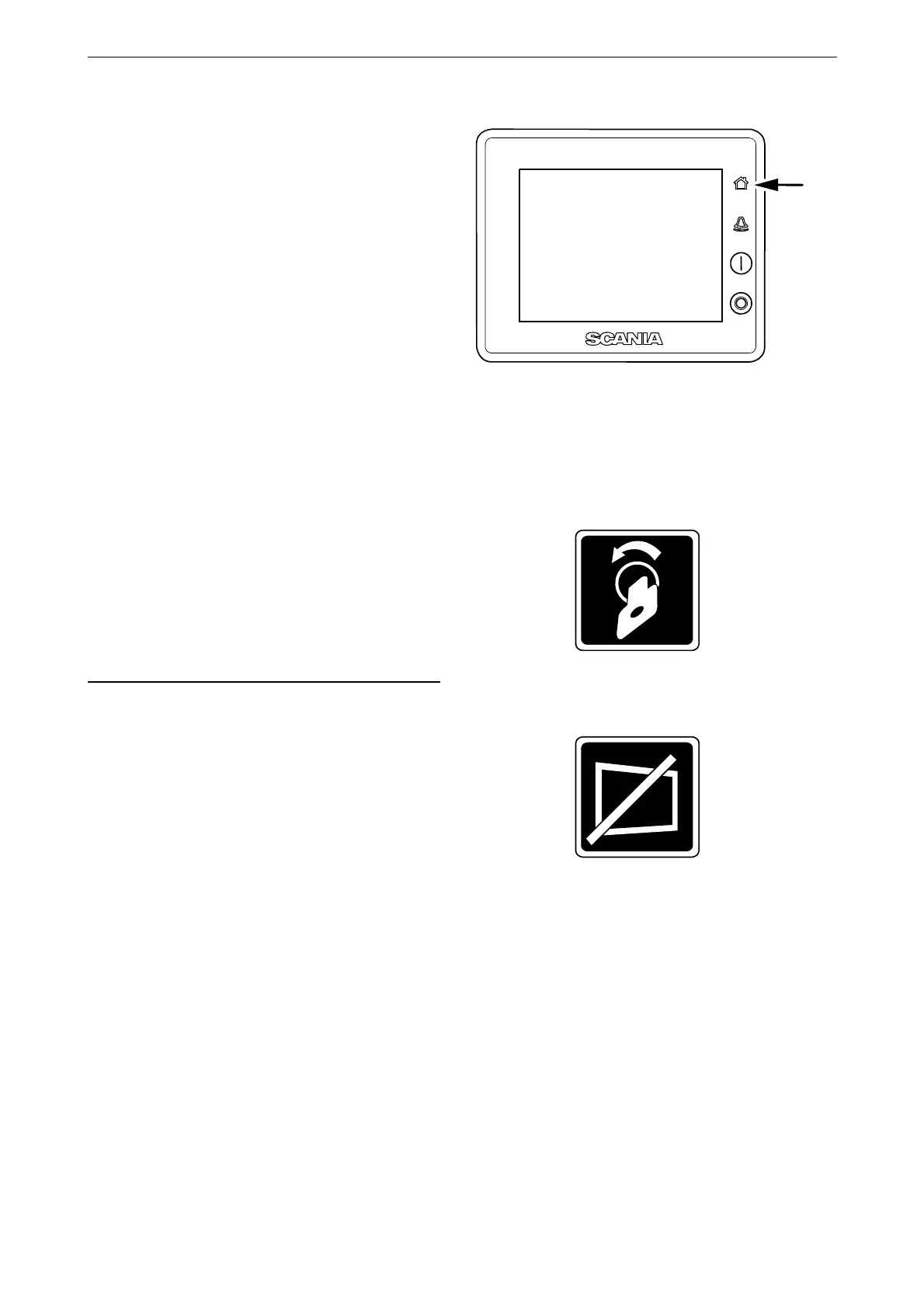
There are 2 different ways to get to the main
menu (Menu):
• Press the home button for one second (see im-
age).
Note: A brief press of the home button will
take you to the first instrument page instead.
• Press in the middle of the display on one of
the instrument pages and then select Menu.
When the Menu is opened the most recently used
function is preselected. The functions in Menu
are described in the following pages.
Ignition Off
Cuts the voltage.
The button is only displayed if the system does
not have a control panel.
Black Panel Mode
The function is used to switch off the display to
improve visibility in the dark.
Press the button to switch off the display com-
pletely. If you touch the display when the func-
tion is activated, the display comes on at the
lowest brightness. It switches off automatically
after a preset time. The standard setting is
5 seconds.
In the case of a serious faults, the display comes
on even if Black Panel Mode is activated. How-
ever, with a less serious fault, only the buzzer
sounds.
The function is deactivated by pressing the but-
ton again.



 To Next Page