Main menu
OPM 520 en-GB 23
© Scania CV AB 2018, Sweden
Log & Counters
Here, a log of engine operating hours and all
warnings and alerts is shown. When you have
pressed Log & Counters, the following buttons
are shown:
Counters
This submenu contains counters for
• the engine's total operating hours and fuel
consumption (Total),
• operating hours and fuel consumption since
start (Since Start),
• operating hours and fuel consumption since
reset (Since Reset).
The values for Since Start are reset automatically
each time the engine is started.
The values for Since Reset are reset by pressing
Reset at the bottom left of the Counters window.
Event Log
All events (warnings and alarms) are saved in the
display and can be shown in Event Log.
Press an event to see information on when it first
occurred, when it was acknowledged (if it is pos-
sible to acknowledge the event) and when it dis-
appeared.
Engine Service Interval
Not used.
Scania Fault Codes
This shows Scania fault codes in DTC format.
These can make things easier when contacting a
Scania workshop.
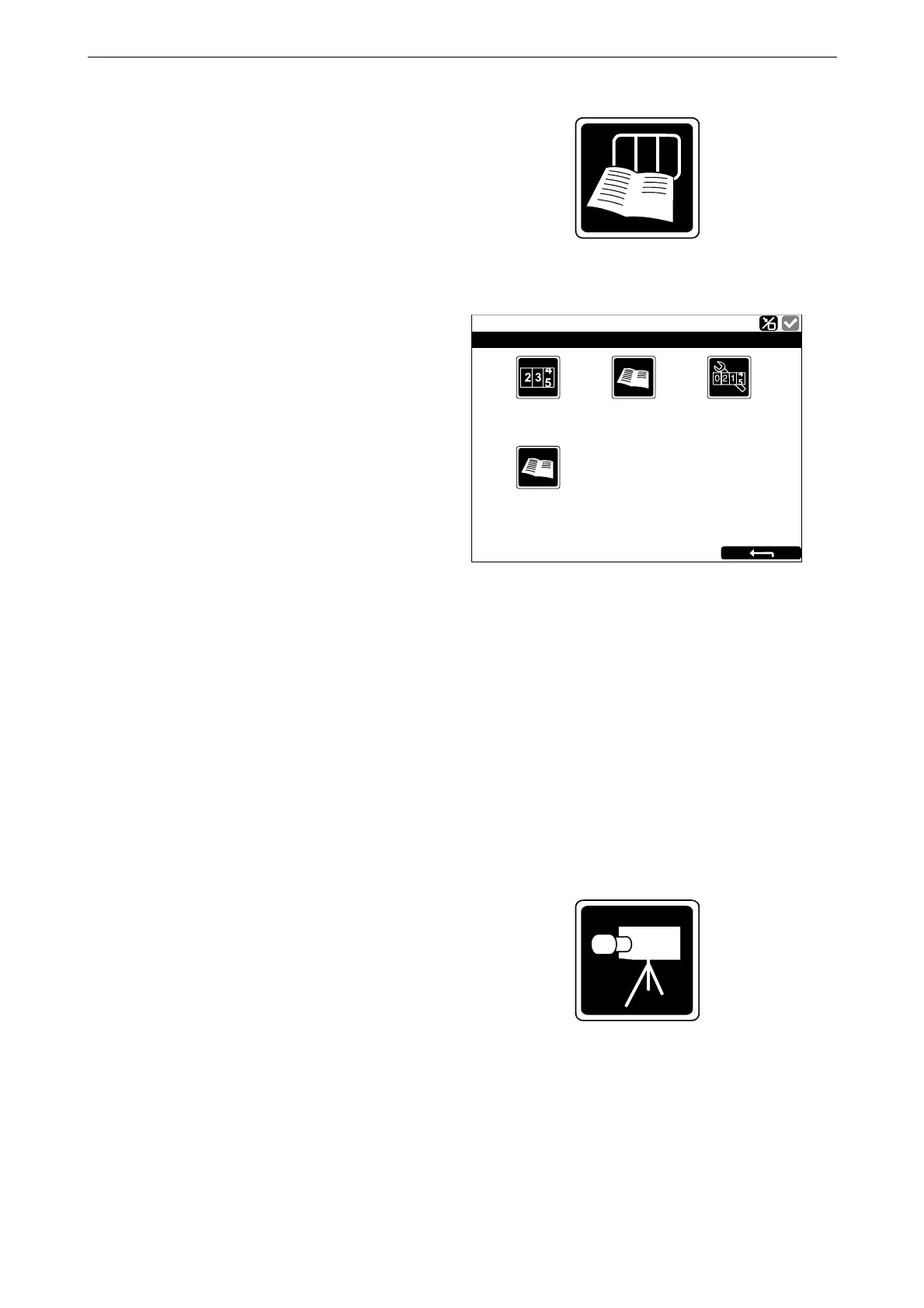
Camera
The Camera button is only on any additional dis-
play, but is not used.
Counters
363 217
Ready
Log & Counters
Engine Se
r
vice
Inte
r
v
al
E
v
ent Log
Scania
F
ault
Codes



 To Next Page