Main menu
OPM 520 en-GB 17
© Scania CV AB 2018, Sweden
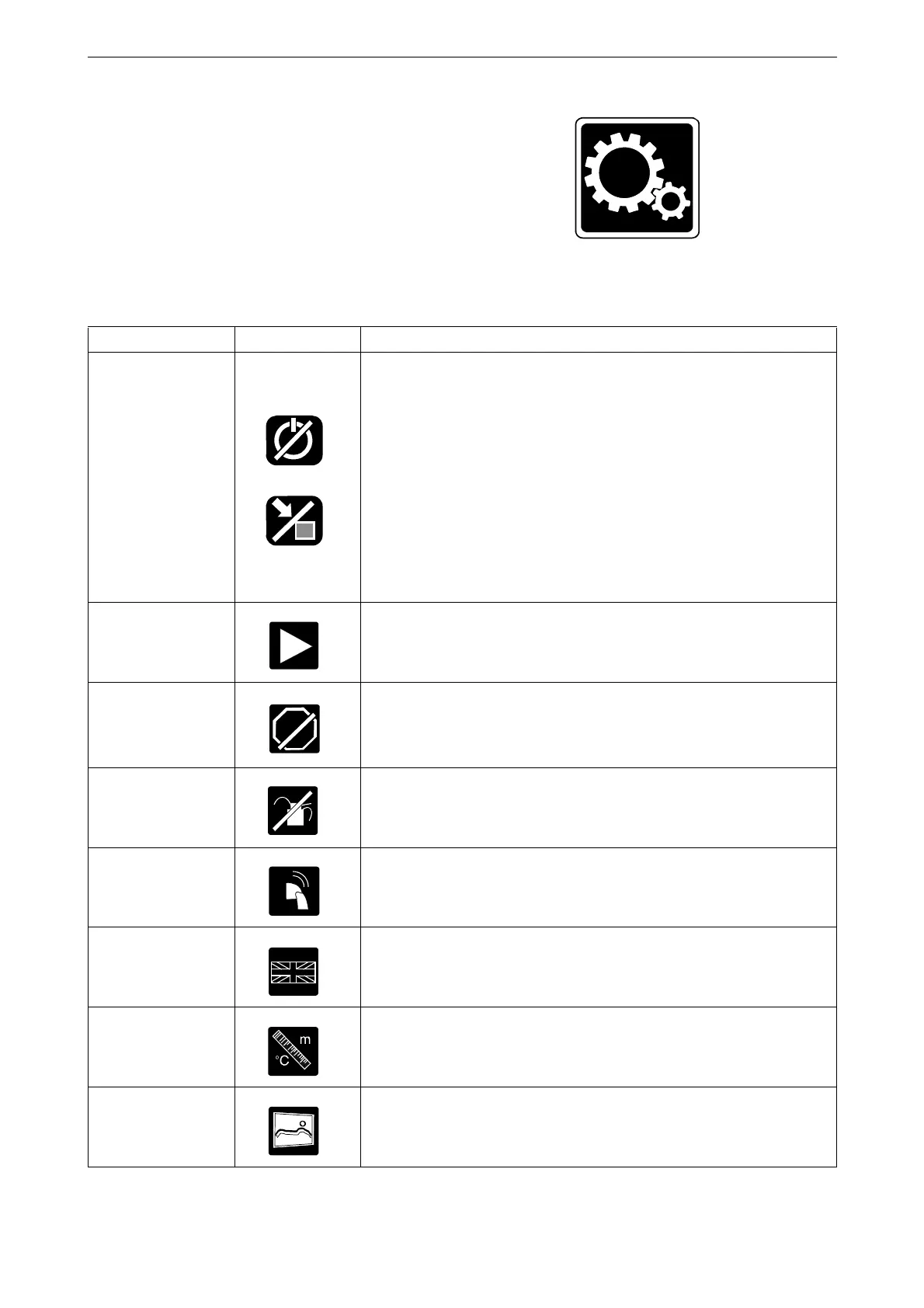
Settings
In Menu > Settings all display settings are made.
In the main display, Settings consists of multiple
pages. In any auxiliary displays, Settings consists
of one page.
Setting Symbol Explanation
Mode Select the main display operating mode. There are 2 modes to choose
from:
Remote mode: The engine can be started and stopped from both the
main display and an auxiliary display.
Local mode: The engine can only be started and stopped from the
main display.
Note: The button is only on the main display, not on any auxiliary
displays.
Start Disabled
Select Active to deactivate engine start. Note: The button is only on
the main display, not on any auxiliary displays.
Shutdown Override
Select Active to activate engine shutdown override control. Then,
events which normally lead to engine shutdown are signalled with an
alarm only. However, engine overspeed is always enabled. Note: The
button is only on the main display, not on any auxiliary displays.
Prelube Override
The button is only on the main display, not on any auxiliary displays,
and the function is not used.
Button Beep
Select Enabled if you want a sound to be made every time you press
the display. Select Disabled if no sound should be made when you
press the display.
Language
Select language. The languages which can be selected depend on how
the display is configured.
Units Select unit of measurement: Metric or U.S.
Wallpaper
Here you choose between different backgrounds for the instrument
pages, for the Menu and for dialogue boxes.



 To Next Page