Main menu
OPM 520 en-GB 18
© Scania CV AB 2018, Sweden
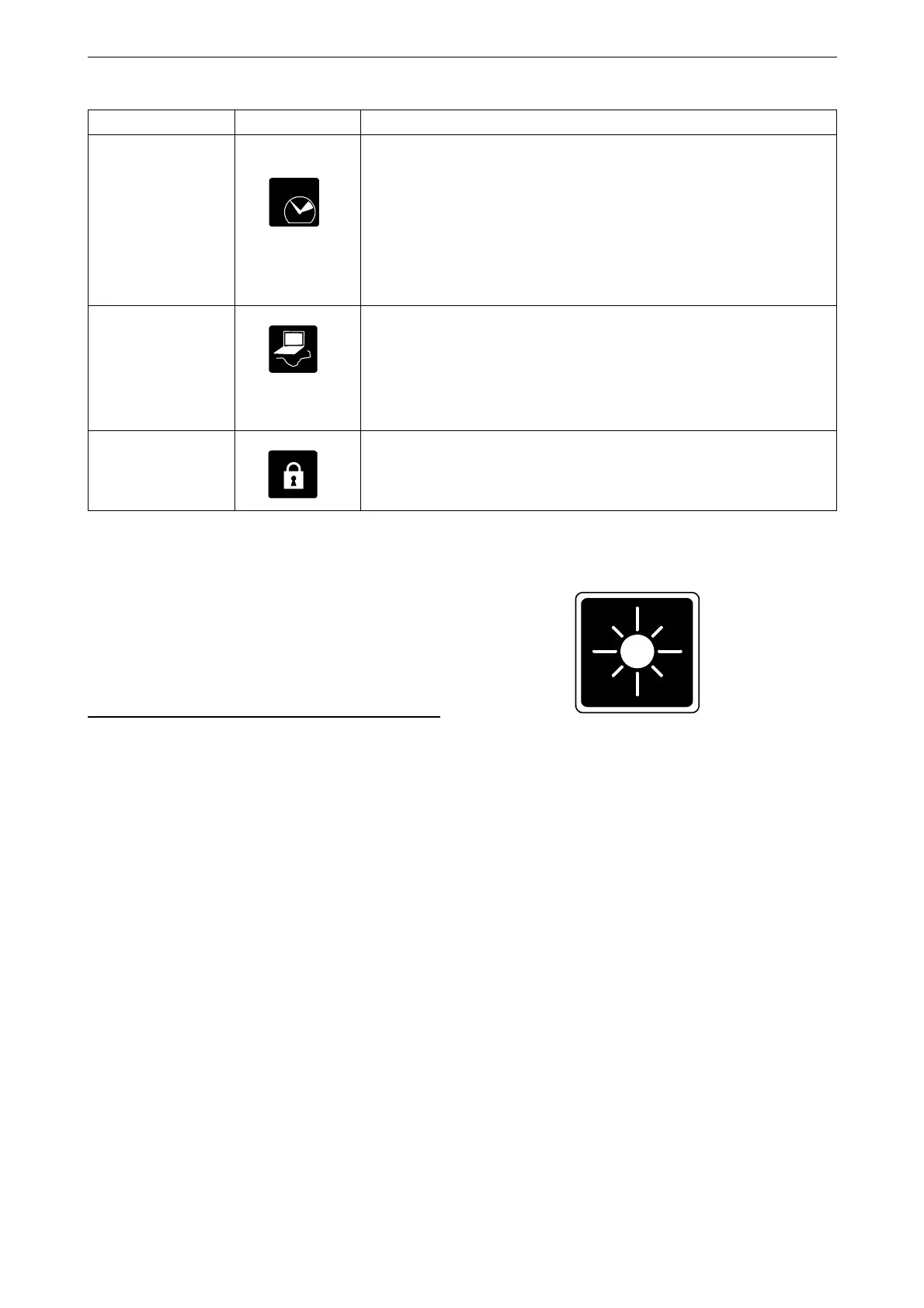
Backlight
The button is only on any additional display, not
on the main displays.
Here you can adjust the brightness of the auxilia-
ry display. You can also adjust the brightness
with BL+ and BL- on the instrument pages.
Engine Overspeed
Test
Select Active to activate the engine overspeed test. When the engine
overspeed test is activated, the limit value for engine overspeed is
temporarily reduced to the nominal engine speed (engine speed is in-
dicated on the engine data plate). Start the engine to carry out the test.
The engine overspeed test is deactivated automatically after a timeout
or when actual engine overspeed is detected in the test.
Note: The button is only on the main display, not on any auxiliary
displays.
Connect a PC
This function is used when configuring the main display and updat-
ing software. Contact an authorised Scania workshop if any of this
needs to be carried out.
Note: The button is only on the main display, not on any auxiliary
displays.
Administration
In the administration section the display is configured, which can
only be done by an authorised Scania workshop. It is therefore pass-
word-protected.
Setting Symbol Explanation



 To Next Page