Mistral Operating Instructions
Part No. SCAZ037980 v6.0.2 12 E&OE
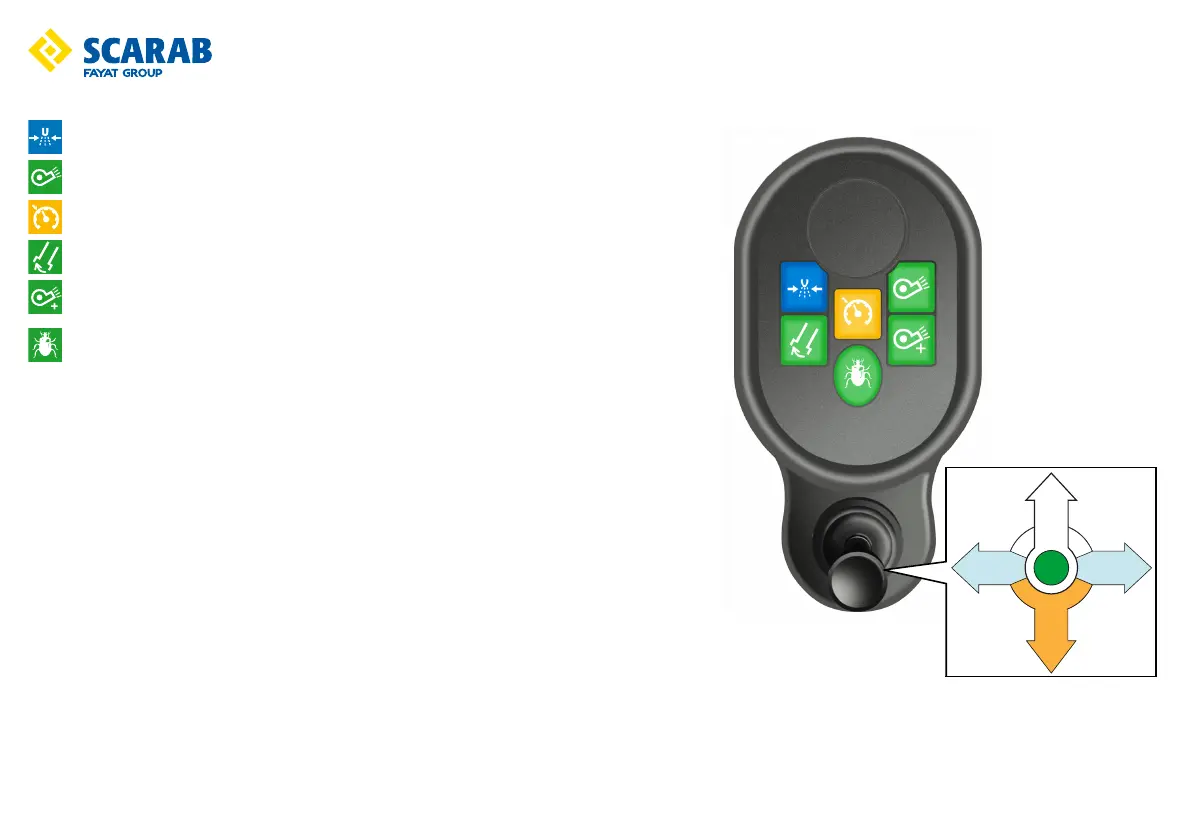
Auxiliary control panel switch functions
High pressure water pump - Press to start.
Suction fan - Press to start the Suction Fan (approximately 2000 rpm).
Cruise control - Not applicable.
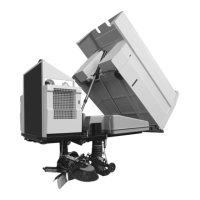
Nozzle tilt (locking mode) - Press to tilt the suction nozzle for larger items.
Suction fan ‘boost’ - With the Suction Fan ON, press to activate the fan boost mode. This increases
fan speed to approx. 2200 rpm.
Favourite setting - Press to memorise your preferred sweeping set-up. Hold the switch down until
a ‘beep’ sounds. Thereafter, whenever the switch is pressed at system start-up, the memorised
configuration will be automatically pre-selected/restarted. Repeat to over-ride with a new
configuration.
Multi function lever - ON (deploys all selected sweeping equipment). To stop and raise all sweeping
equipment, return the lever to the OFF position. In the ON position the lever can be used to control the
side brushe(s) and suction nozzle(s). These additional positions i.e. Left, Right and Back, return to the
central position when released.
The brush and nozzle functions are controlled as follows:
On left hand drive vehicles
Move the lever to the left to swing OUT, and to the right to swing IN the side brush(es).
On sweepers fitted with variable extend and retraction, move the lever momentarily in the desired
direction to ‘nudge’ the brush(es)
On right hand drive vehicles
Move the lever to the right to swing OUT, and to the left to swing IN the side brush(es).
On sweepers fitted with variable extend and retraction, move the lever momentarily in the desired
direction to ‘nudge’ the brush(es)
Nozzle tilt function
Move the lever back to momentarily tilt the suction nozzle or close it from TILT OPEN position.
On sweepers with variable nozzle-tilt, move the lever back to ‘nudge’ the suction nozzle DOWN from the TILT OPEN position.
ON
OFF
TILT
NOZZLE
SIDE
BRUSH
SIDE
BRUSH



 To Next Page