Part No. SCAZ037980 v6.0.2 39 E&OE
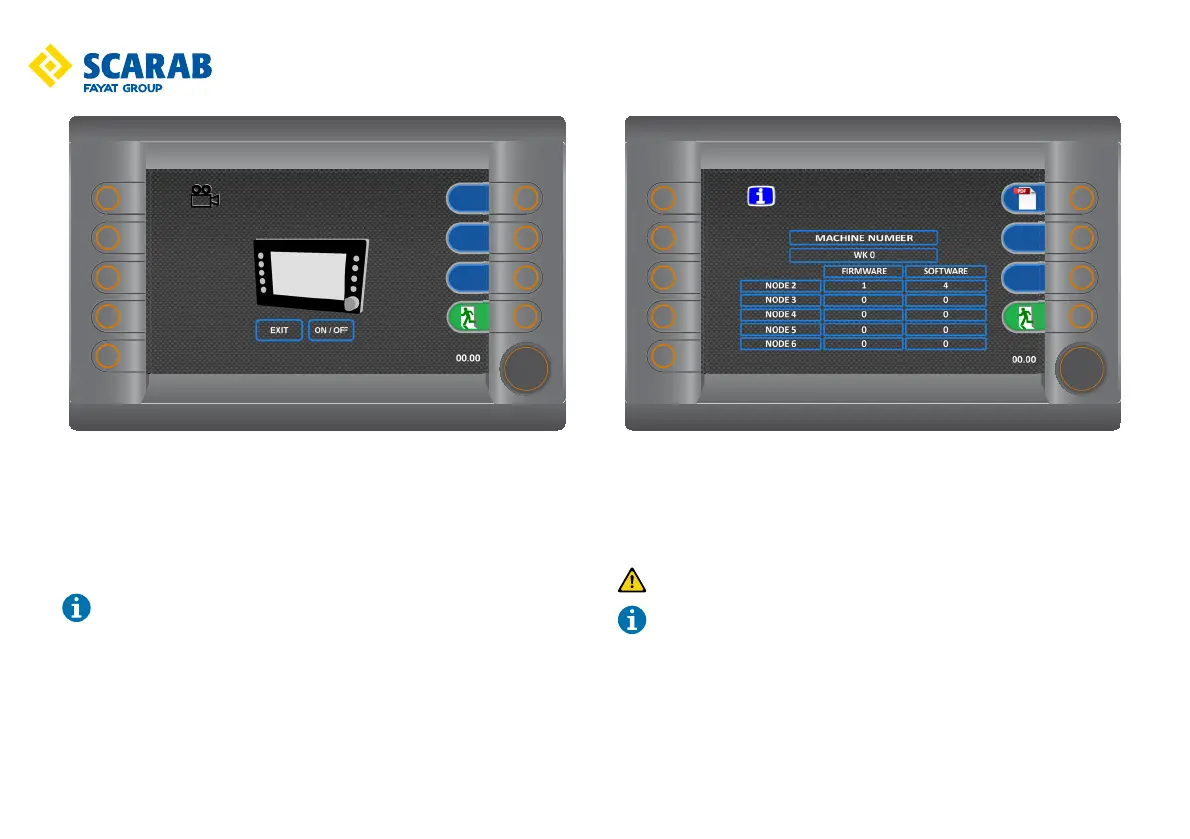
Rear camera
Enable/disable rear camera.
Rotate the encoder t to select the on/off button then press the encoder t to
toggle on/off.
A green tick displays in the centre of screen icon when camera is activated.
This function allows rear viewing when the vehicle is in forward drive.
When reversing rear viewing will activate automatically and be displayed.
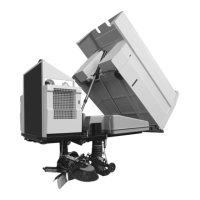
Information
Displays the machine number and current Node program version.
Press button q to access the PDF viewing screen. Follow the on screen
directions.
Only to be used when vehicle is stationary and auxiliary engine is off.
On exiting PDF viewer, ignition must be turned off and back on again.



 To Next Page