Mistral Operating Instructions
Part No. SCAZ037980 v6.0.2 13 E&OE
Remote control switch box functions
The hopper Raise/Lower and rear door Open/Close switches are located in the remote control box. This is stowed in the cab, between the driver’s seat and door and is connected
to a socket via a coiled lead.
In the interest of health and safety and to avoid possible damage to the sweeper or adjacent structures, it is essential that the remote hopper/door controls are not
activated from within the cab. Always use these controls outside of the vehicle from a vantage point that affords a good view of the sweeper and its immediate
surroundings.
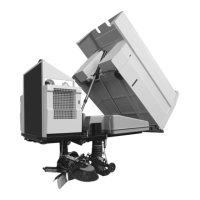
The hopper prop must always be in the deployed position when the hopper is in the raised position. failure to do could result in serious injury.
The door prop must always be used when working under a raised rear door.
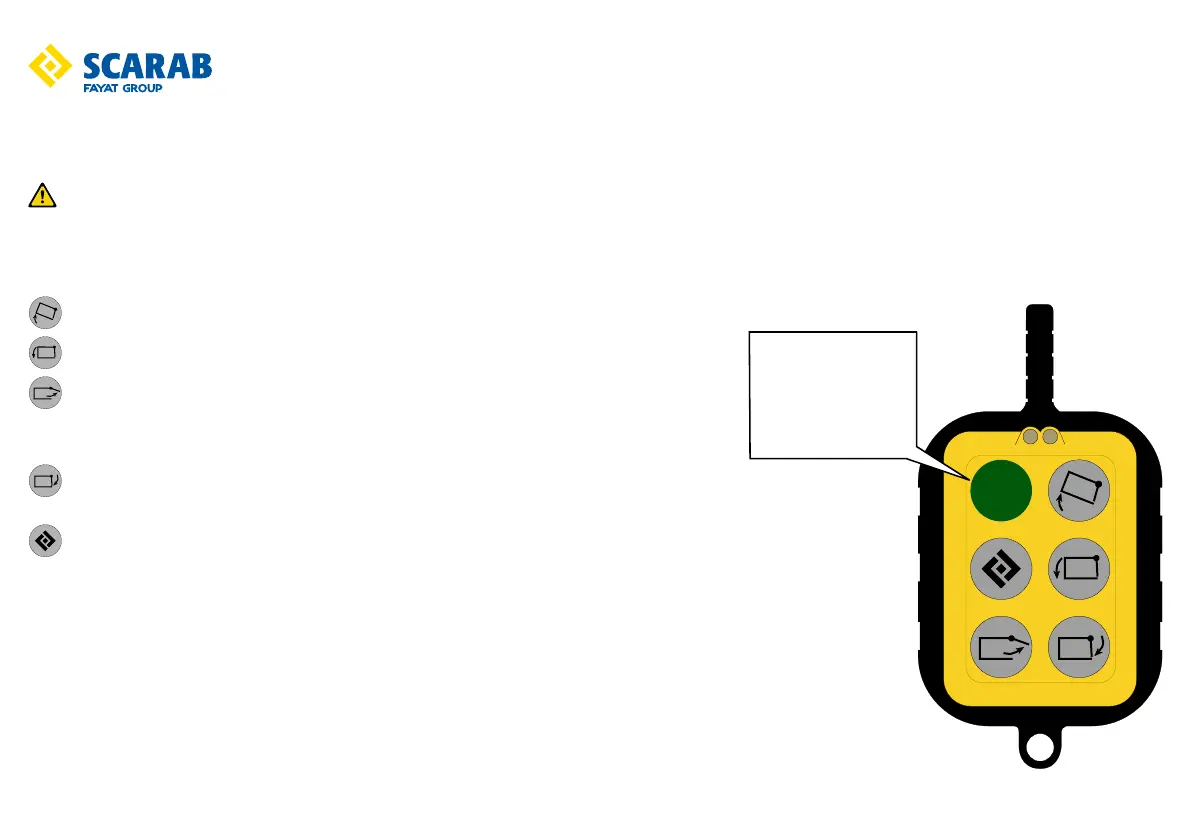
Hopper raise - Press and hold down to raise the hopper.
Hopper lower - Press and hold down to lower the hopper.
Rear door open - Press and hold down until the door is Fully open (at approximately 90° to the rear
face of the hopper).
Ensure that the suction fan is OFF. The door cannot open while the fan is running due to the low
pressure created within the hopper.
Rear door close - Press and hold down until the door is fully closed and the latching cycle has finished.
Door cannot be closed until hopper has been fully lowered.
Option
Safety interlock
This switch must be
pressed in and held
before any of the control
switches are operated.



 To Next Page