67
SCClub operating instructions
Software
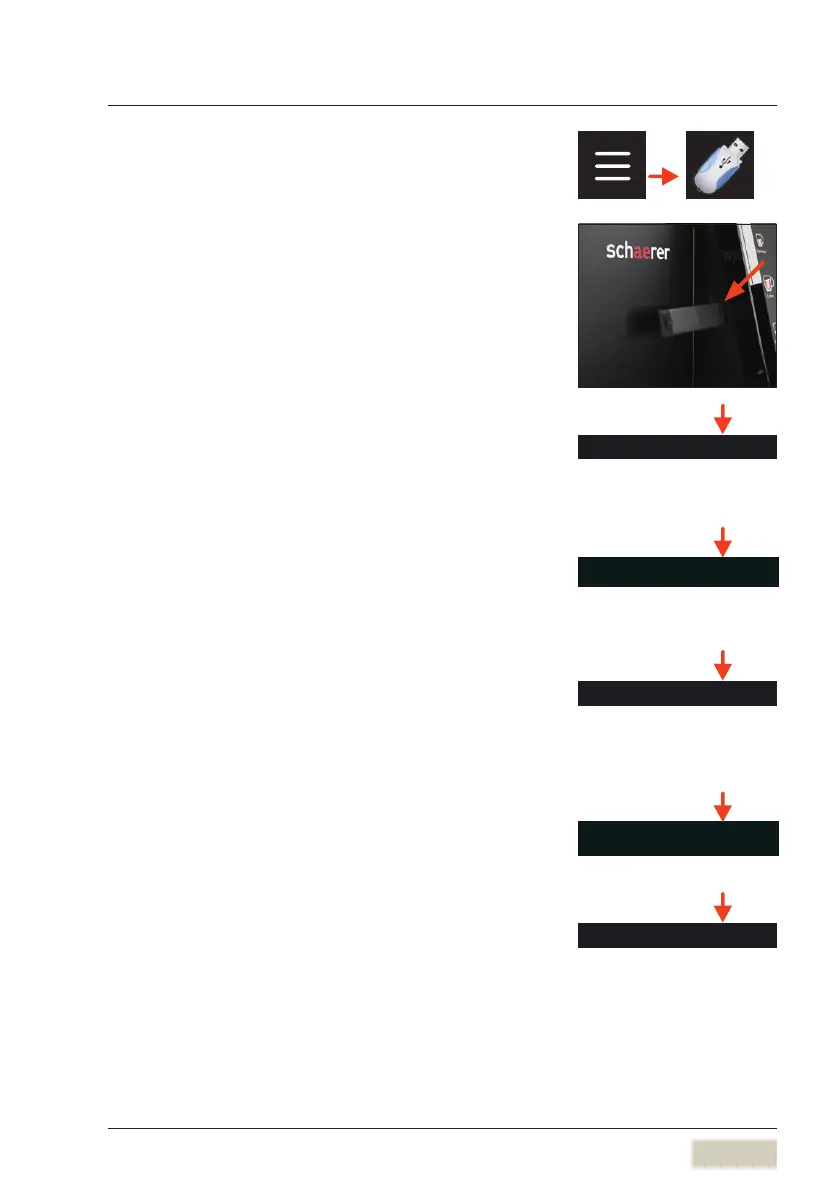
5.11 USB
Data exchange is possible using the USB connection.
As soon as the USB stick is inserted, the functions
become active.
The USB connection is on the left side of the display.
Loading recipes
Recipes saved on the USB stick are loaded to the
co ee machine here.
Loading beverage symbols
Images or beverage symbols saved on the USB stick
are loaded to the co ee machine here.
Saving recipes
The current recipes from the co ee machine are
exported onto the USB stick here.
Saving recipes as PDF
Documentation of recipes. Only visible with PIN.
Exporting counters
The current counter states from the co ee machine
are exported onto the USB stick here.
Load beverage symbols
Save recipes as PDF



 To Next Page
 Loading...