33
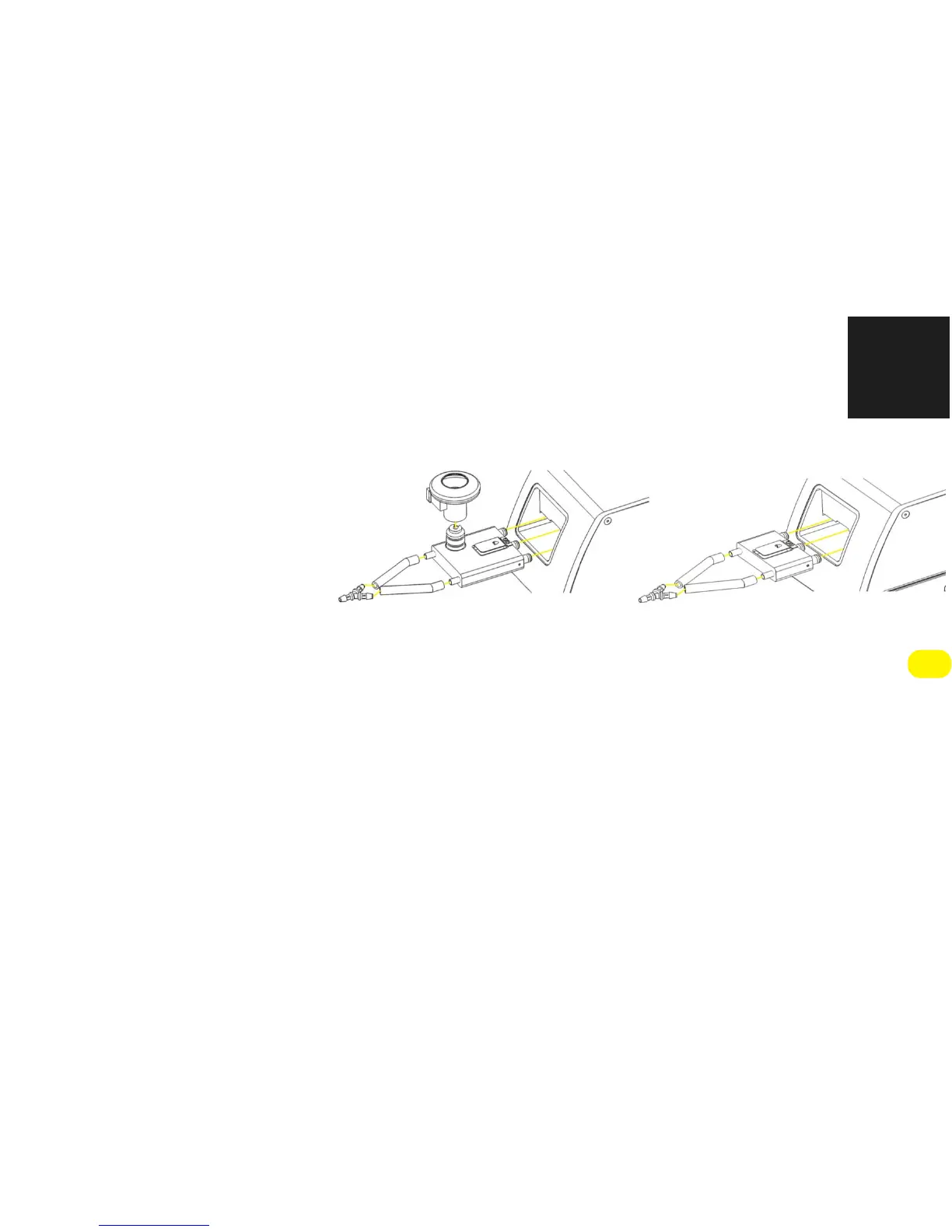
FIGURE 2-4: FX ADAPTER SHOWN WITH NEBULIZER MOUNT AND WITHOUT NEBULIZER MOUNT;
SUBJECTS ARE ATTACHED AT THE END OF THE Y-TUBING.
2.5 OPENING THE
FLEXIVENT
PROTECTIVE COVER
The
flexiVent
cover is locked in order to ensure protection from moving parts. Unlocking the
cover should only be necessary in order to replace the module or for maintenance purposes.
Please carefully read all relevant documentation before opening the
flexiVent
FX cover.
1)
Power off the
flexiVent
and disconnect it from its power supply.
2)
Introduce a pen or other such tool into the small opening as shown in Figure 2-5


 To Next Page